
Free downloads · portrait HD · clock-safe
Bible Verse Lock Screen Wallpaper
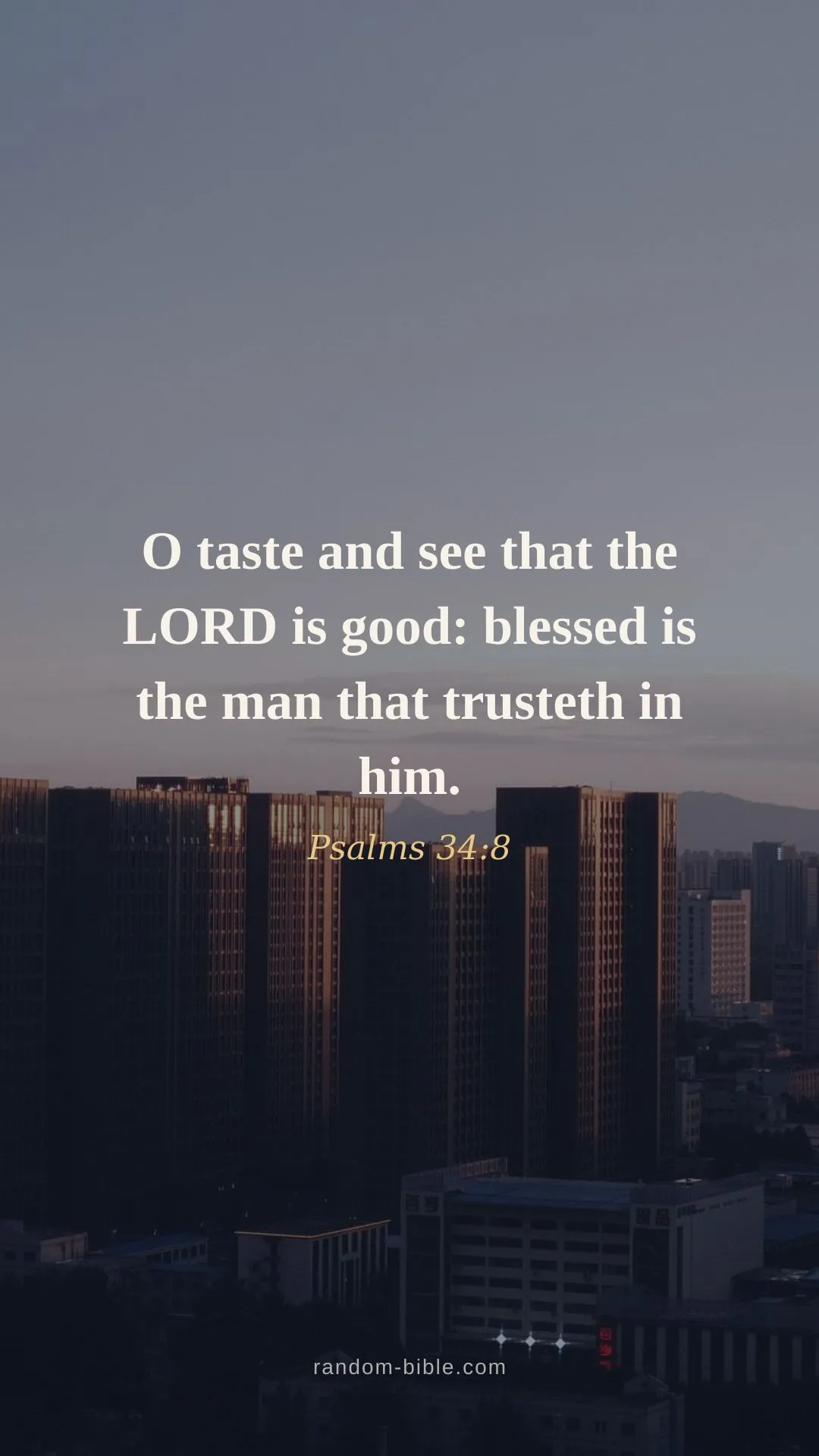
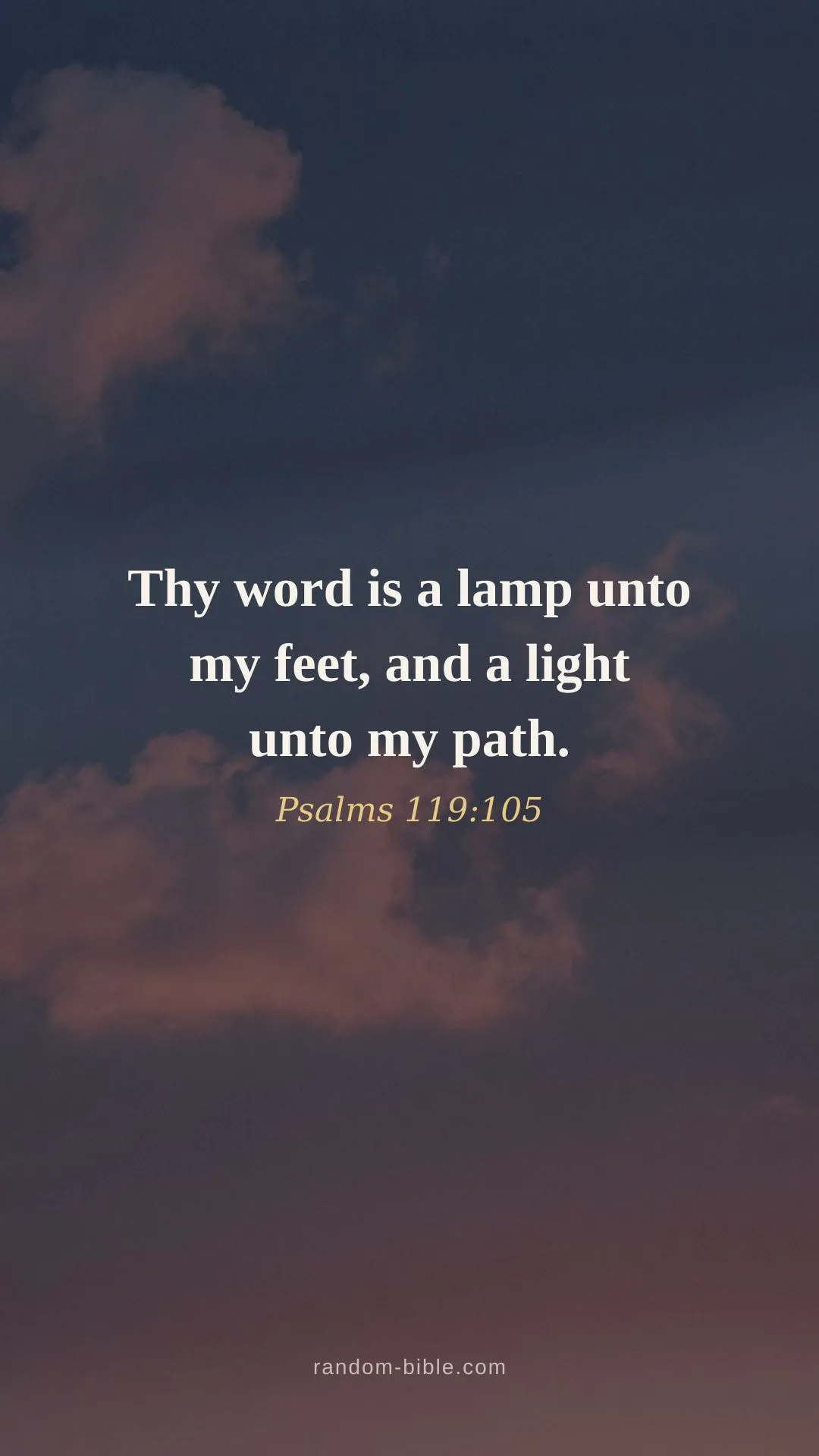
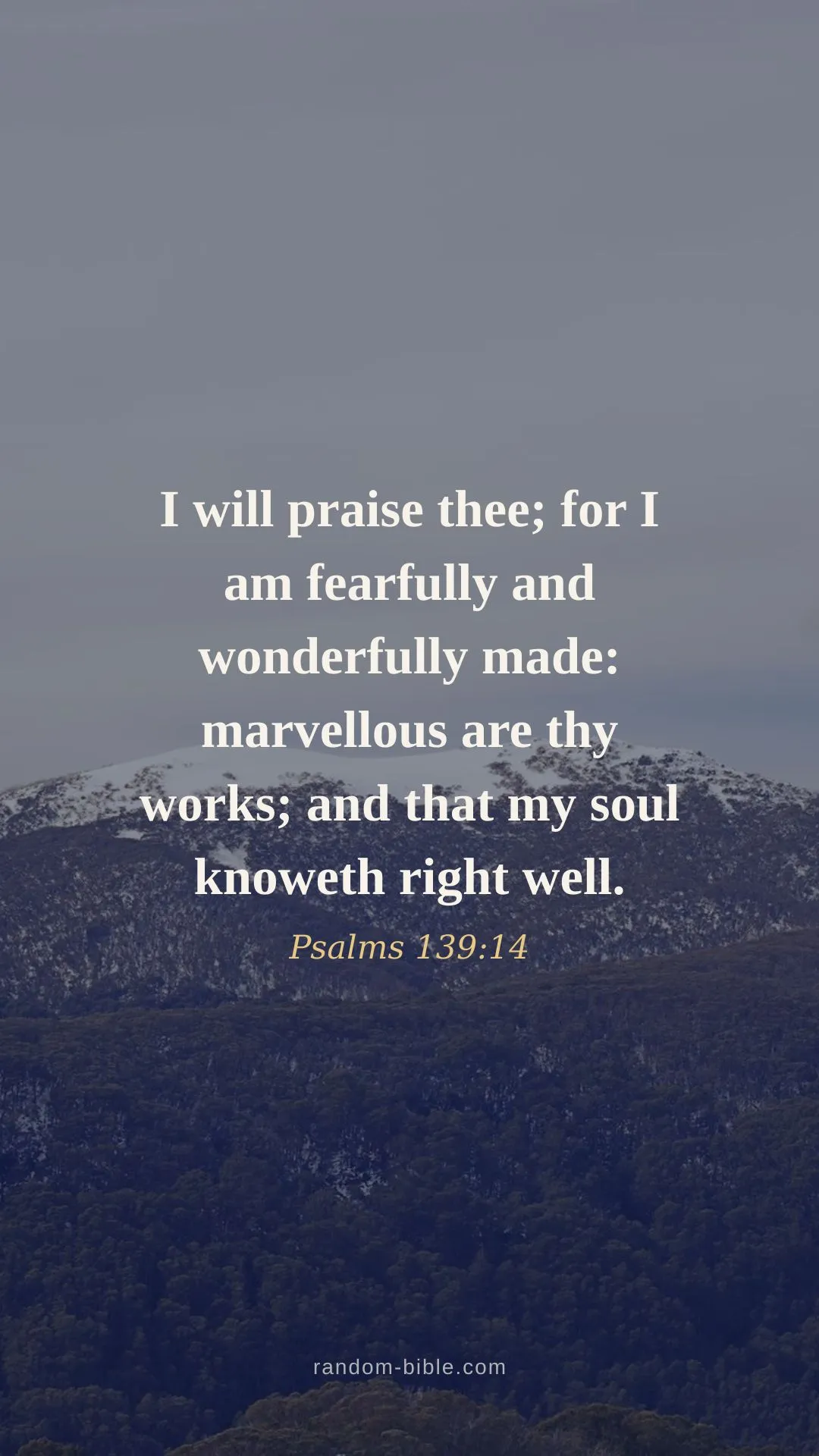
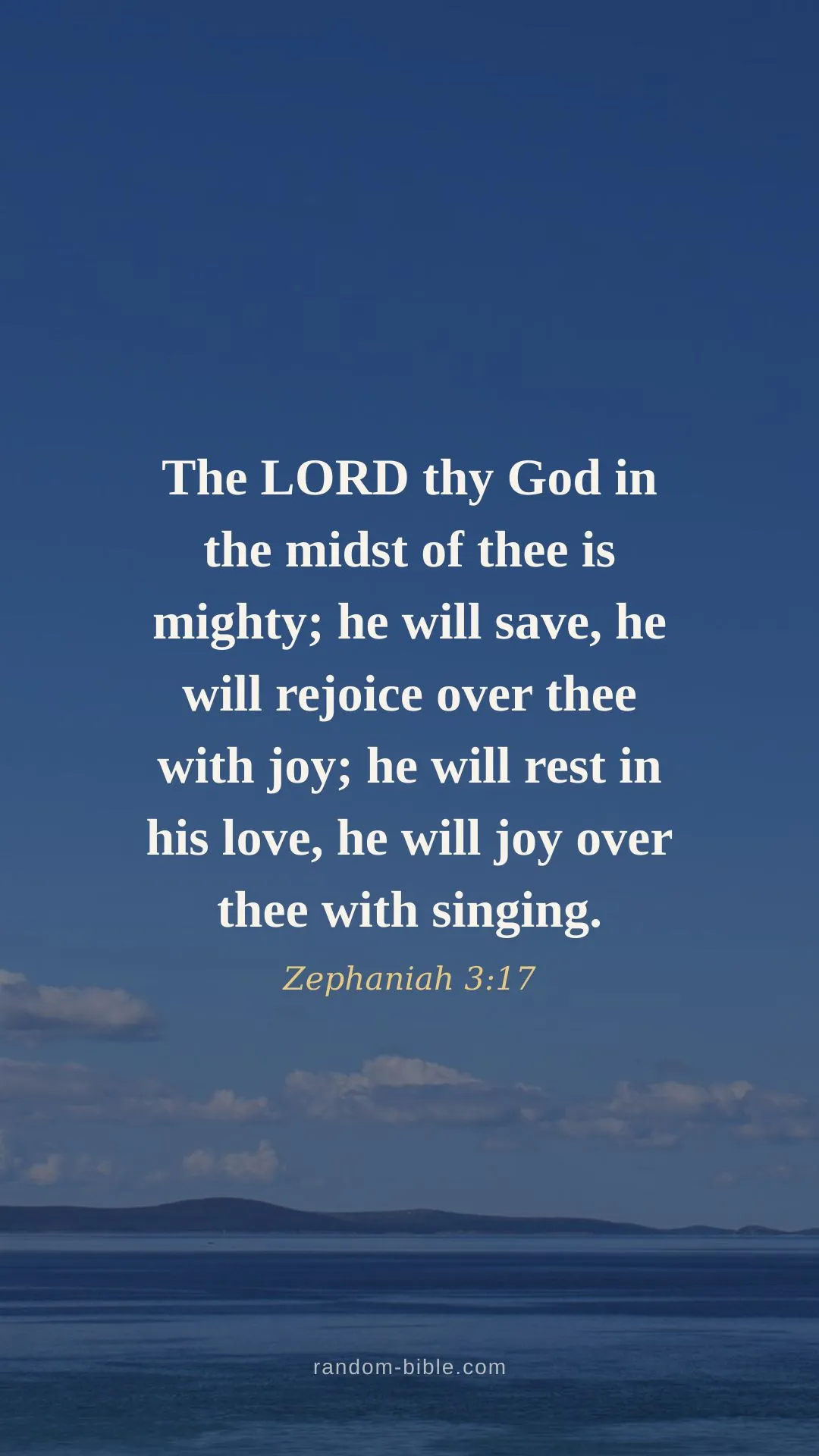
Bible verse lock screen wallpapers with the words placed where the clock is not. Every preview below shows a mock lock-screen clock over the image, so you can see the verse clears it before you download. King James Version (KJV), free to download.
- Put a verse on your photoFree · nothing uploaded
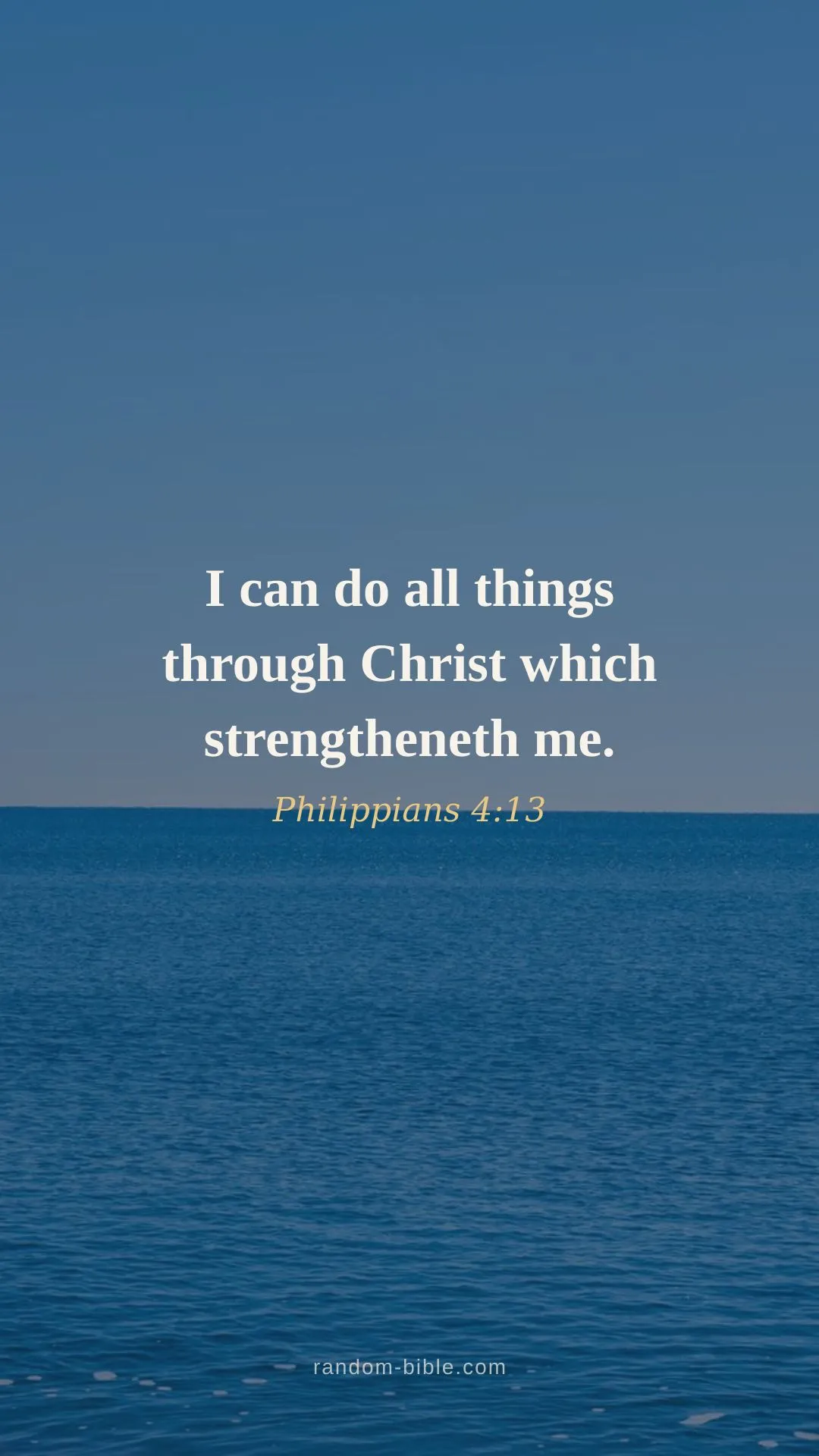
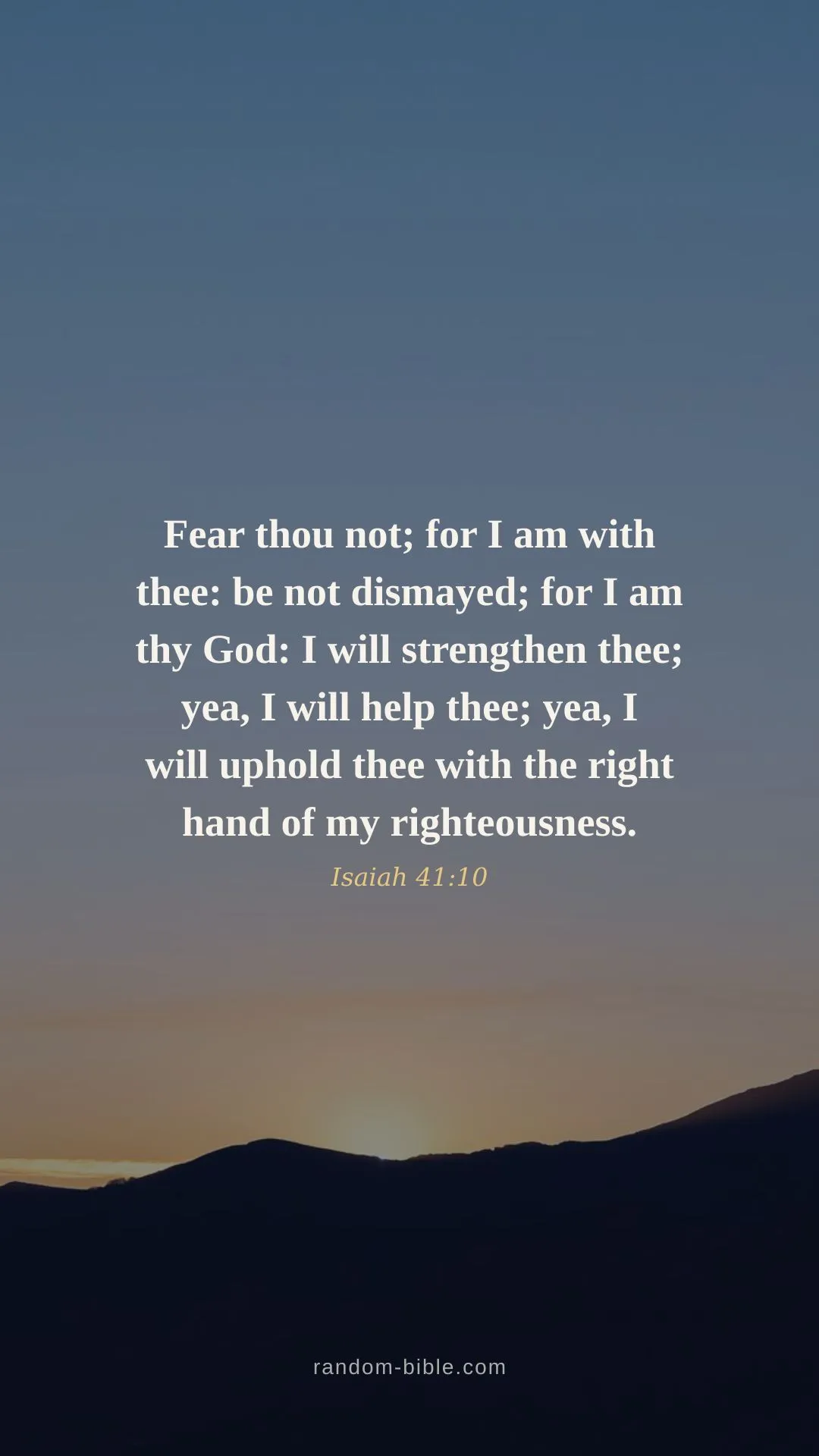
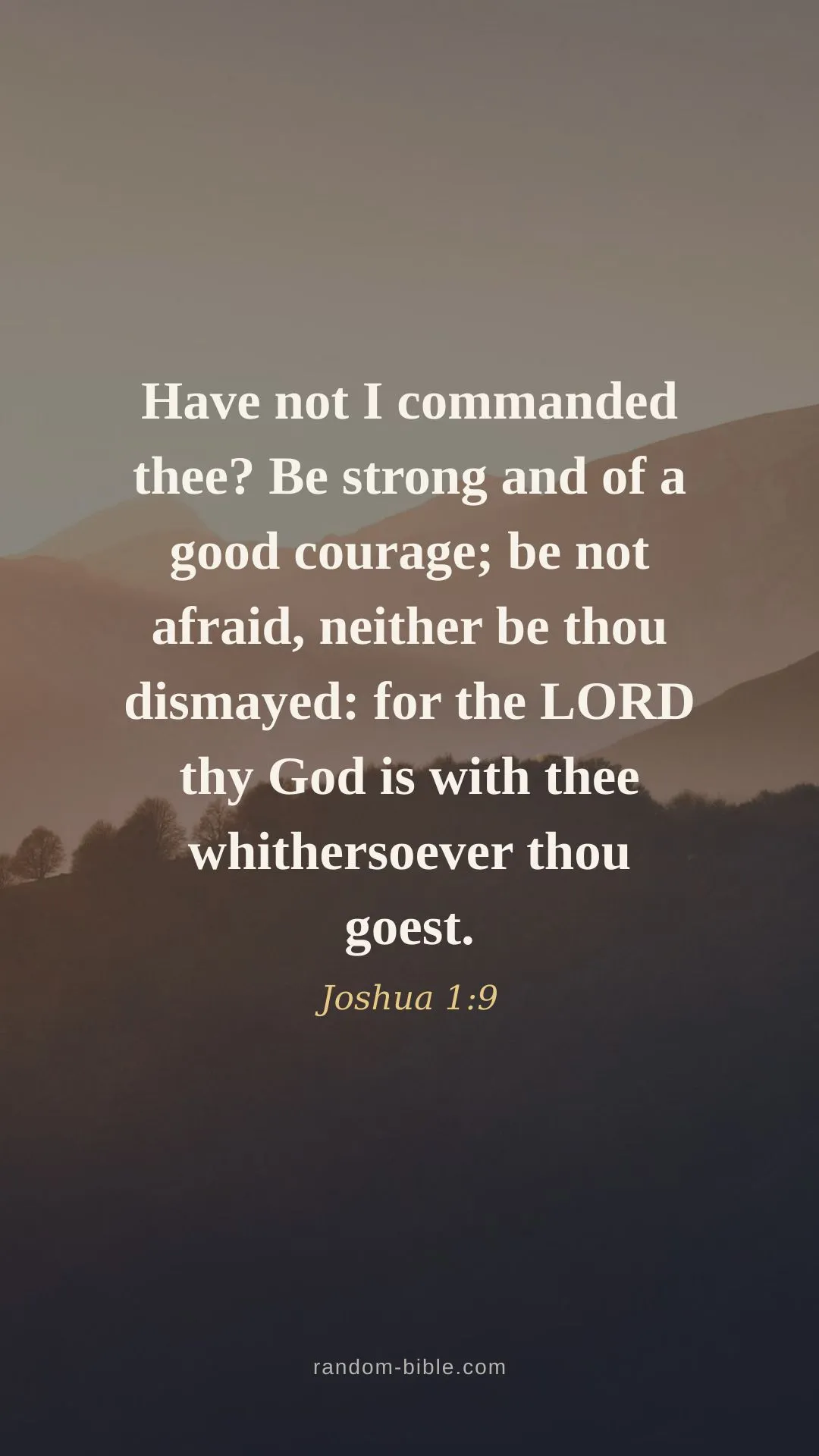
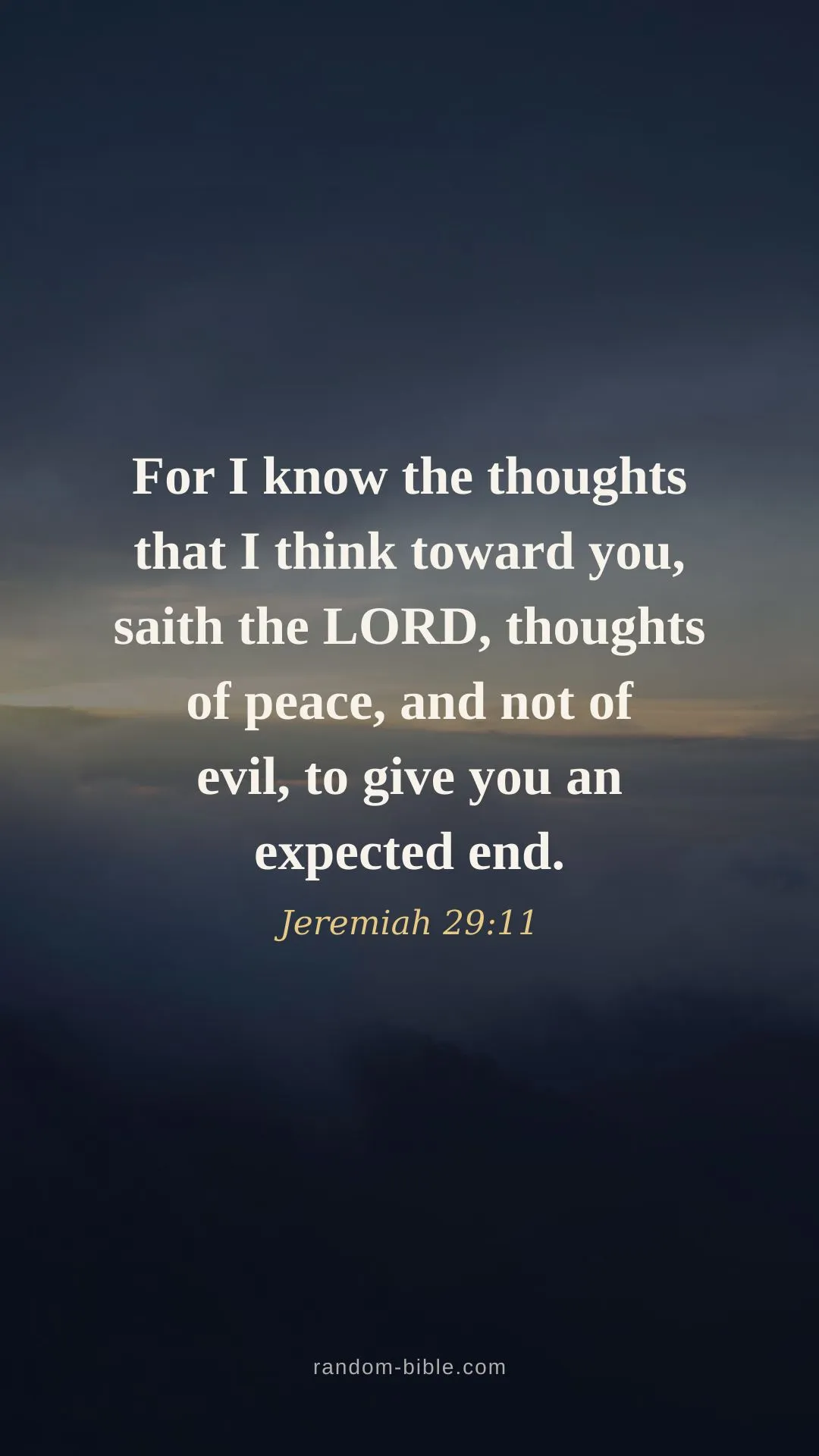
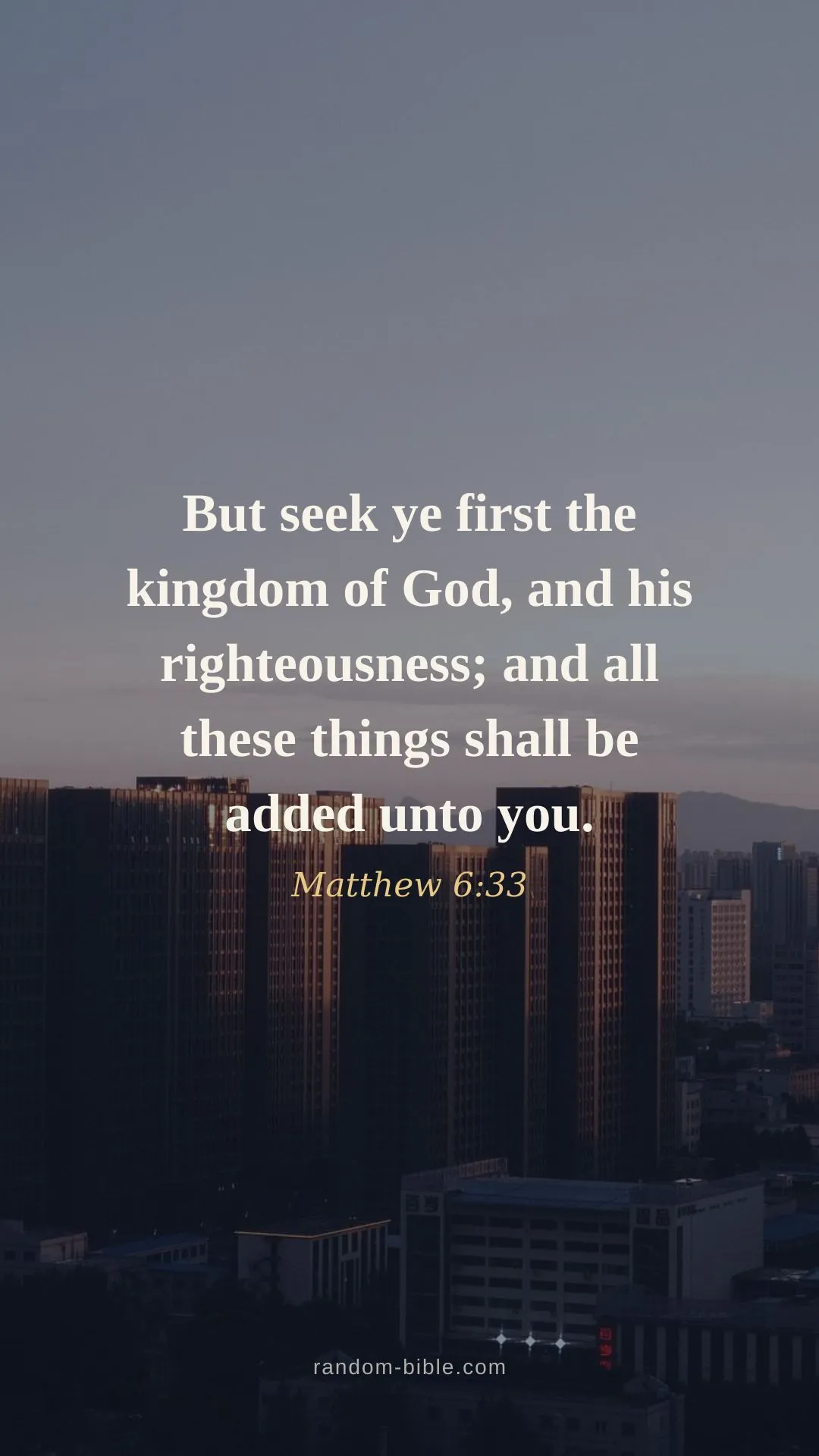
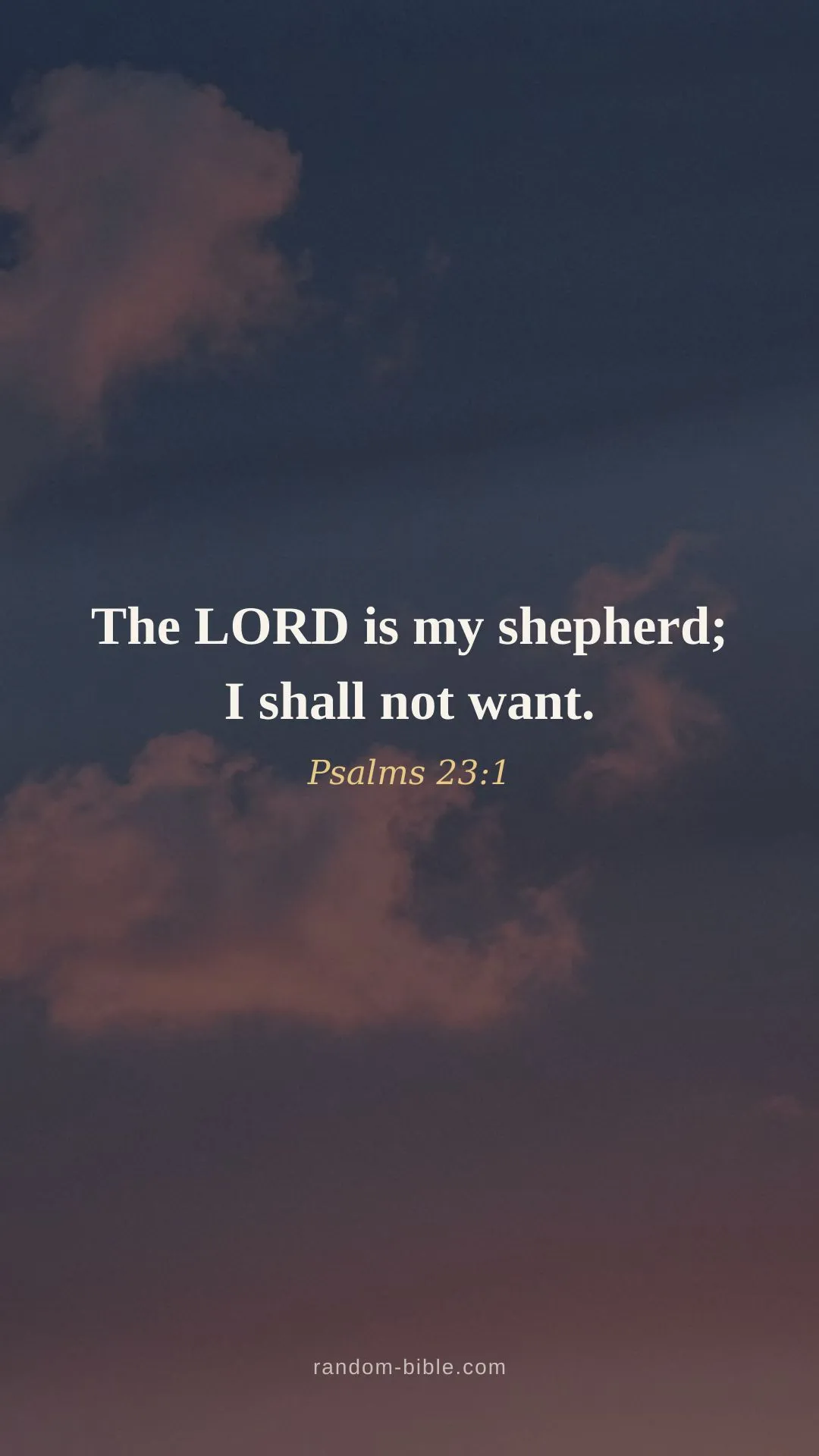
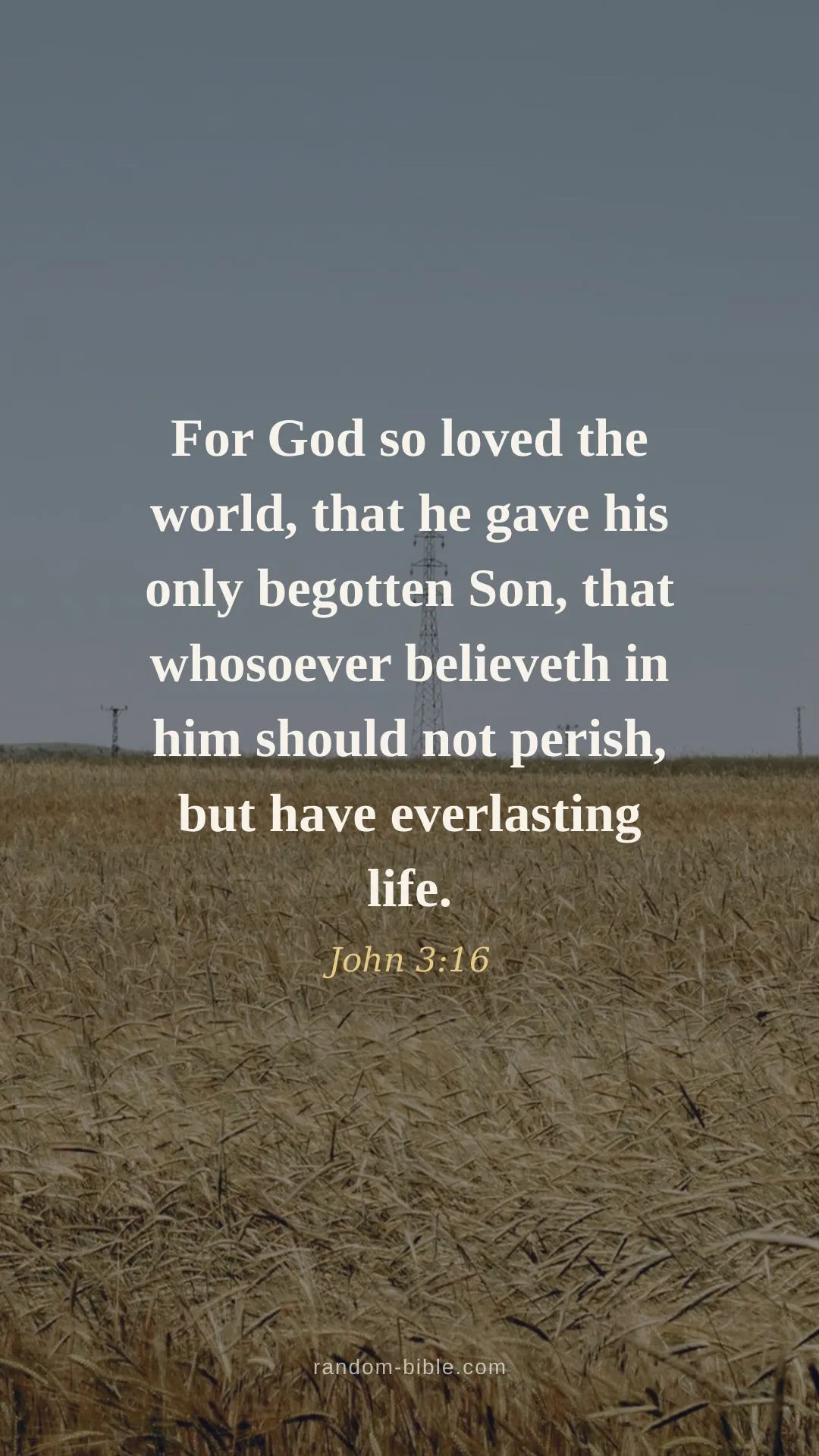
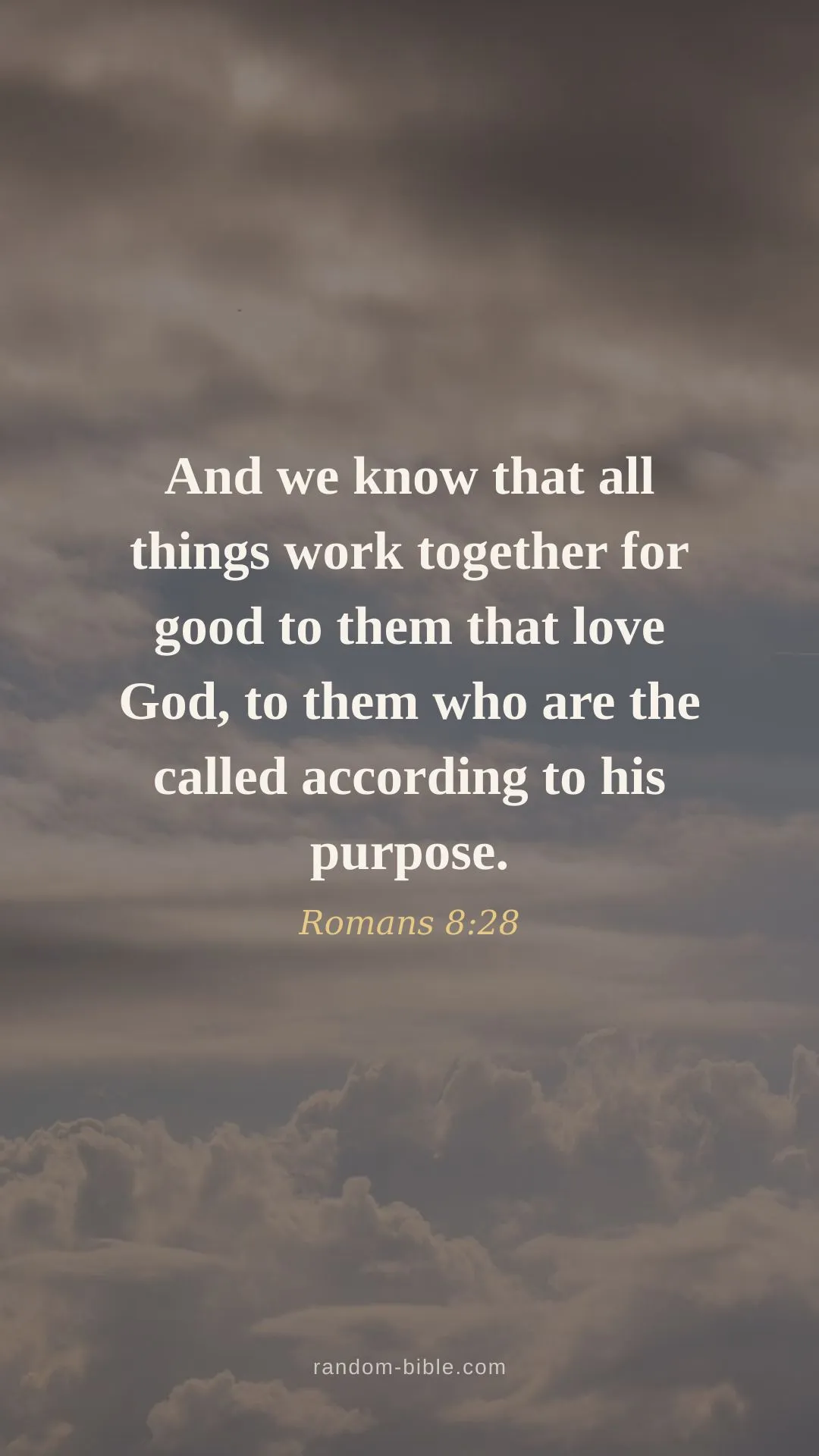
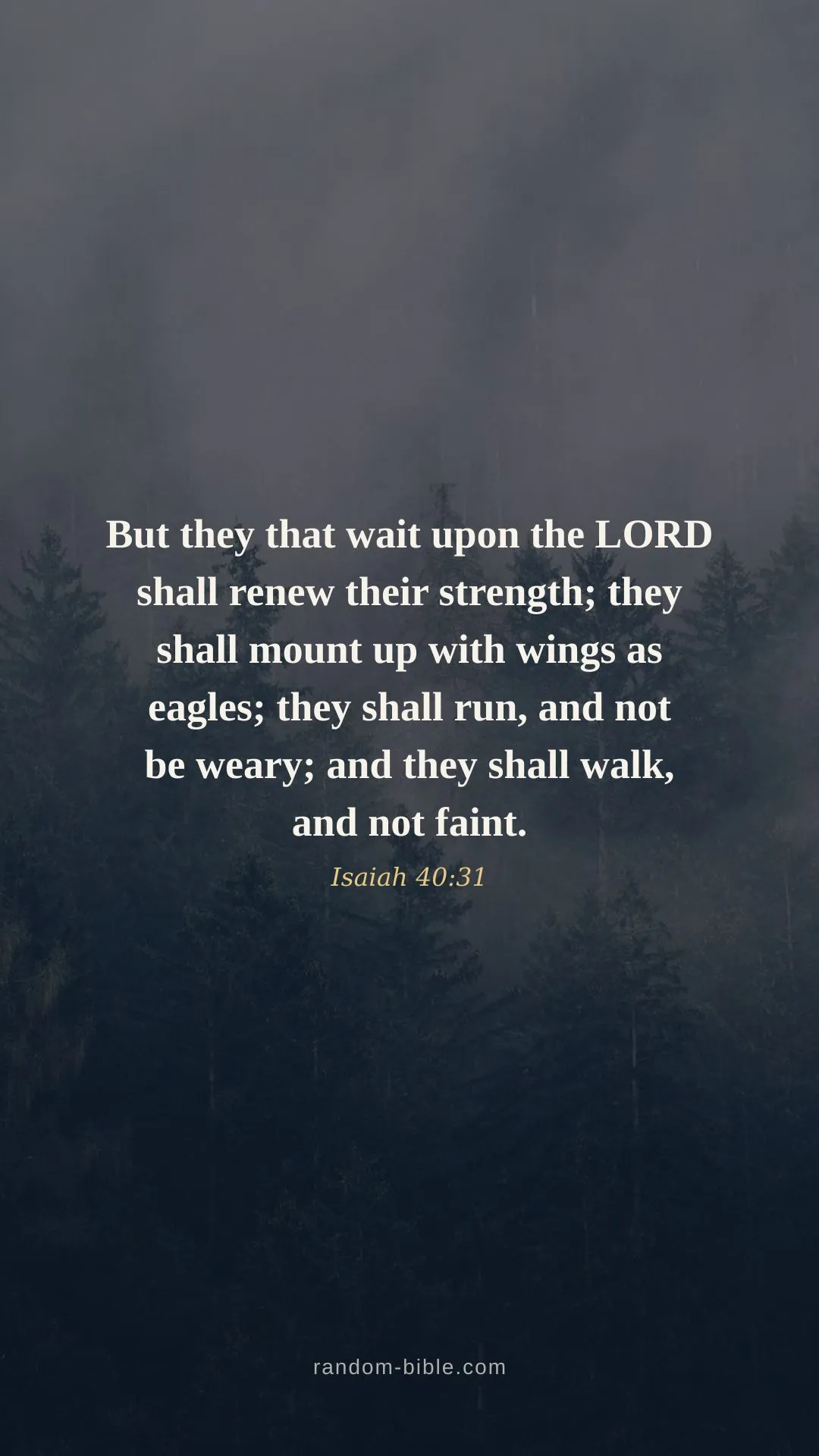
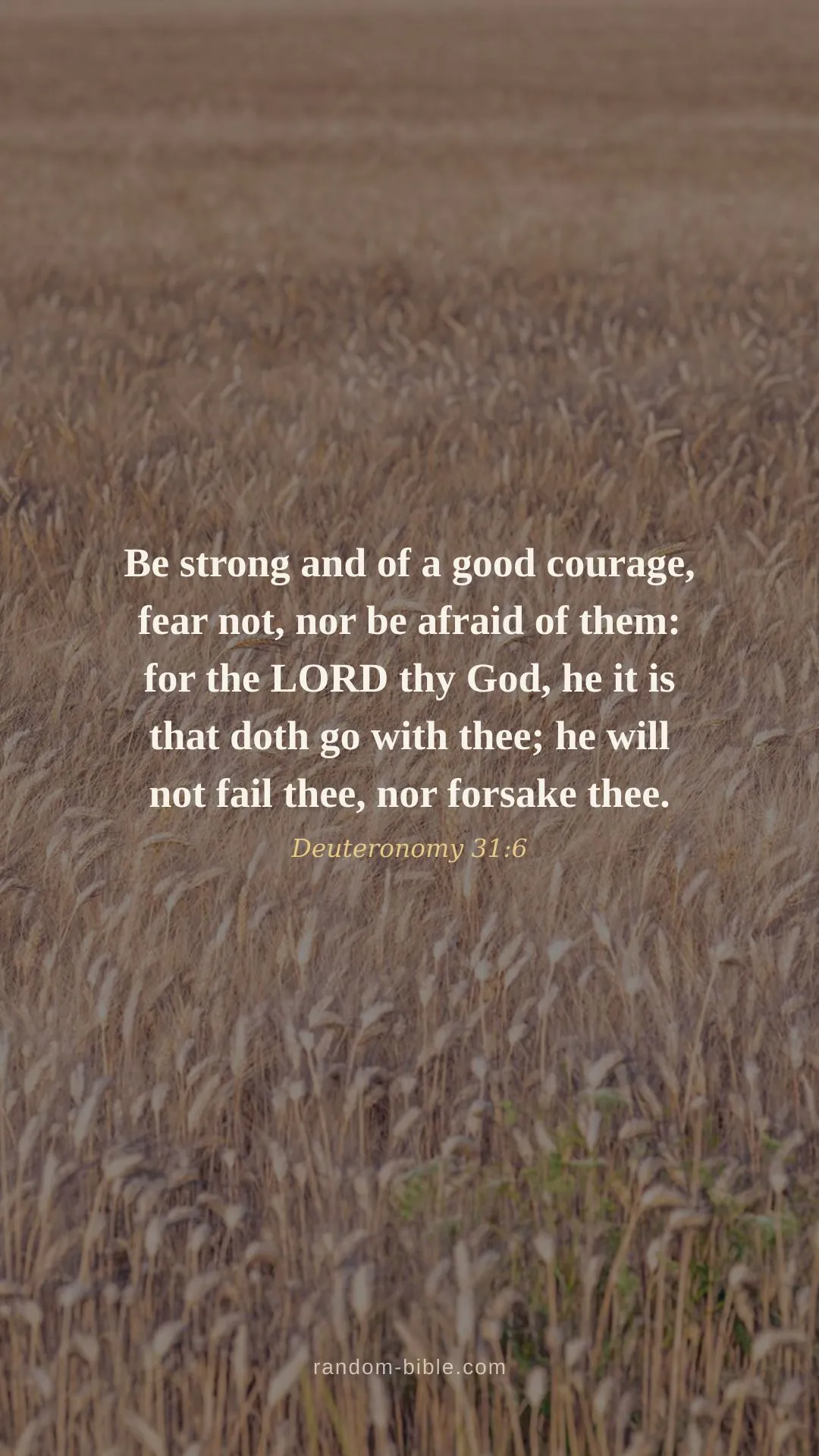
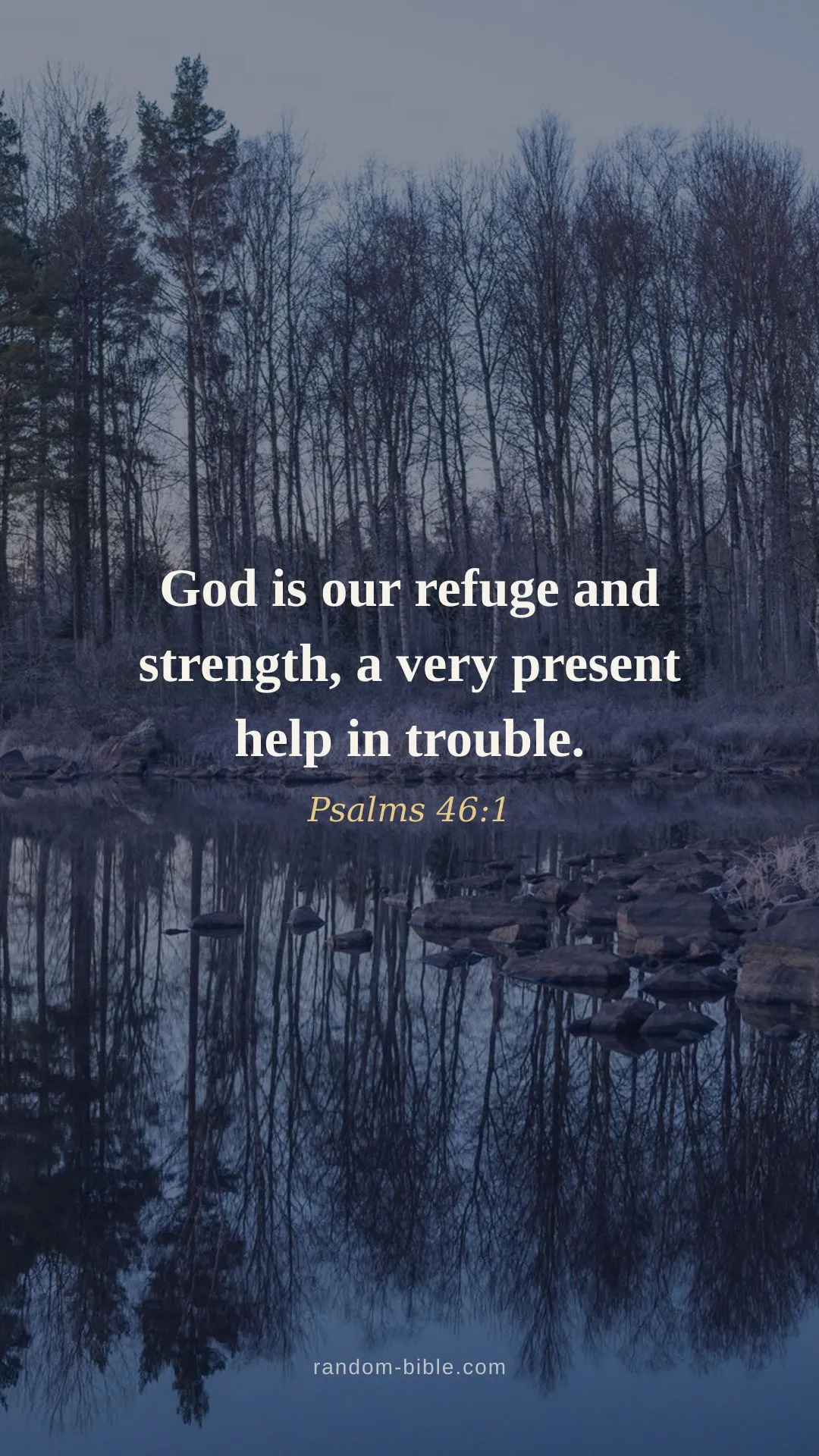
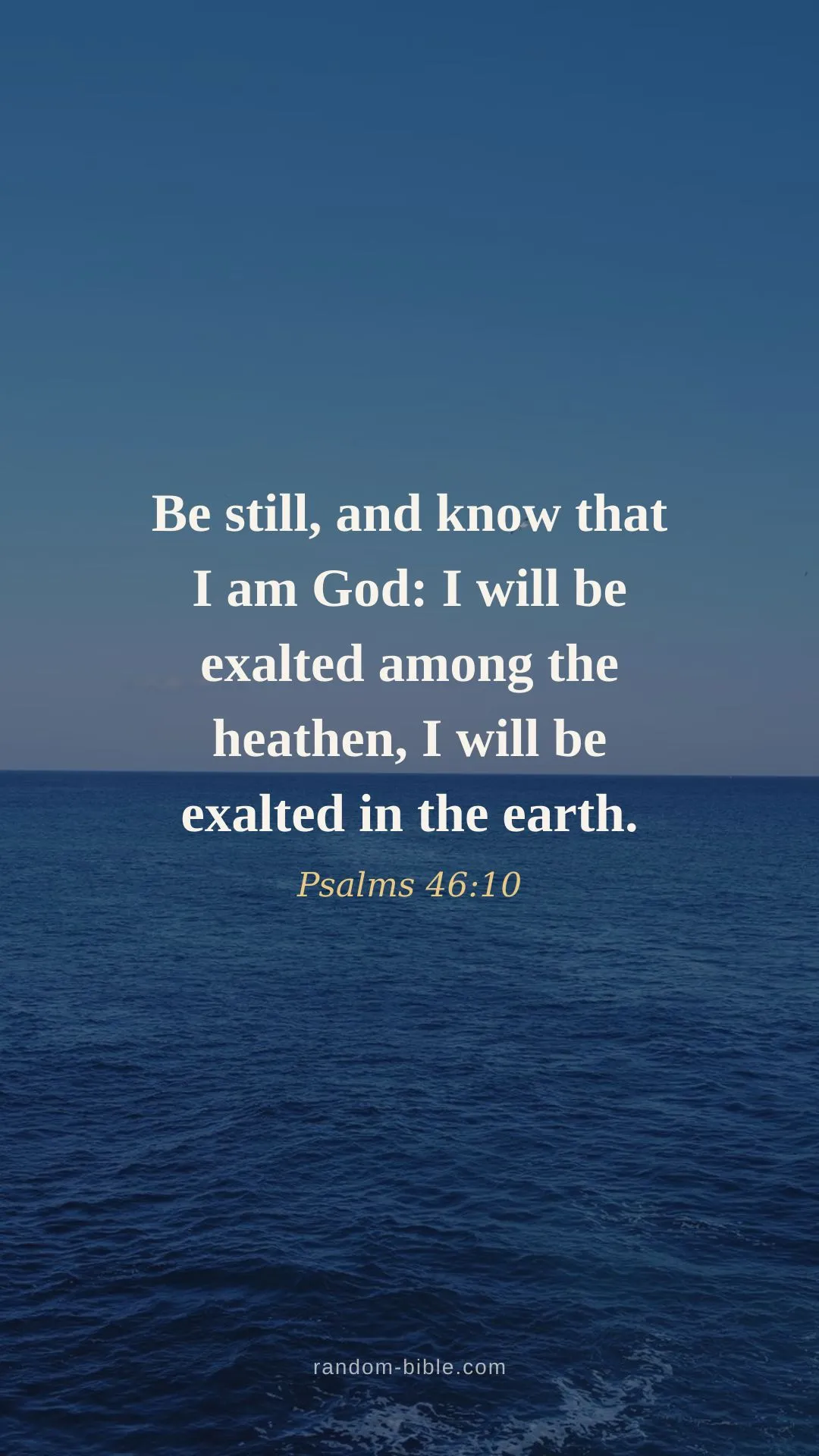
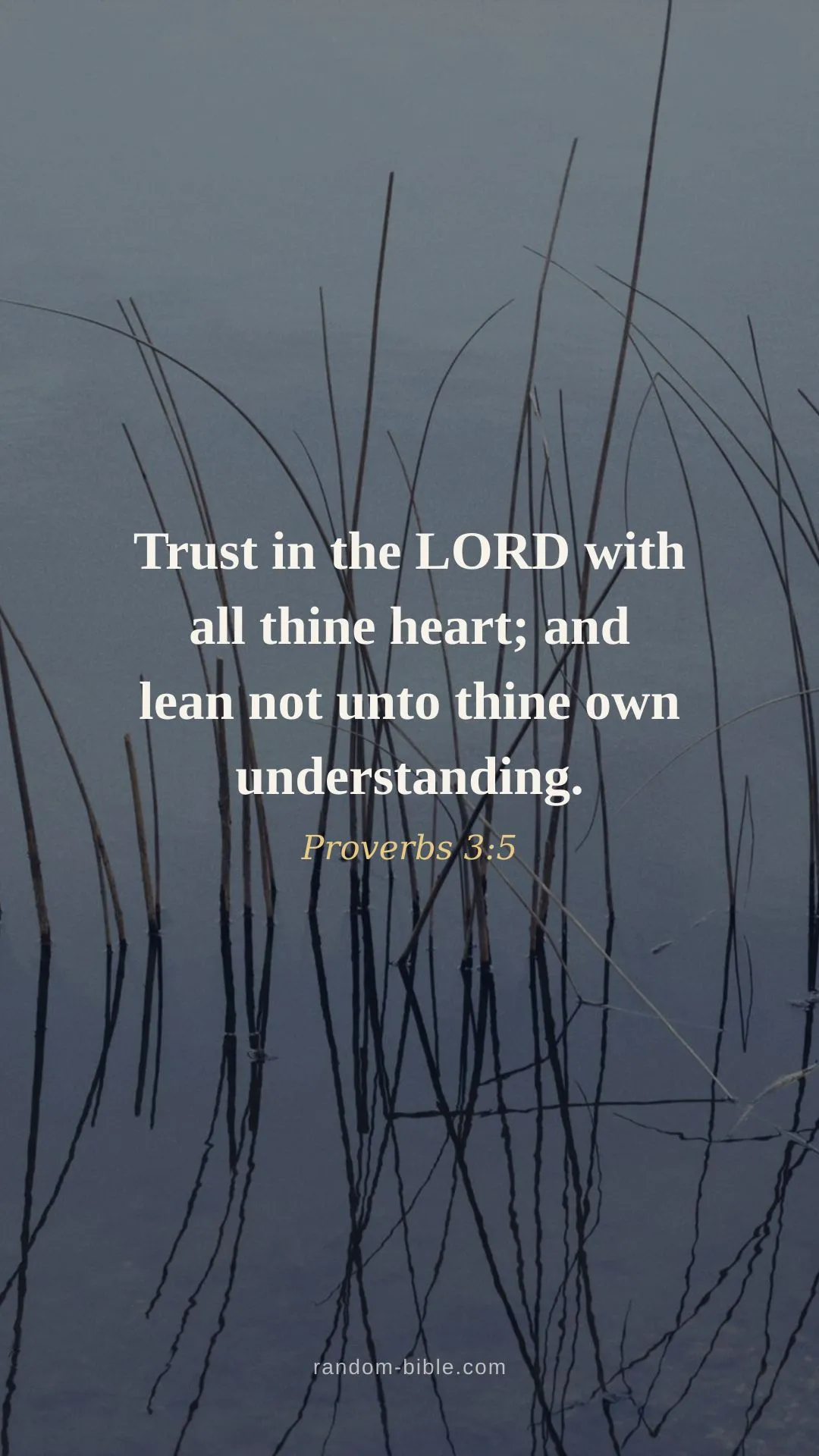
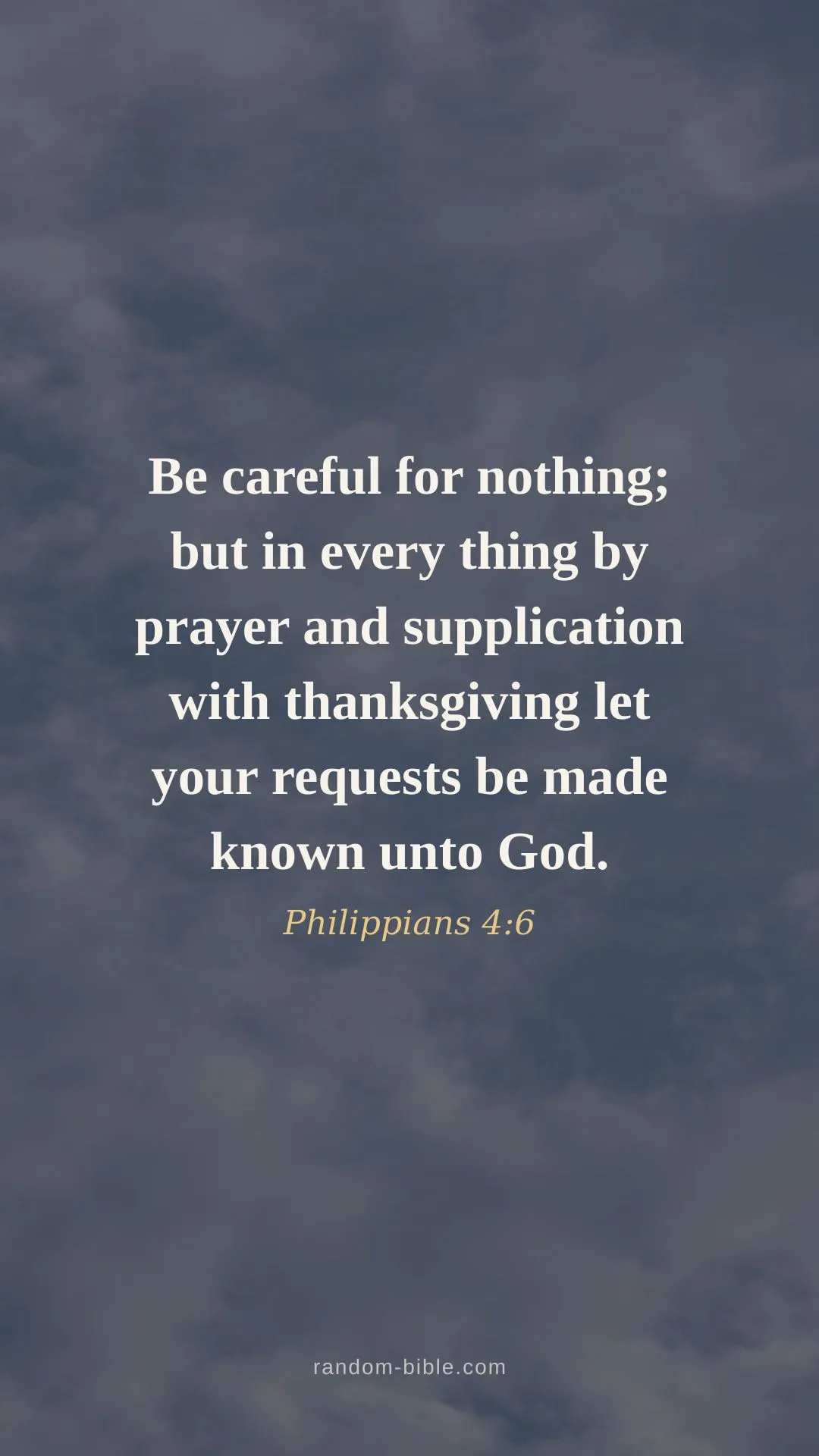
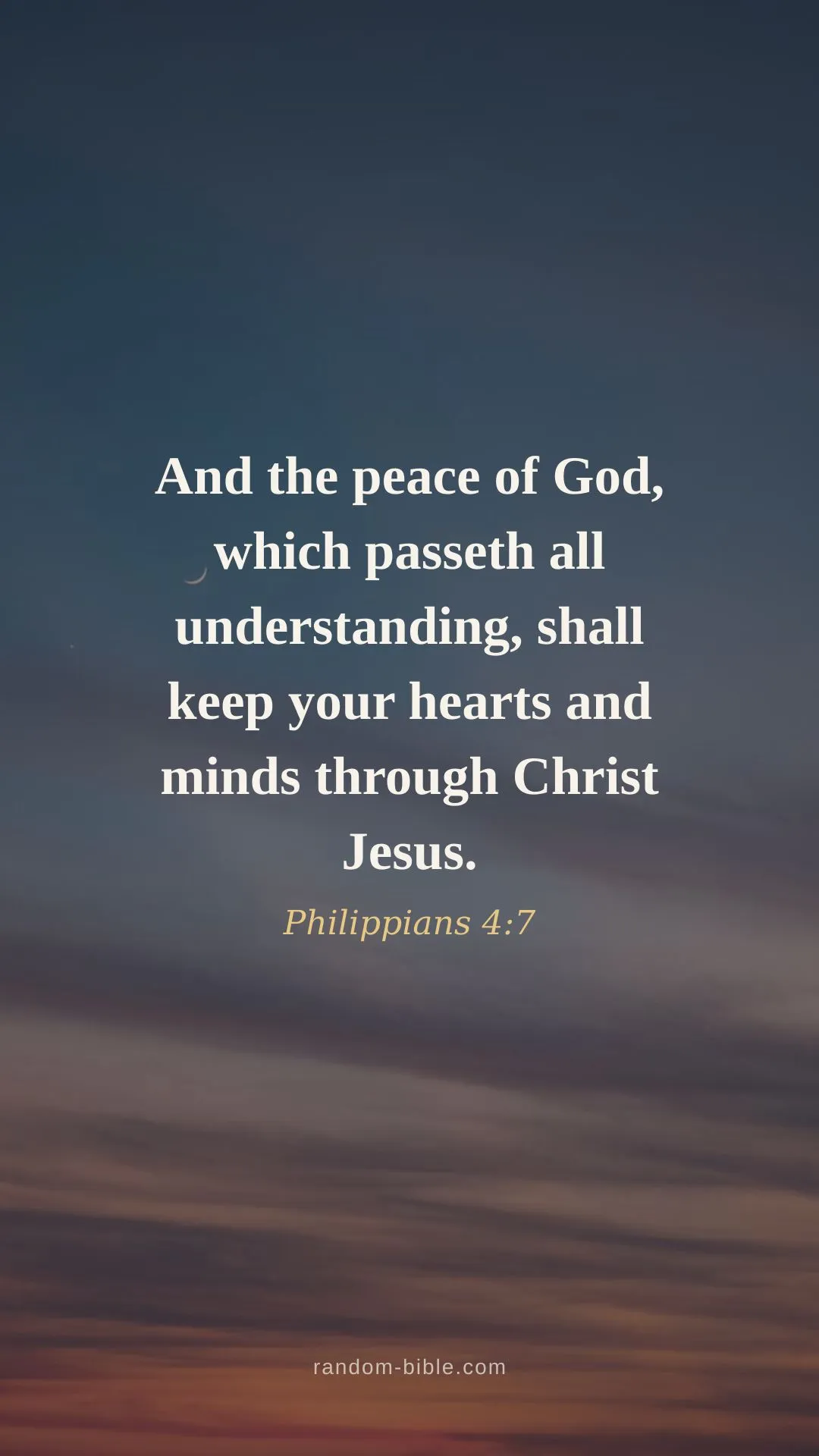
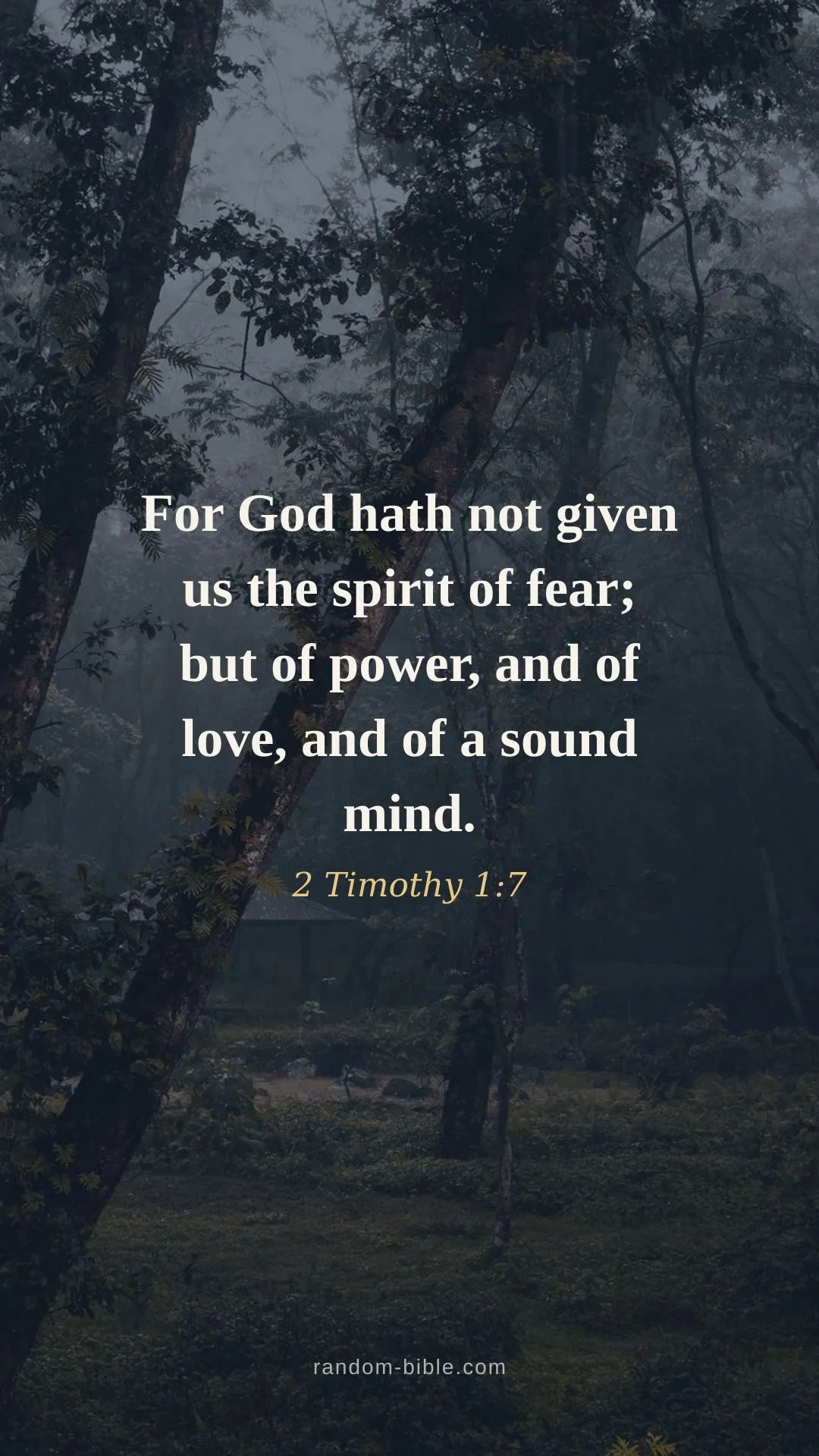
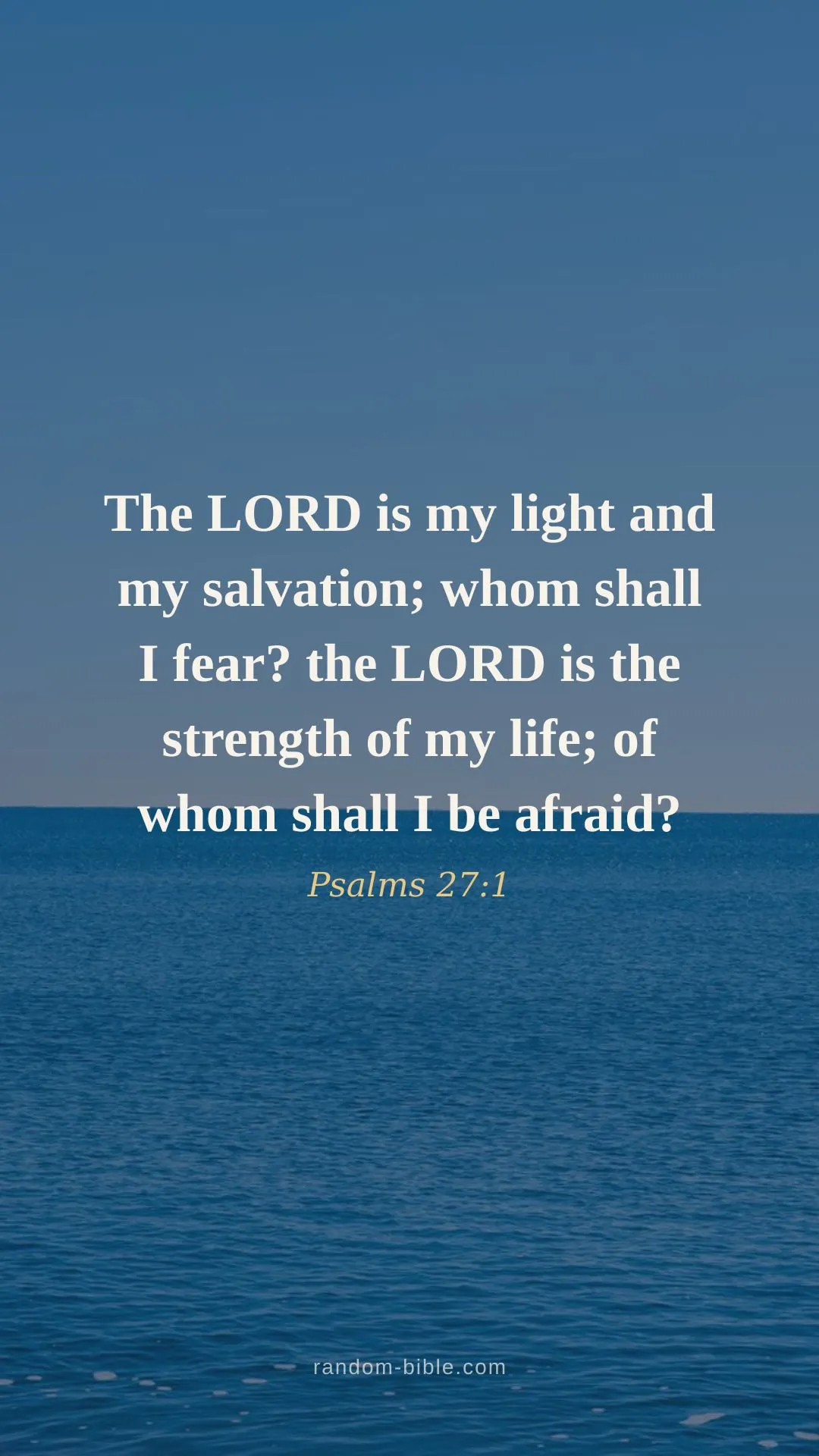
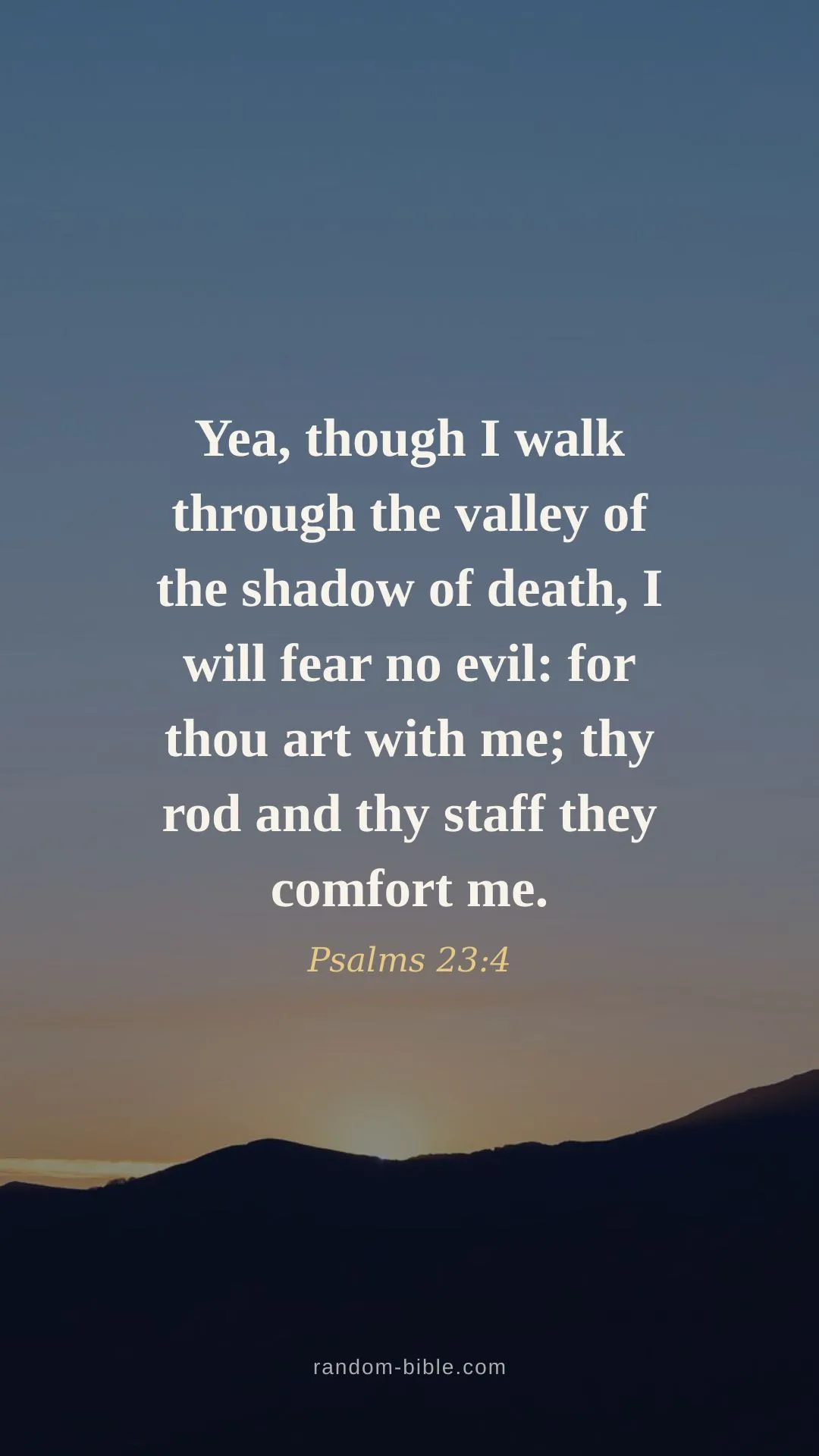
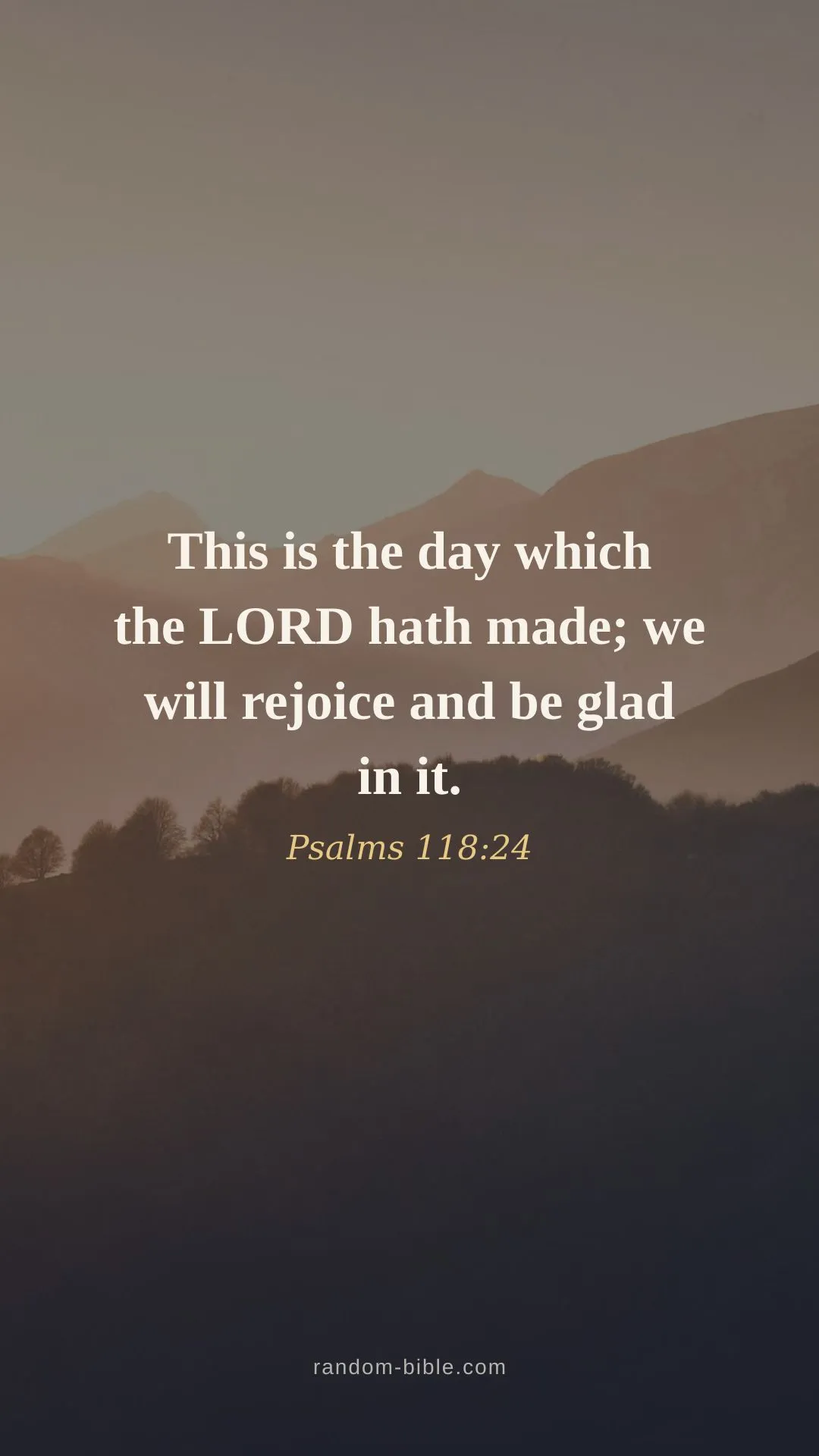
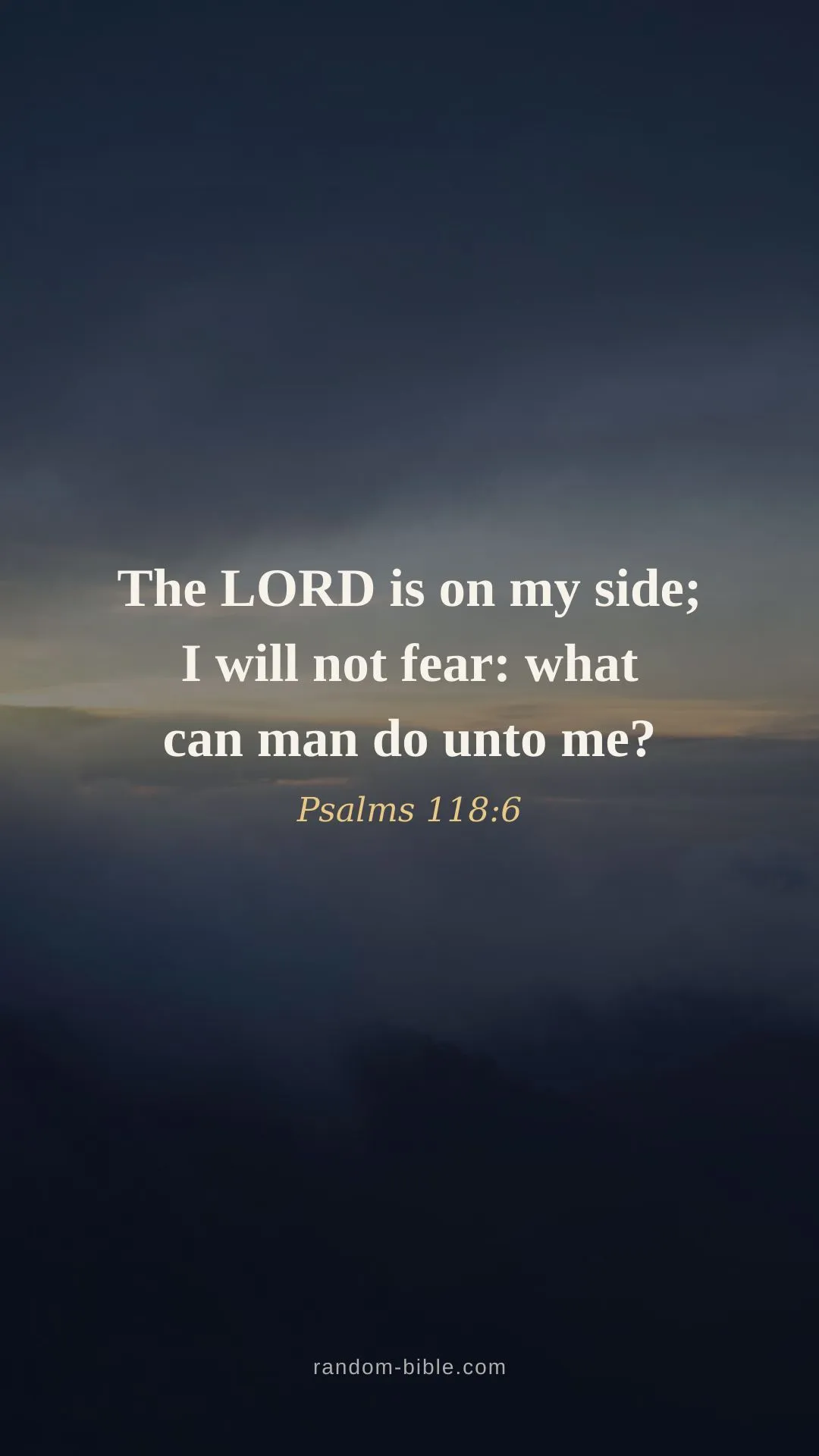
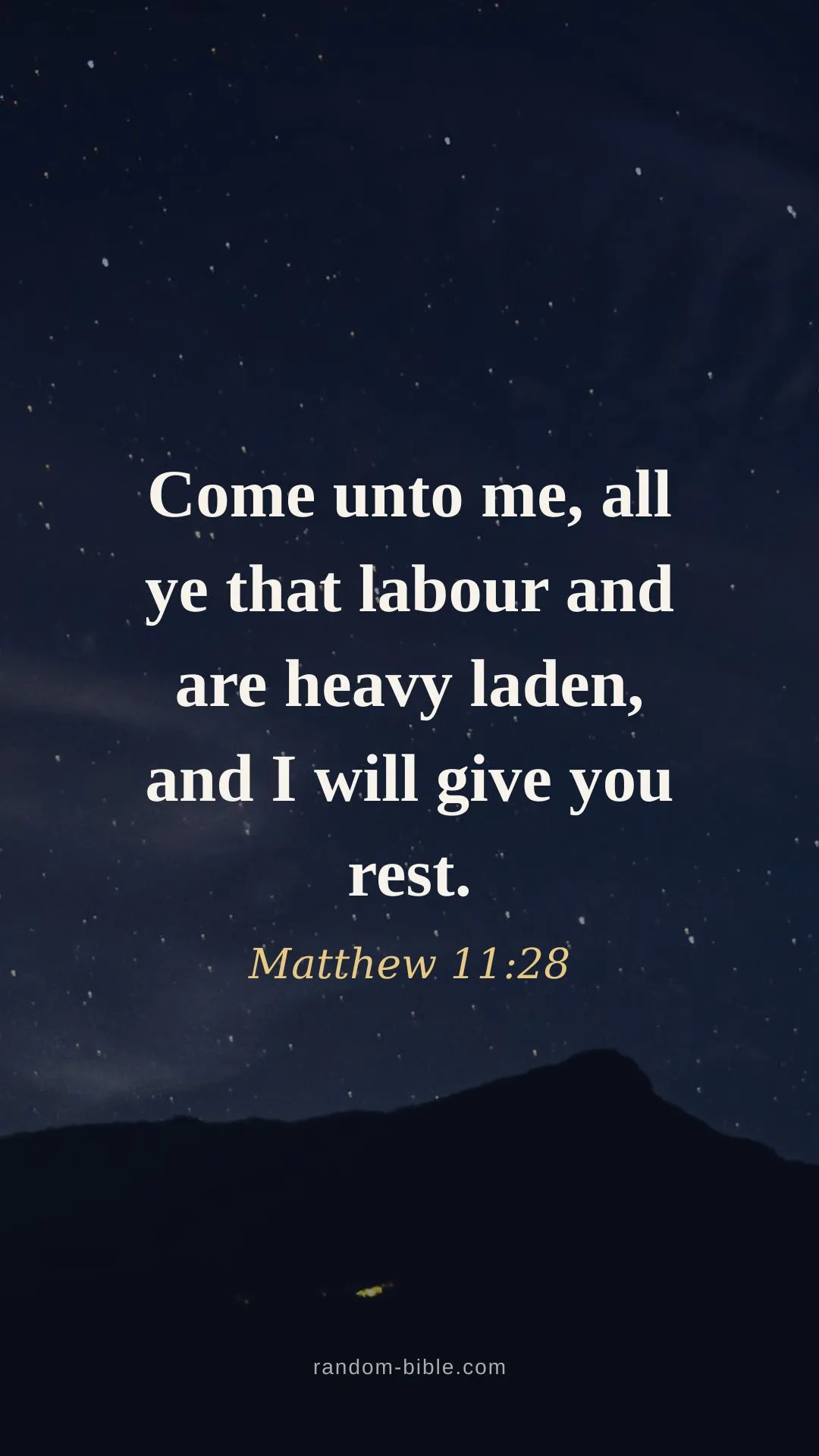
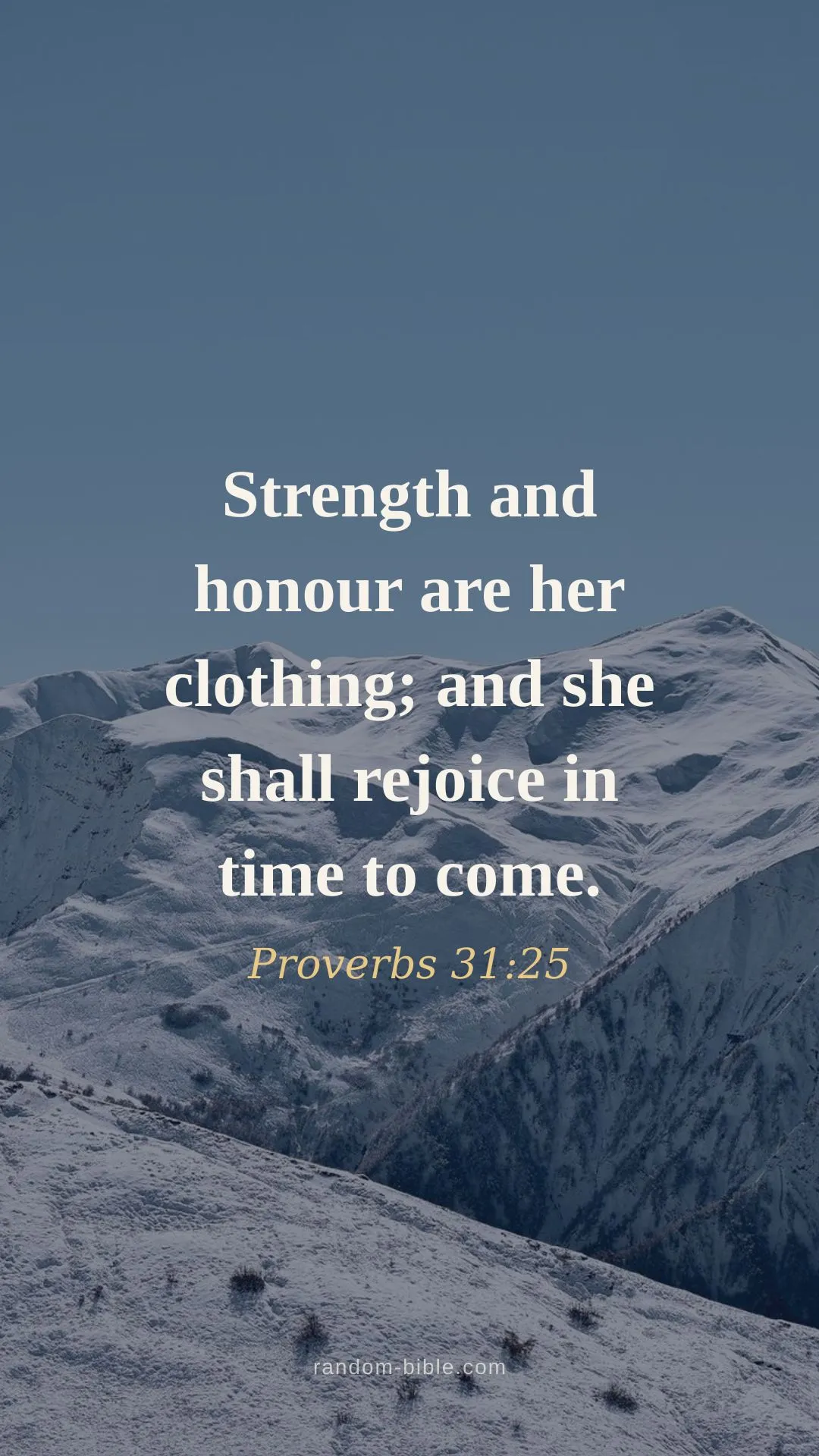
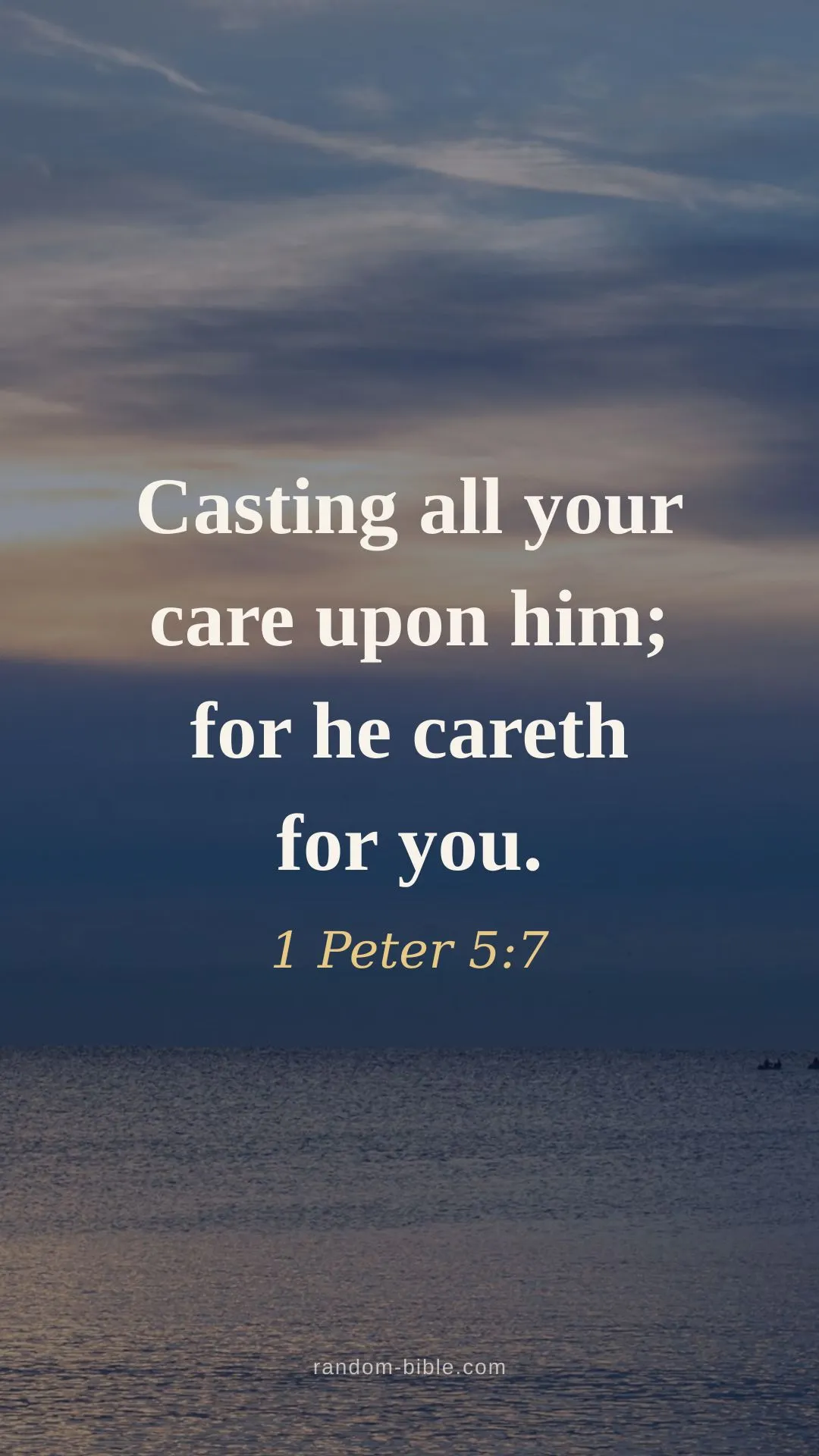
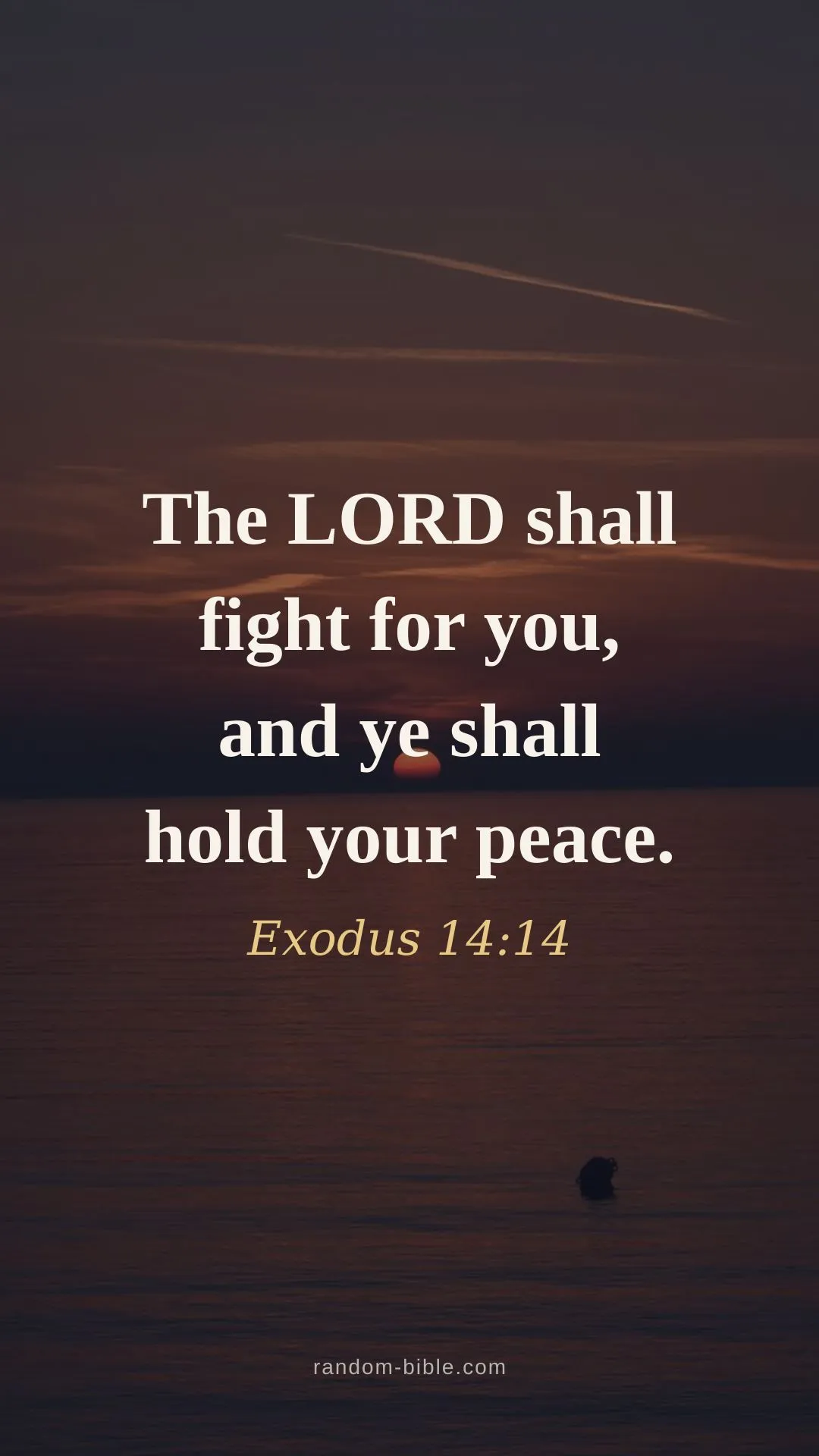
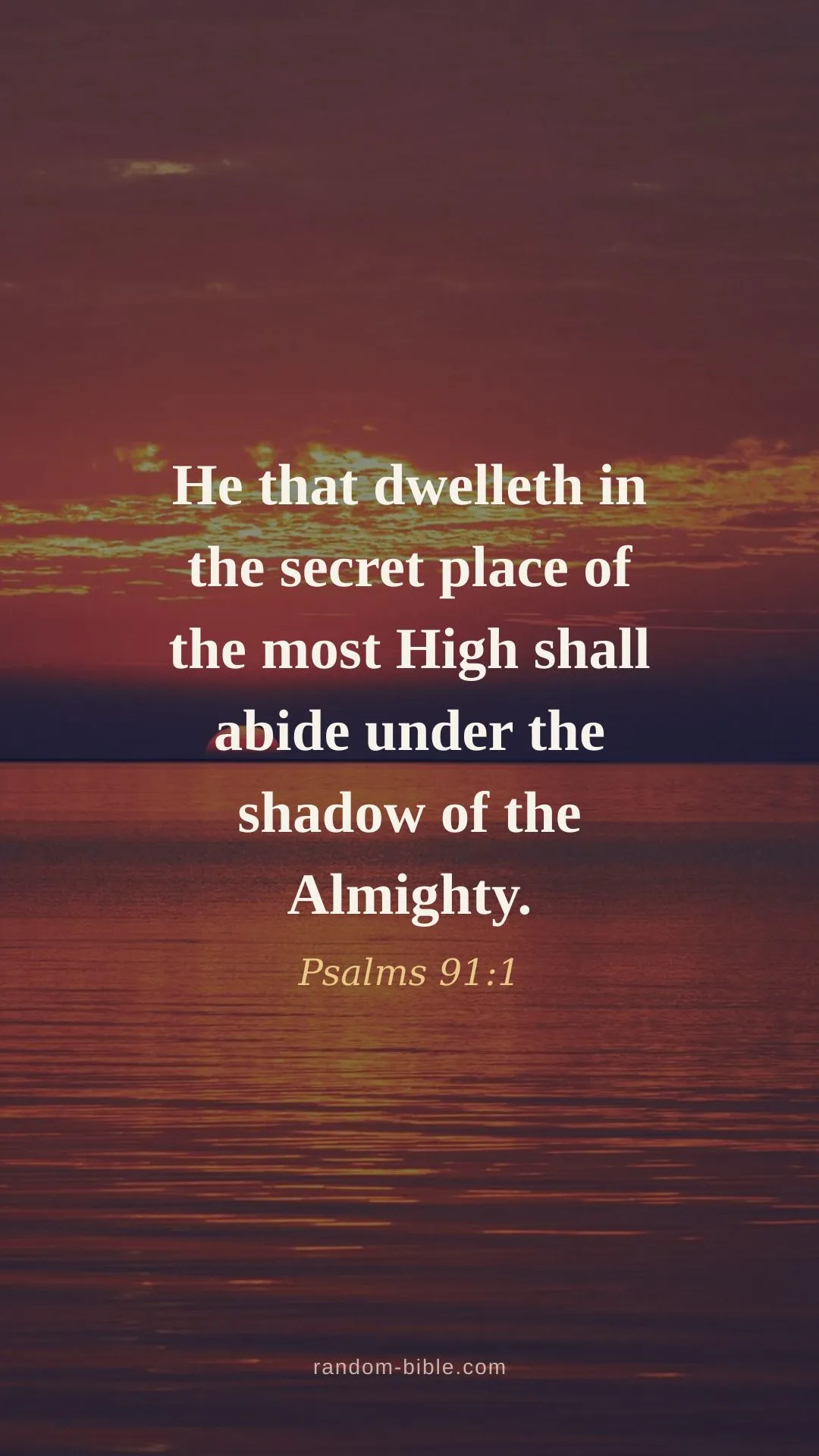
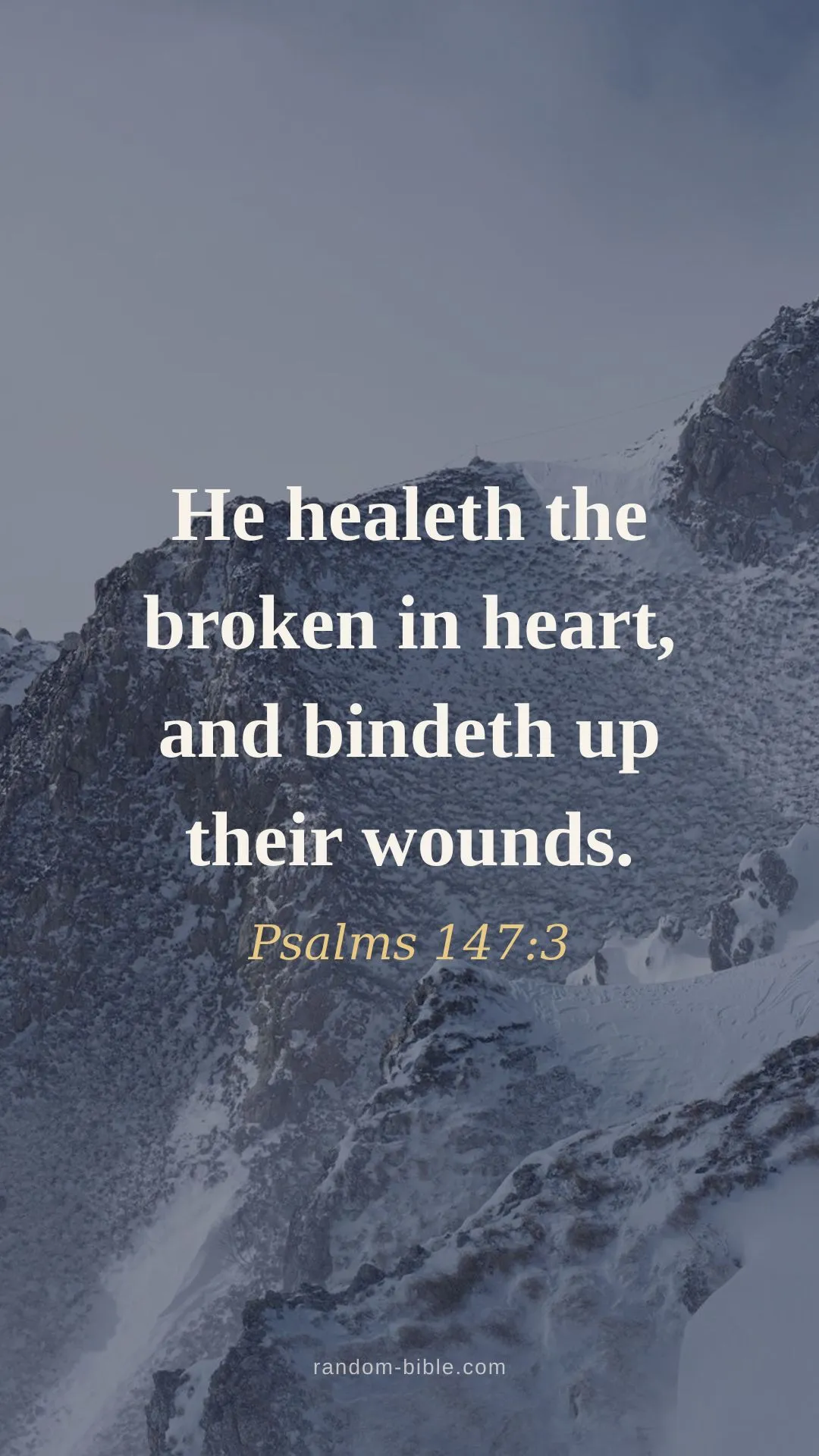
Why most verse wallpapers fail on a lock screen
A lock screen has less usable space than it looks like. The top third belongs to the clock, the date and any widgets you've added, and the bottom edge holds the flashlight and camera shortcuts. Put a verse too high and the time sits on top of it; too low and it gets clipped. Most verse wallpapers were designed as pictures first and used as lock screens second, which is how the text ends up in the wrong place.
These are laid out for the constraint. The verse block sits in the vertical centre with a wide margin, the reference goes directly under it, and the bottom tenth of the frame stays empty. The mock clock on each thumbnail above is drawn where iOS puts the real one, so you can check the clearance before you download anything.
A verse you'll actually pass by
The appeal of the lock screen is that it needs nothing from you. There's no app to open and no habit to keep up: you check the time, and the verse is already there.
If you'd rather have a different verse each time than the same one for weeks, therandom verse generator gives you a new passage on demand, and the Chrome extension puts one on every new tab.
Setting it up
- Tap a verse, then Download the phone size (1080×1920).
- iPhone: Settings → Wallpaper → Add New Wallpaper → Photos → pick the verse → Set. Choose "Set as Wallpaper Pair" for both screens, or "Customise Lock Screen" for the lock screen alone.
- Android: long-press the home screen → Wallpapers → pick the image → apply to Lock screen.
- If it looks zoomed in, pinch outward during setup until the full verse is visible.
Other looks
Every verse here also comes in aesthetic pastel,pink,blue andblack. Black is the usual pick for an always-on display, since dark pixels draw the least power on an OLED screen.
Frequently asked questions
Will the clock cover the Bible verse?
No. The verse is centred and the clock sits in the top third, so they do not overlap — the mock clock on each thumbnail above shows exactly where it lands. If you add lock-screen widgets under the clock, they occupy that same upper band and still clear the text.
How do I set a Bible verse as my iPhone lock screen?
Download the phone size, then open Settings → Wallpaper → Add New Wallpaper → Photos and pick the verse. You can set it for the lock screen only, or for both lock and home screens. Pinch to zoom out if iOS crops it — the full image is already 1080×1920.
How do I set one on Android?
Save the phone image, then long-press the home screen, choose Wallpapers (or Wallpaper & style), pick the saved photo, and select "Lock screen" when asked where to apply it.
Why does iOS crop or zoom my wallpaper?
iOS scales the image to your exact screen height, which is taller than 16:9 on recent iPhones. Each one is 1080×1920 with a wide margin around the verse, so a small crop takes empty background rather than words. Pinch to zoom out during setup for the full frame.
Does the iOS depth effect work with these?
The depth effect needs a clear foreground subject to lift in front of the clock, so it will not trigger on flat colour and gradient styles. On the photo style it sometimes does. If it pushes the clock over the verse, turn off Depth Effect in the wallpaper editor.
Keep a verse coming
Random Bible gives you one hand-picked verse a day, on your home screen. Or let one arrive on every new browser tab.