
Free download · phone & desktop · HD
Isaiah 41:10 Wallpaper
Free Isaiah 41:10 wallpaper in 6 styles, for phone and desktop. The verse is the King James Version.
Download Isaiah 41:10 wallpapers
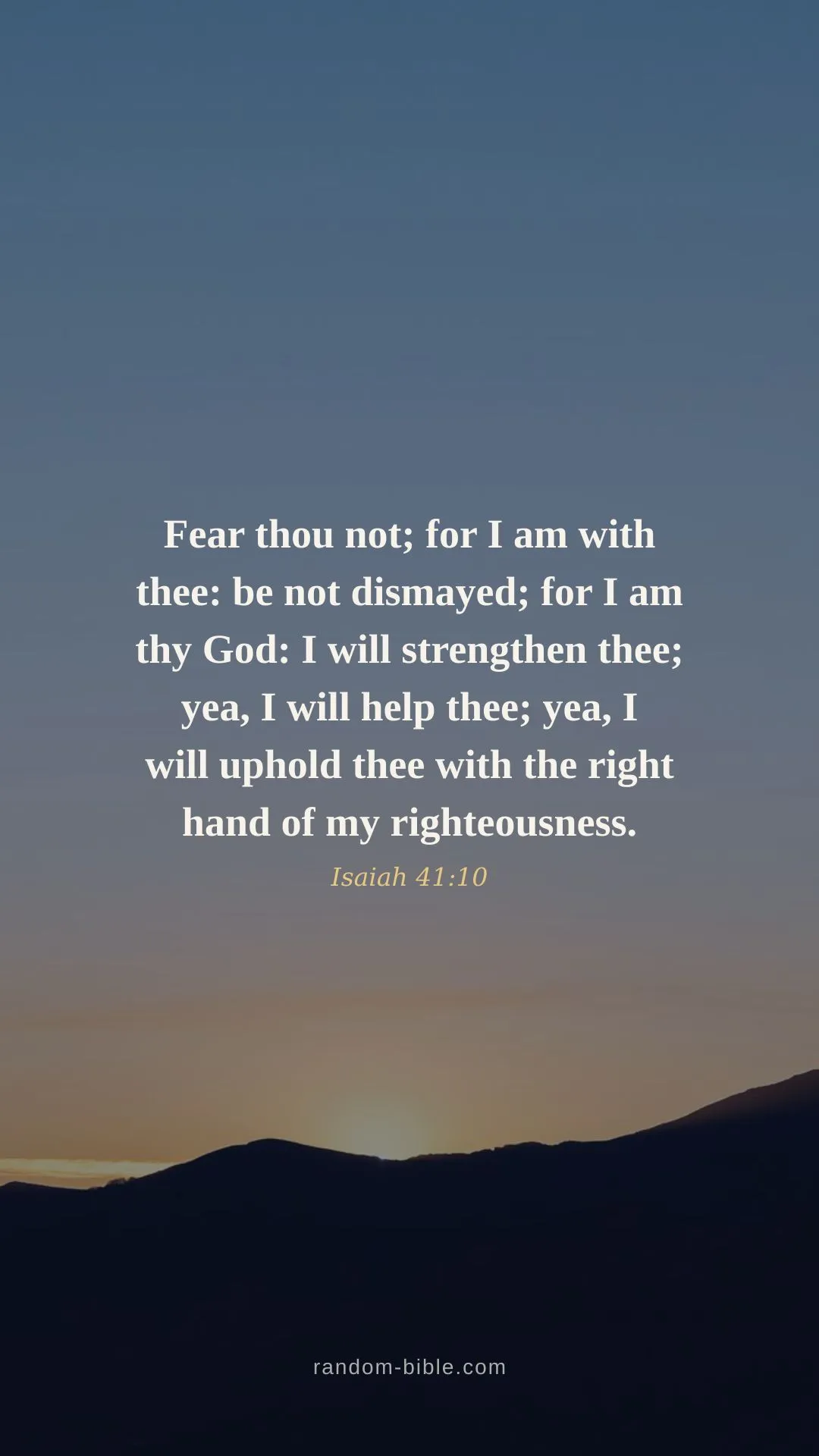
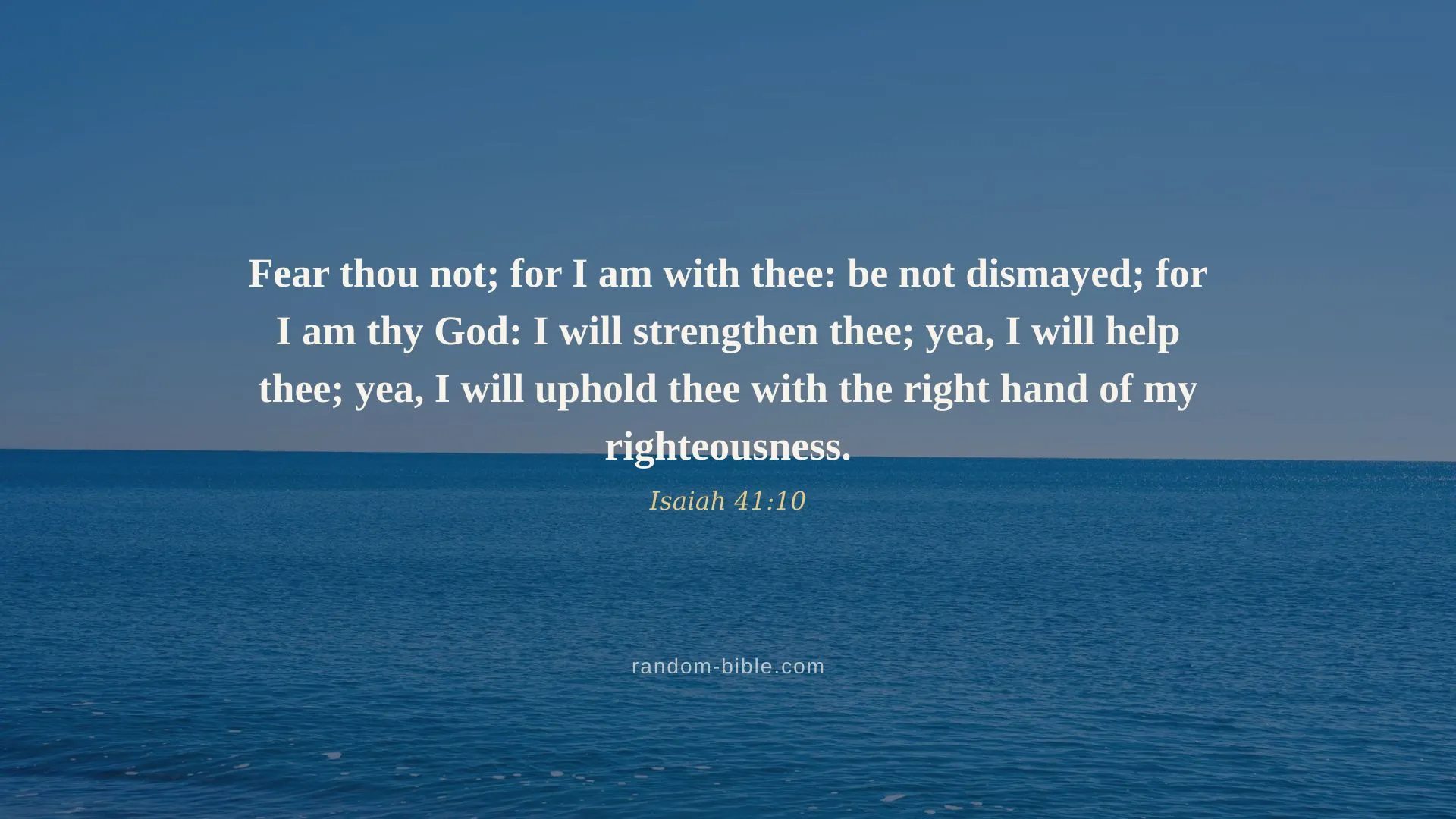
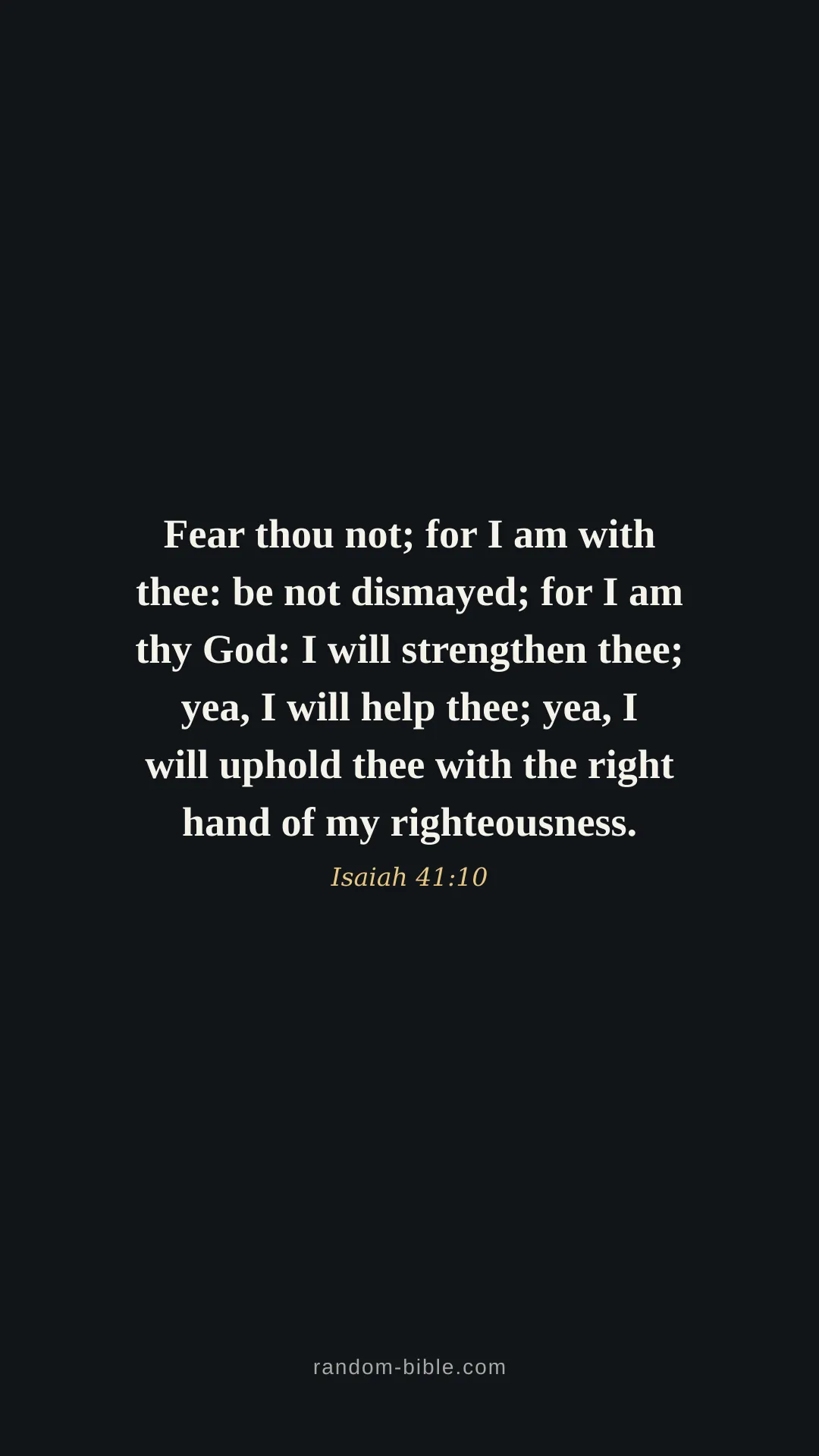
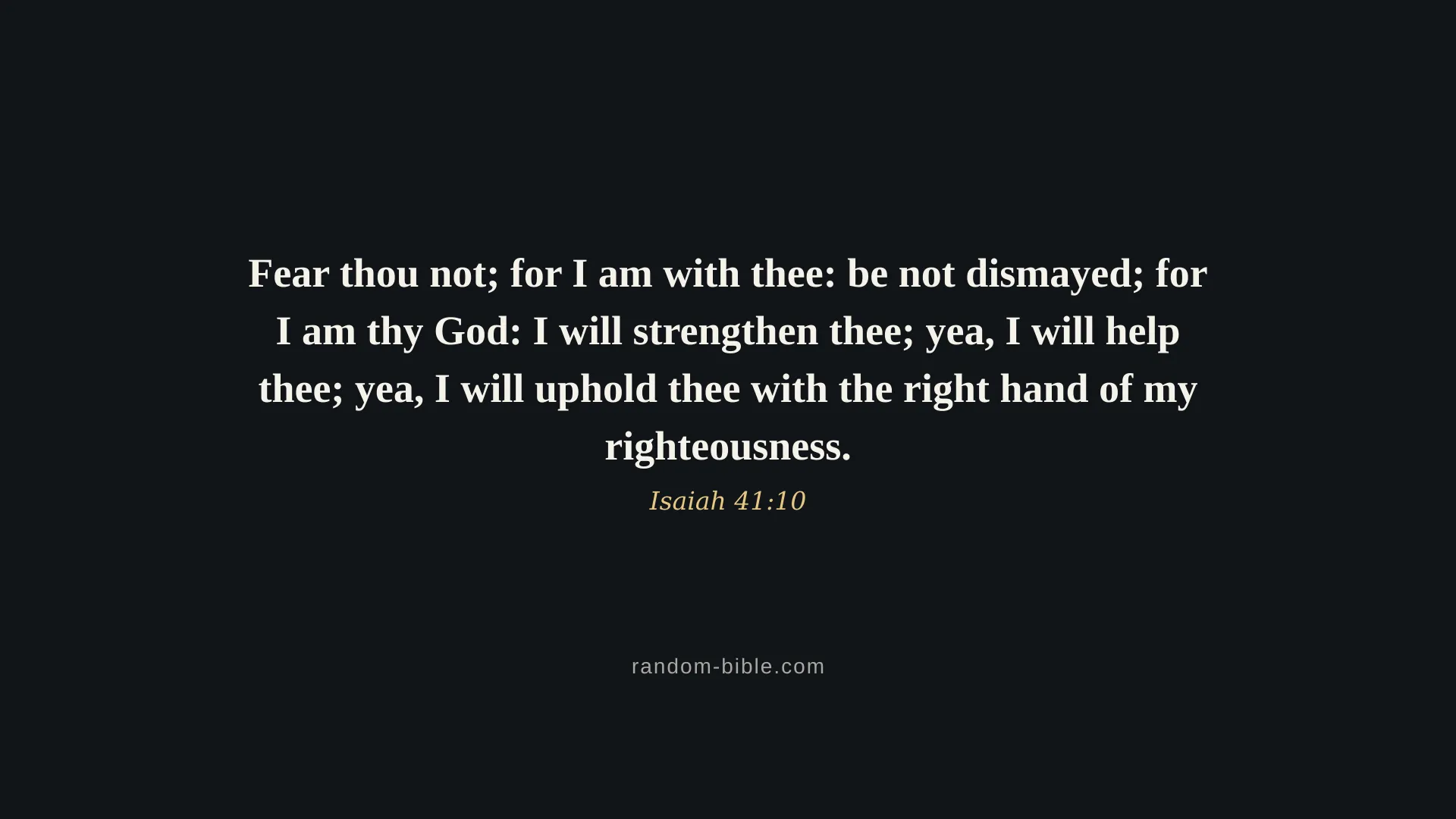
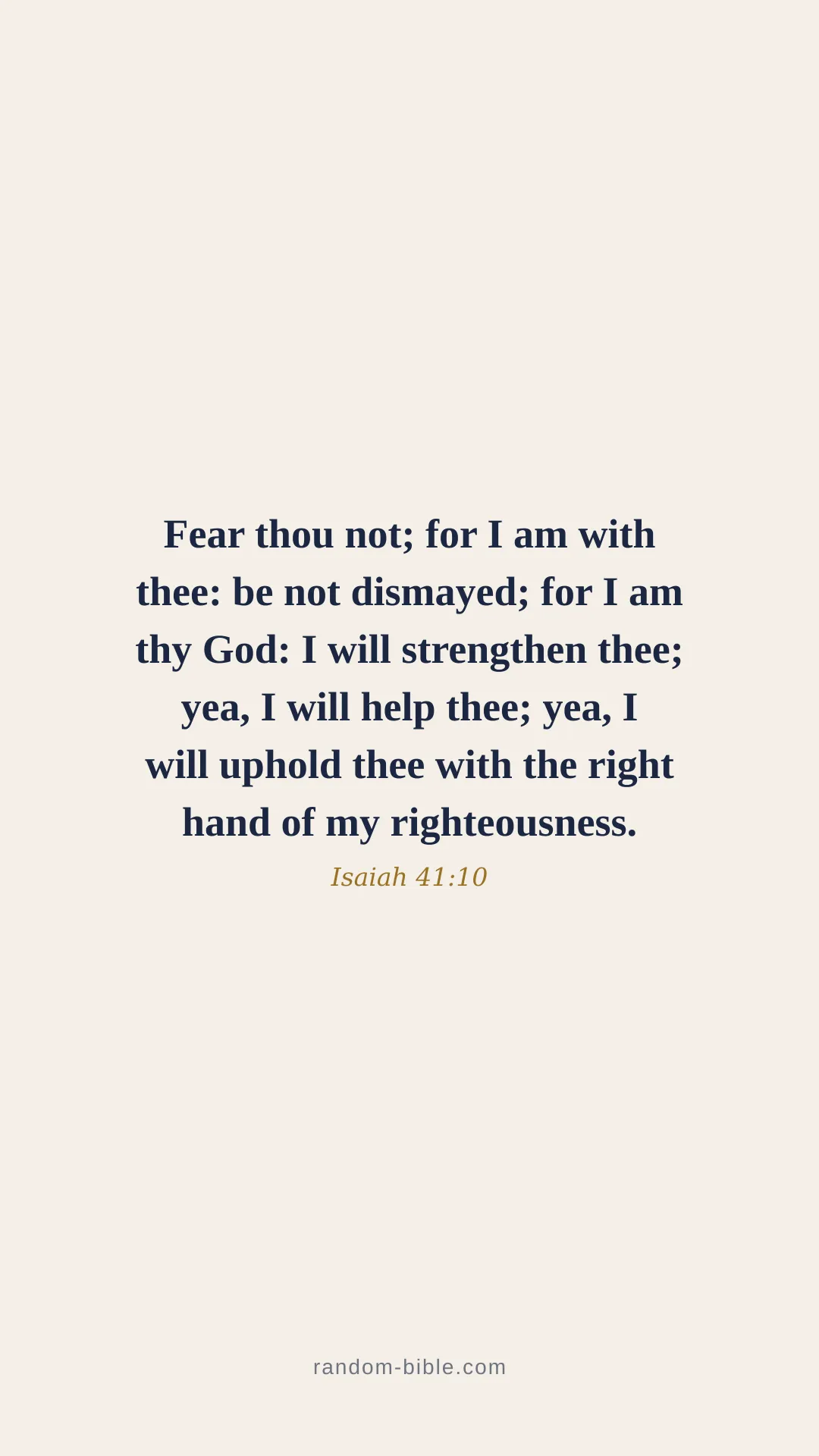
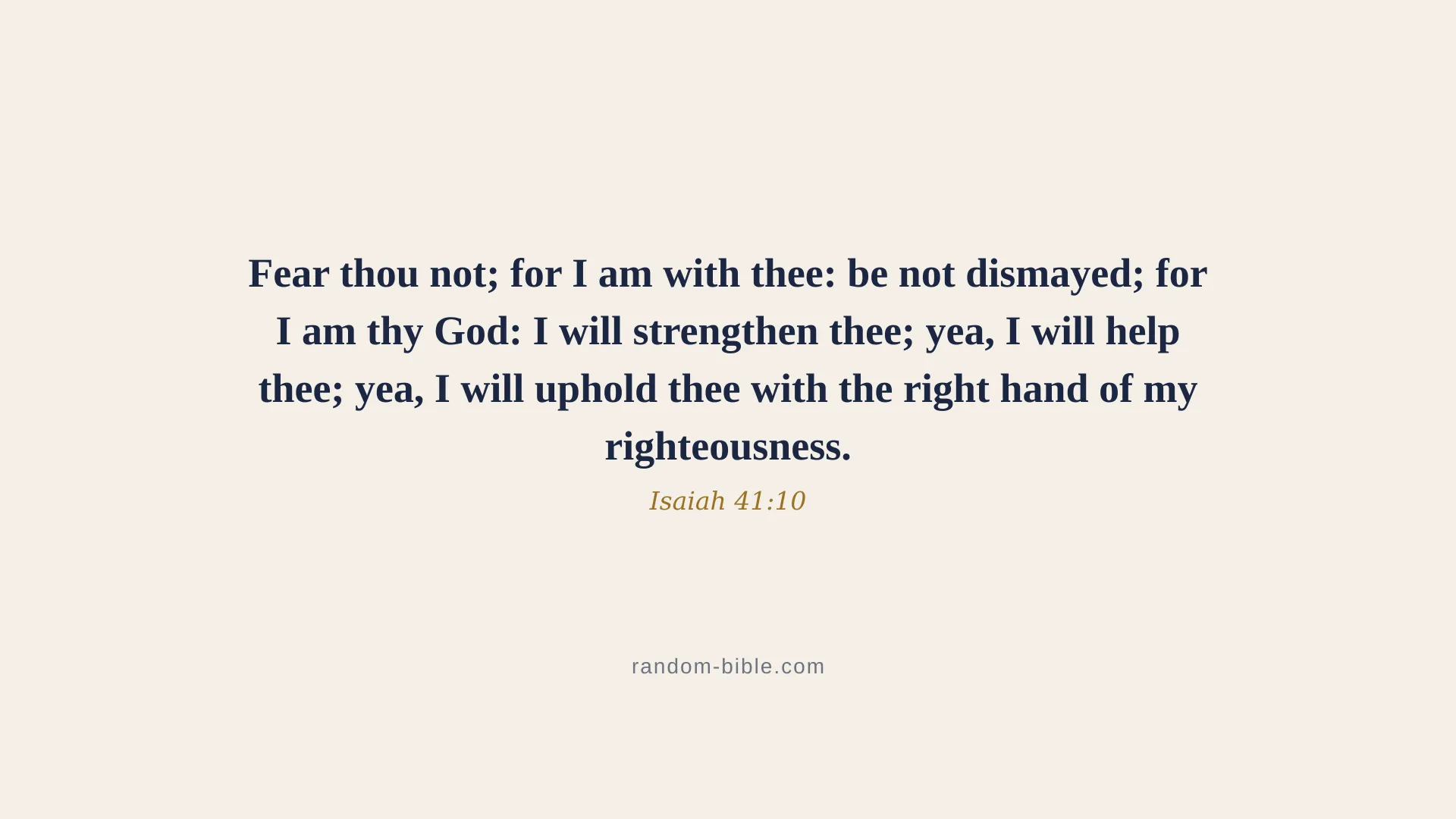
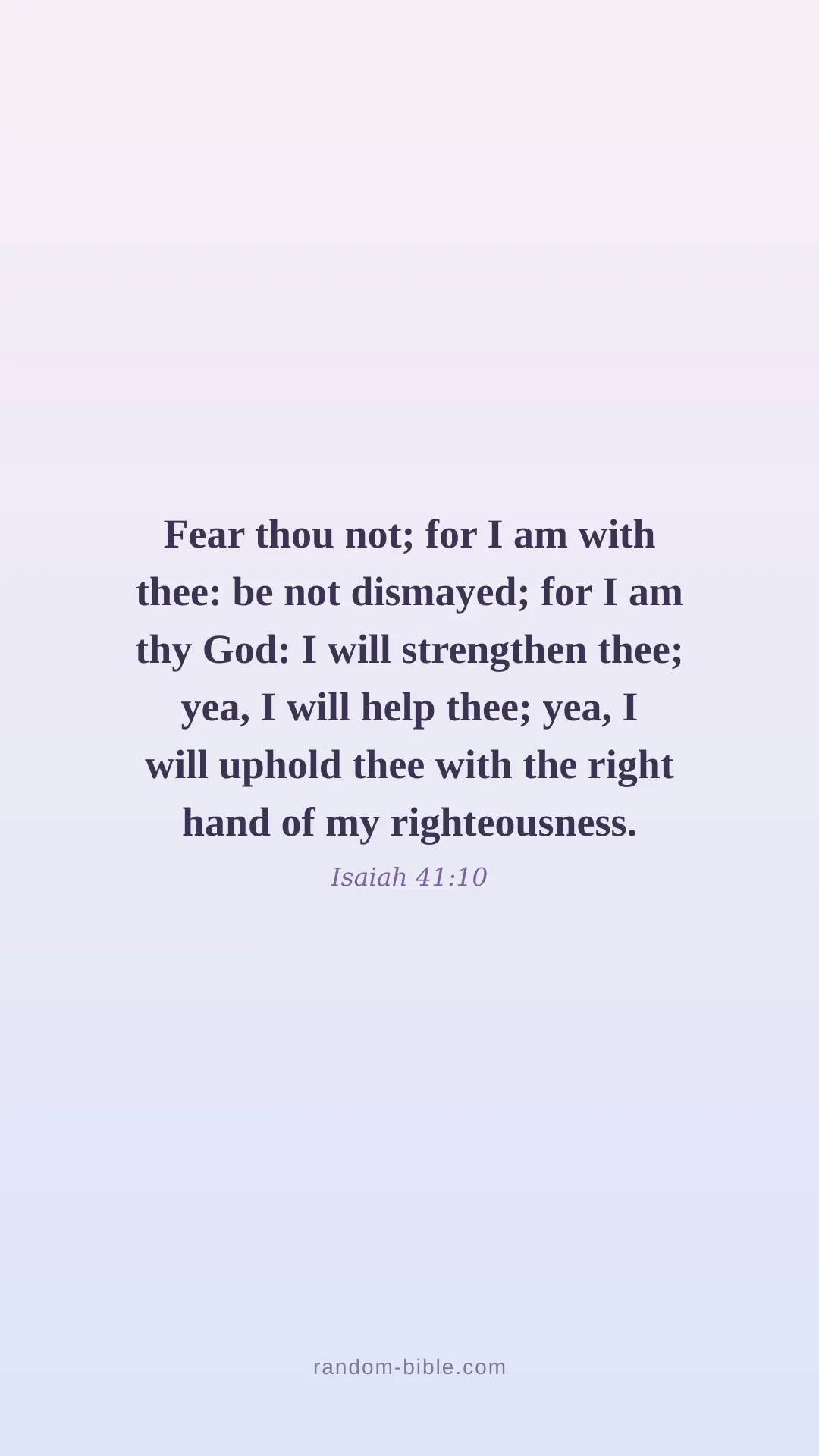
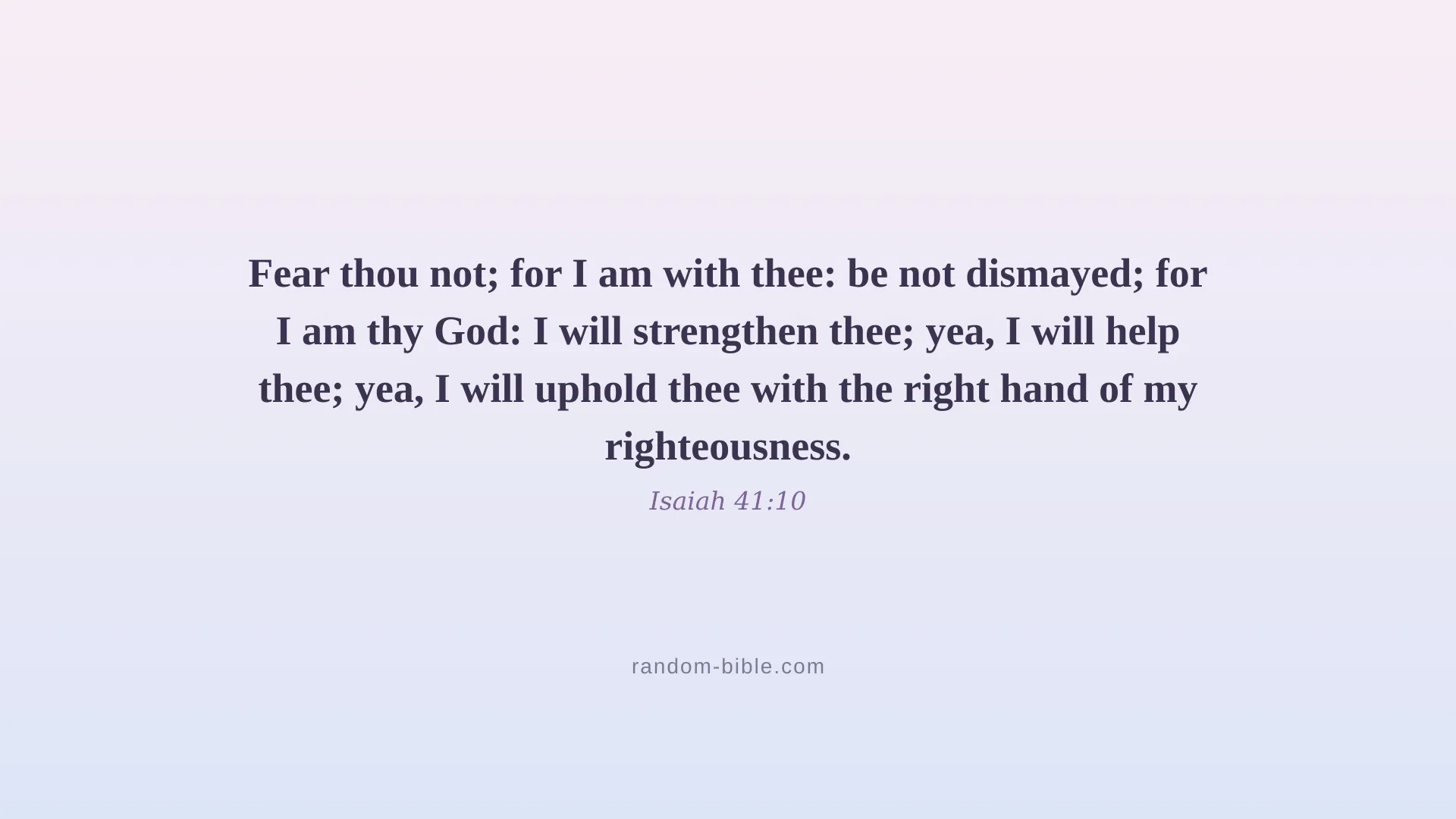
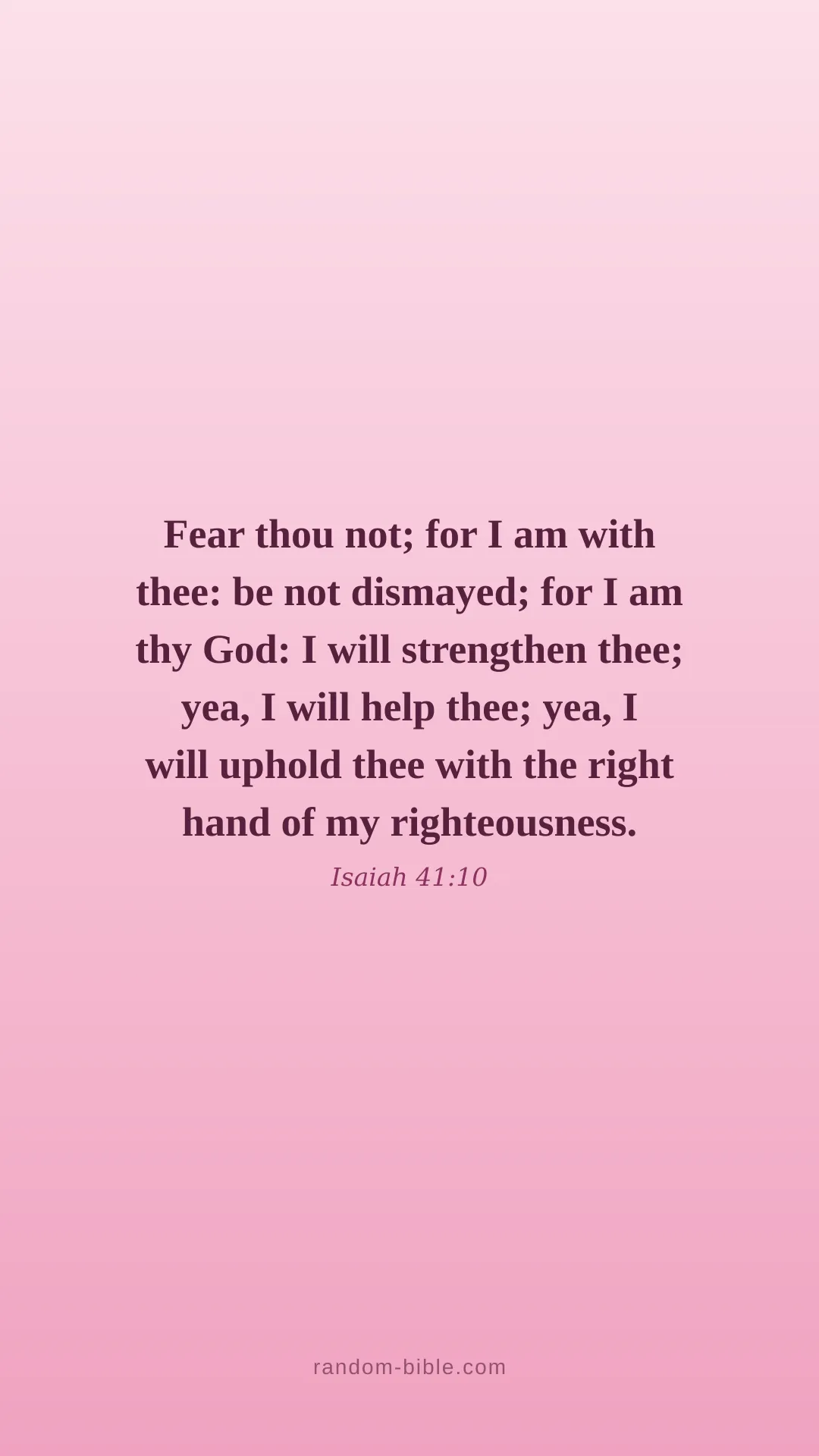
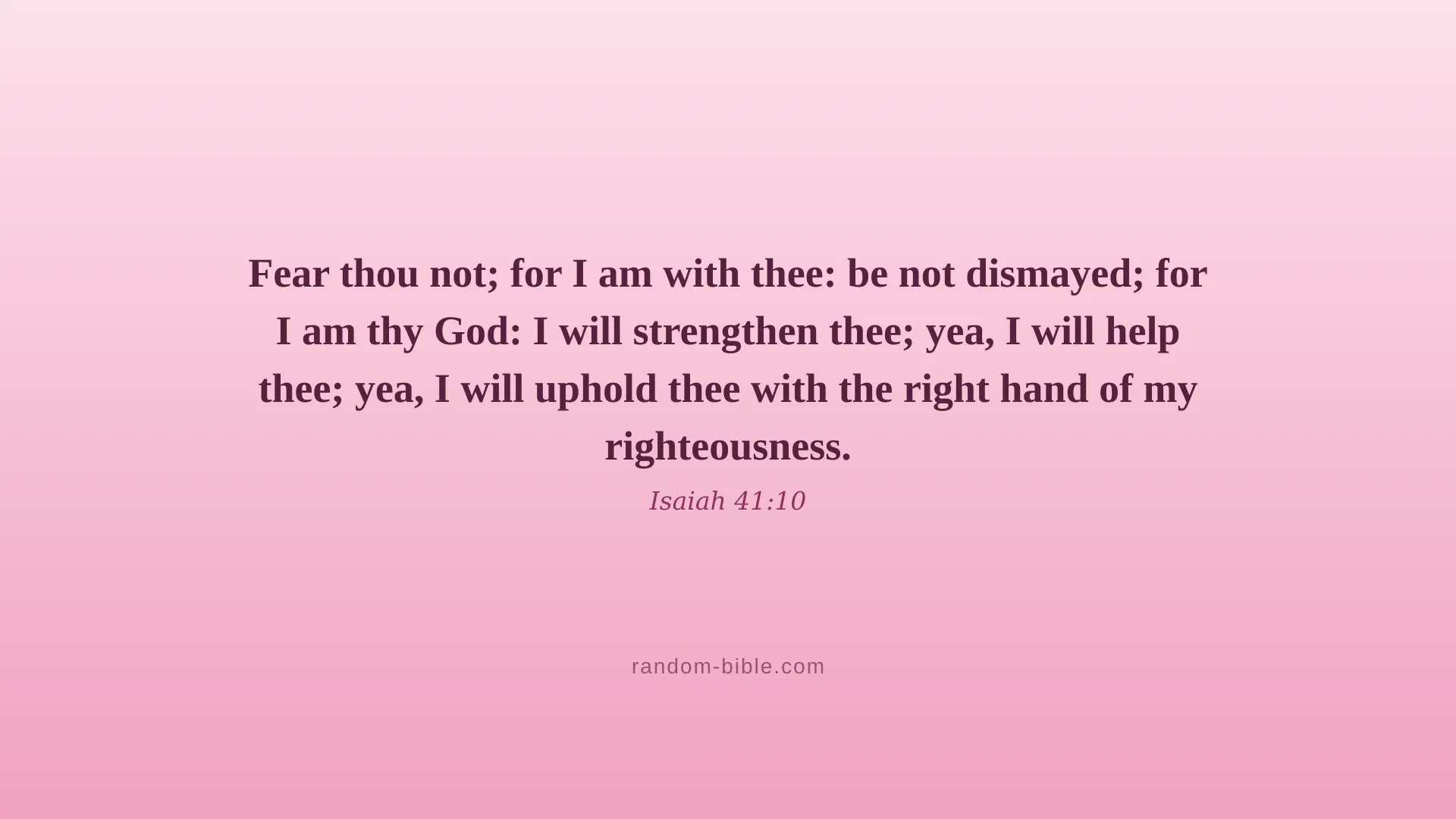
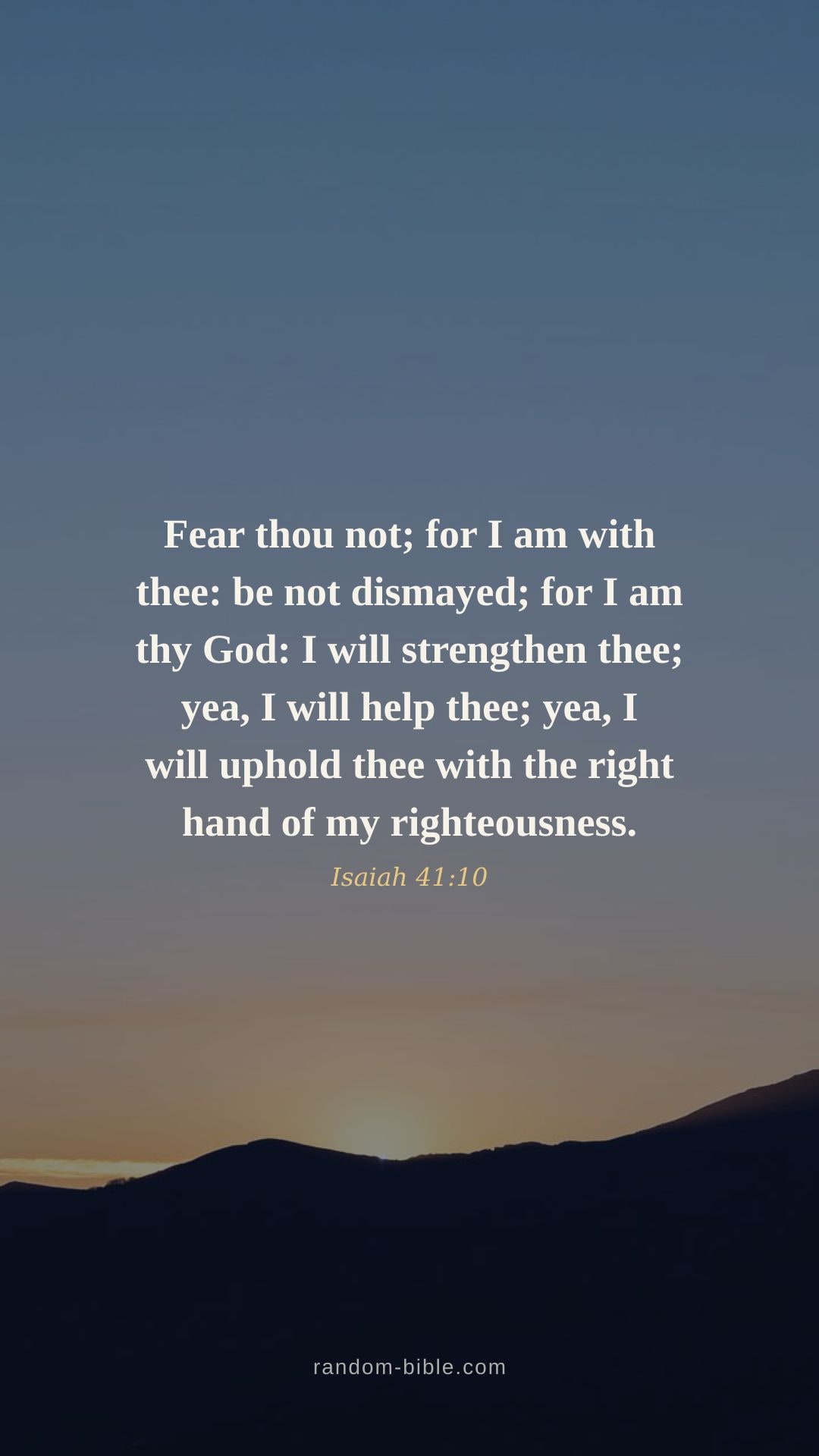
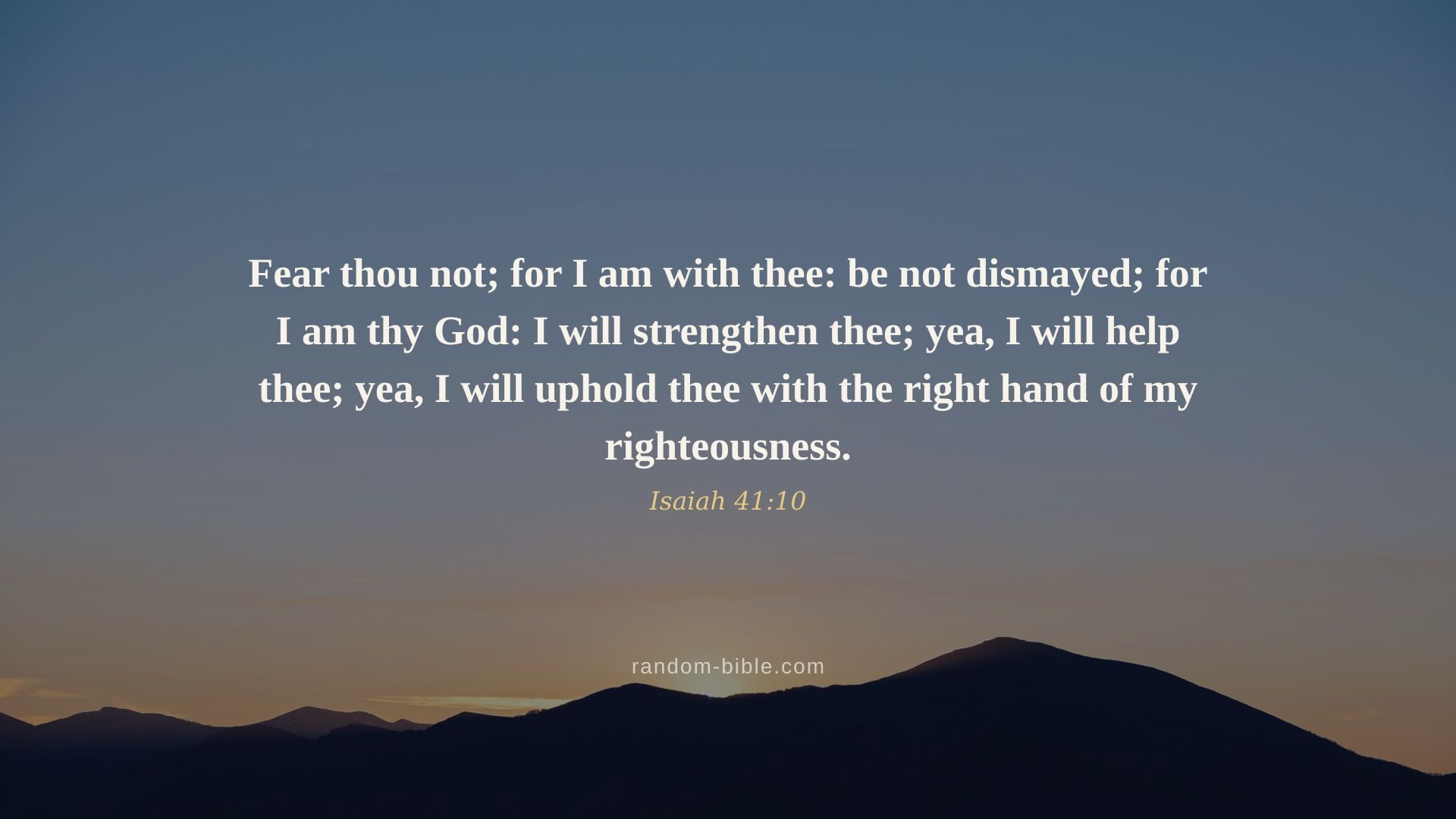
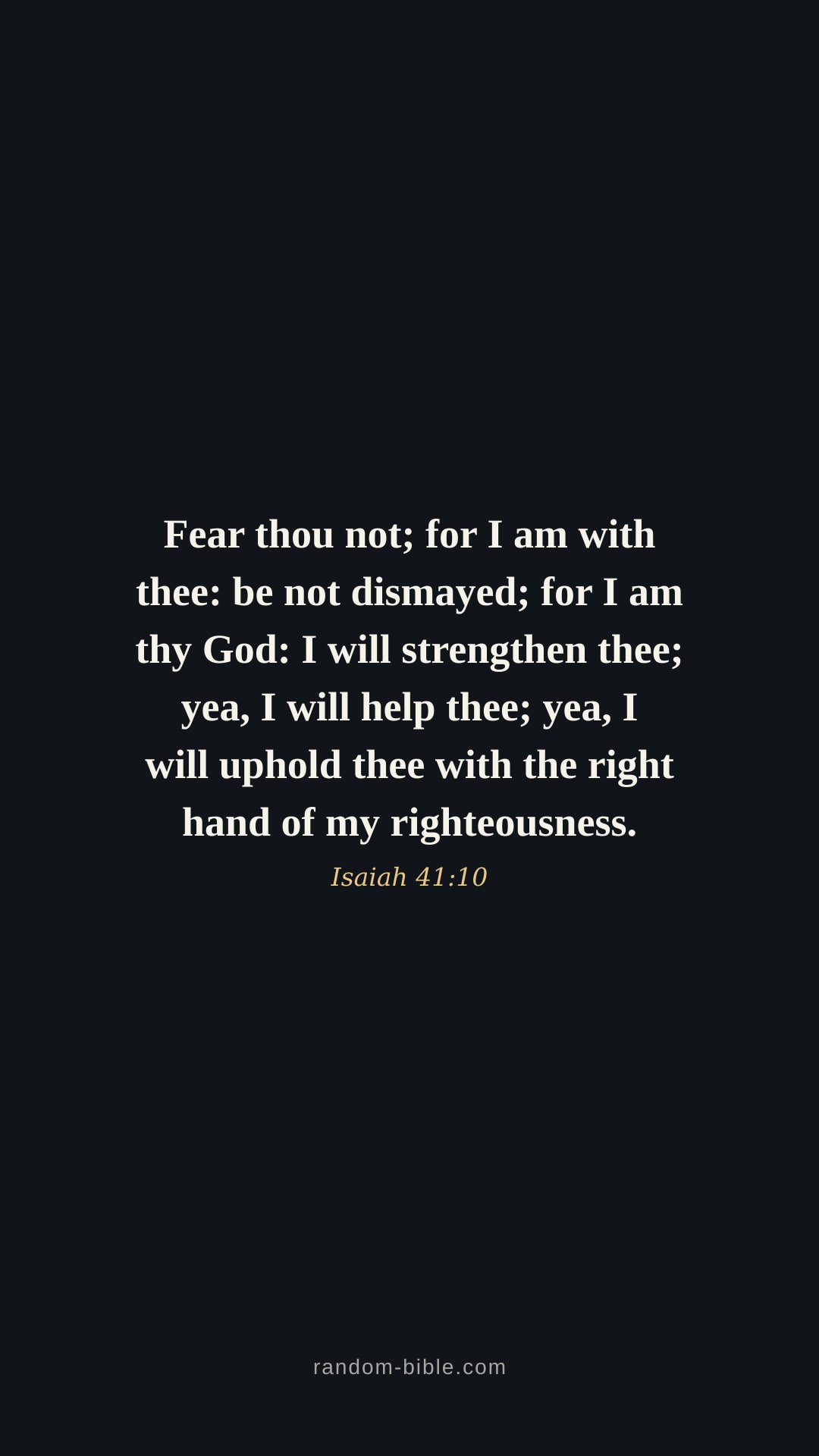
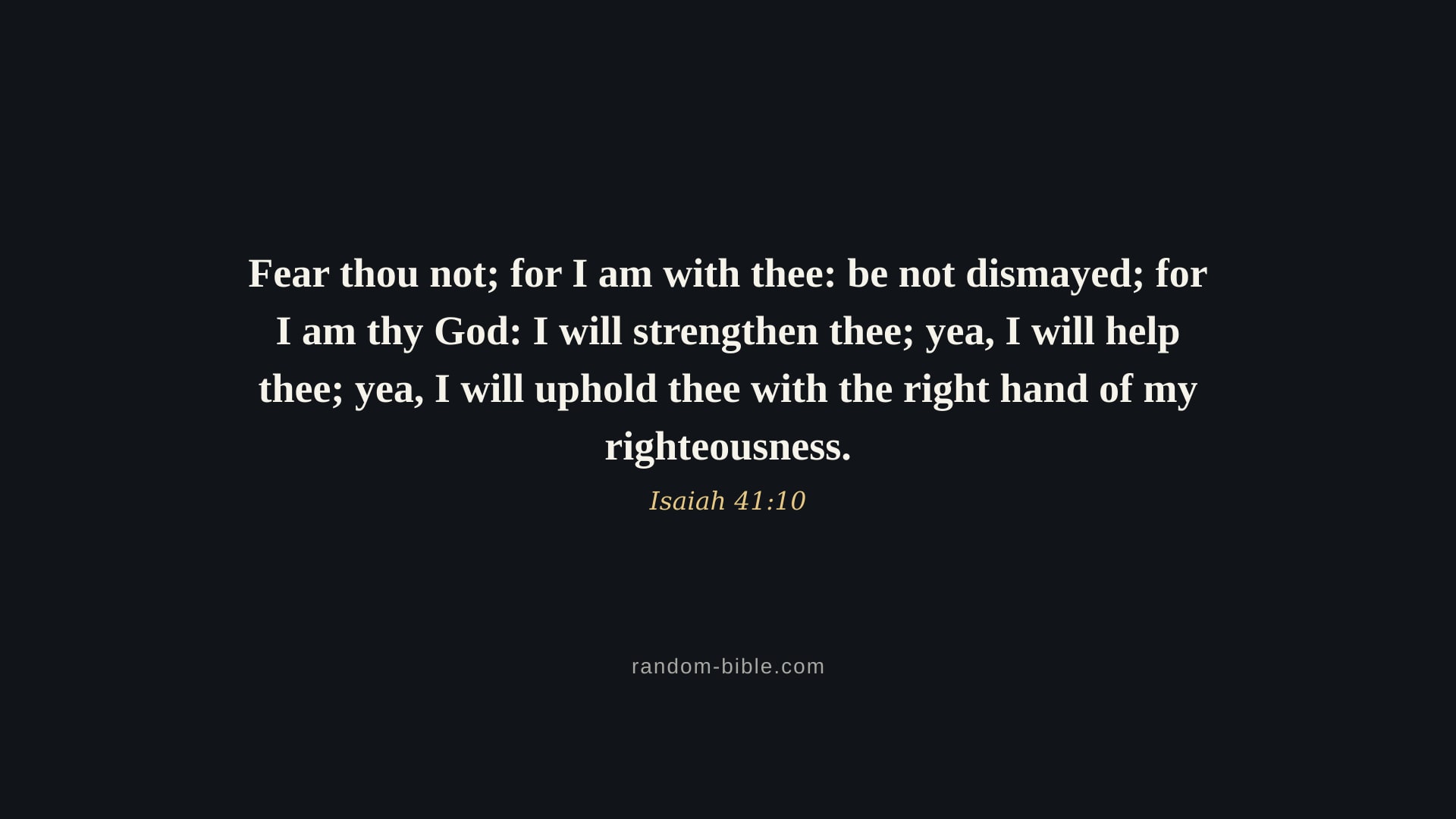
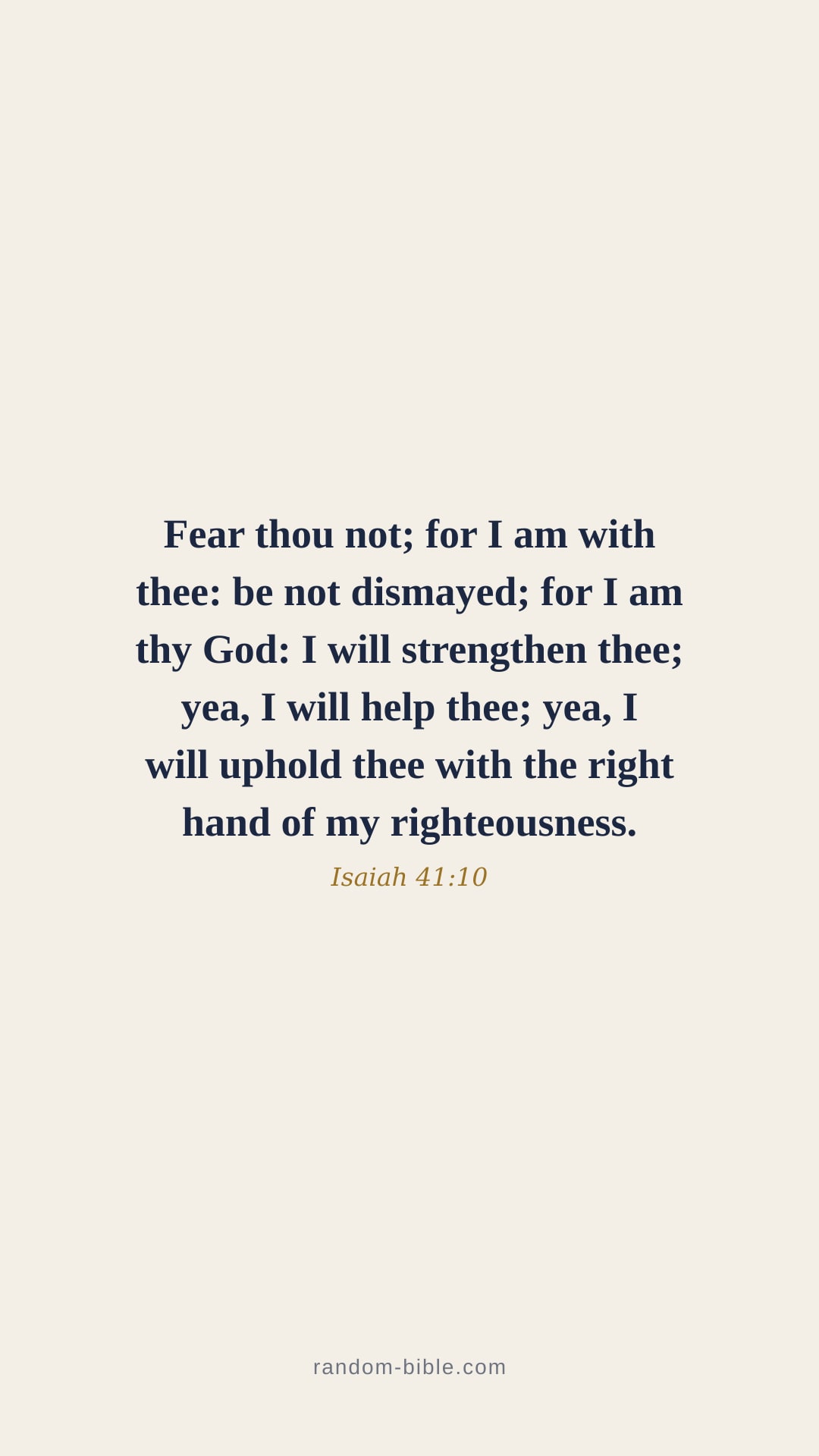
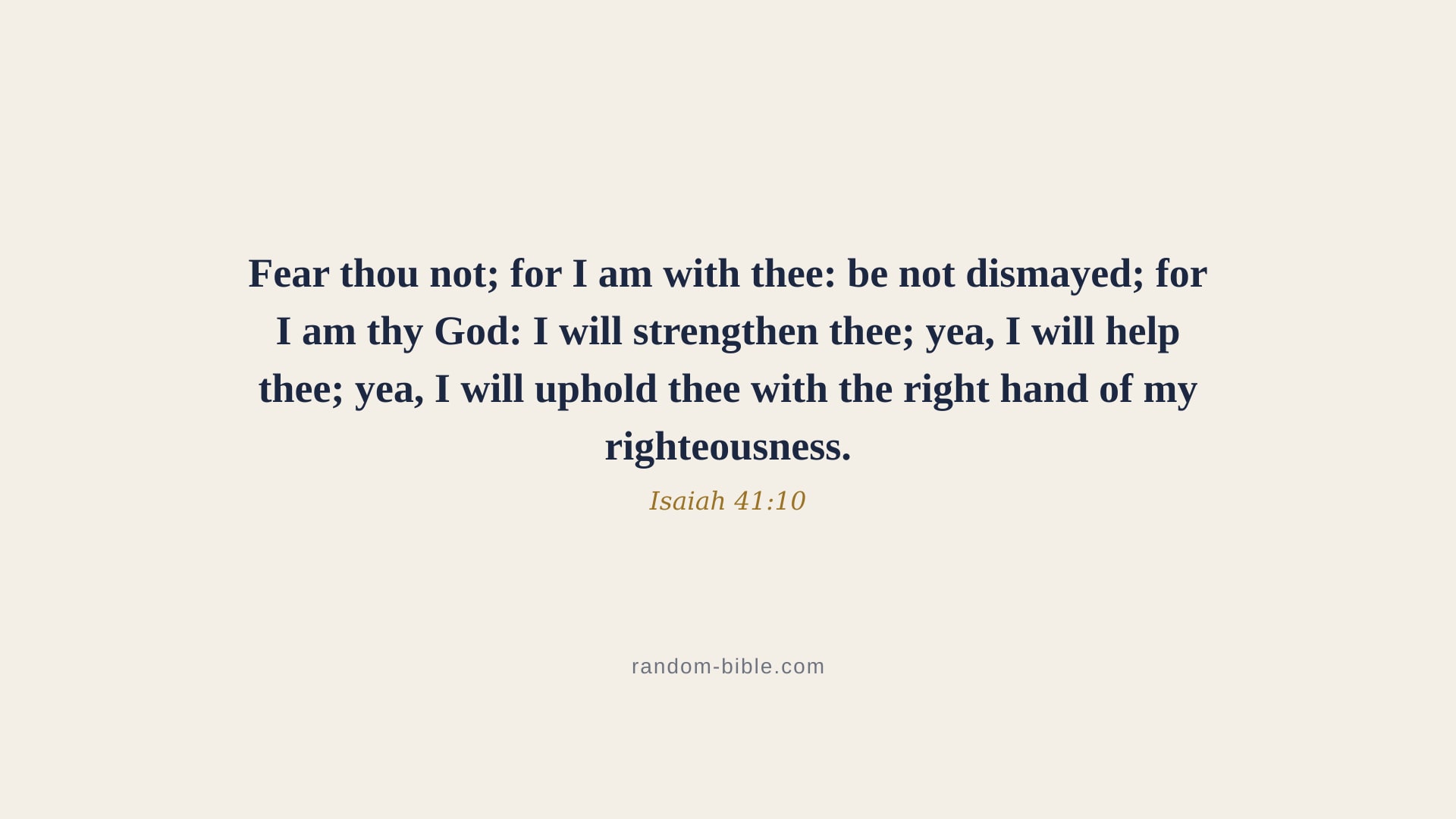
“Fear thou not; for I am with thee: be not dismayed; for I am thy God: I will strengthen thee; yea, I will help thee; yea, I will uphold thee with the right hand of my righteousness.”
Isaiah 41:10 · KJV
Browse wallpapers by style
What Isaiah 41:10 means
Isaiah 41:10 speaks to a fearful Israel, anxious about the future. The verse stacks promise on promise — presence ("I am with thee"), help ("I will strengthen thee... I will help thee"), and support ("I will uphold thee with the right hand of my righteousness"). It answers fear not by denying it, but by pointing to the One who steadies us.
Frequently asked questions
What does Isaiah 41:10 mean?
Isaiah 41:10 speaks to a fearful Israel, anxious about the future. The verse stacks promise on promise — presence ("I am with thee"), help ("I will strengthen thee... I will help thee"), and support ("I will uphold thee with the right hand of my righteousness"). It answers fear not by denying it, but by pointing to the One who steadies us.
Which translation is this Isaiah 41:10 wallpaper?
Isaiah 41:10 is from the King James Version, first published in 1611 (this is the 1769 Blayney text, which is what almost every modern KJV edition reproduces). The verse text is public domain, so you can put it on a wallpaper, print it, or share it with no permission needed and no attribution required.
How do I set Isaiah 41:10 as my wallpaper?
On iPhone, download the phone size, then open Settings → Wallpaper → Add New Wallpaper → Photos and pick the verse. On Android, save the image and long-press the home screen → Wallpapers. On desktop, download the desktop size, then right-click the file and choose “Set as desktop background” (Windows) or “Set Desktop Picture” (Mac).
What sizes and styles are available?
Each verse comes in phone (1080×1920) and desktop (1920×1080) sizes, in these styles: Photo, Blue, Dark, Minimal, Aesthetic, Pink. Pick a style and a size at the top of this page and the download button gives you that exact file.
Are these wallpapers free to use?
Yes. Every Bible verse wallpaper on random-bible.com is free to download and use, and there is no account to make. The verse text is from the public-domain King James Version (KJV).
Keep a verse coming
If Isaiah 41:10 is the kind of verse you want to run into more often, the app puts one on your home screen each morning. Or let one arrive on every new browser tab.