
Free downloads · portrait HD
Bible Verse Wallpaper for iPhone
Aesthetic Bible verse wallpapers for iPhone: portrait KJV scripture over calm photography, sized for your lock screen and home screen, and free to download.
- Put a verse on your photoFree · nothing uploaded
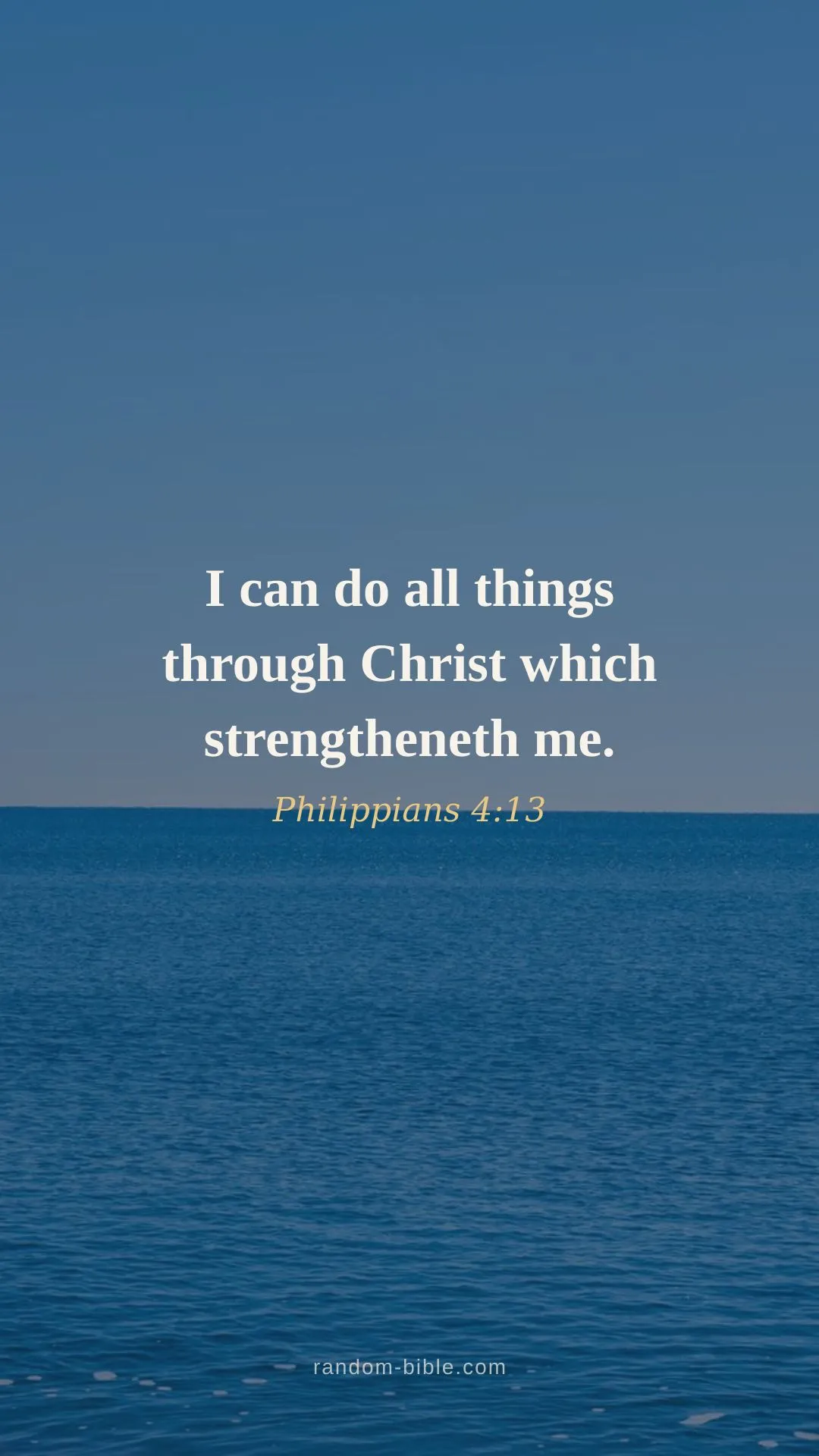
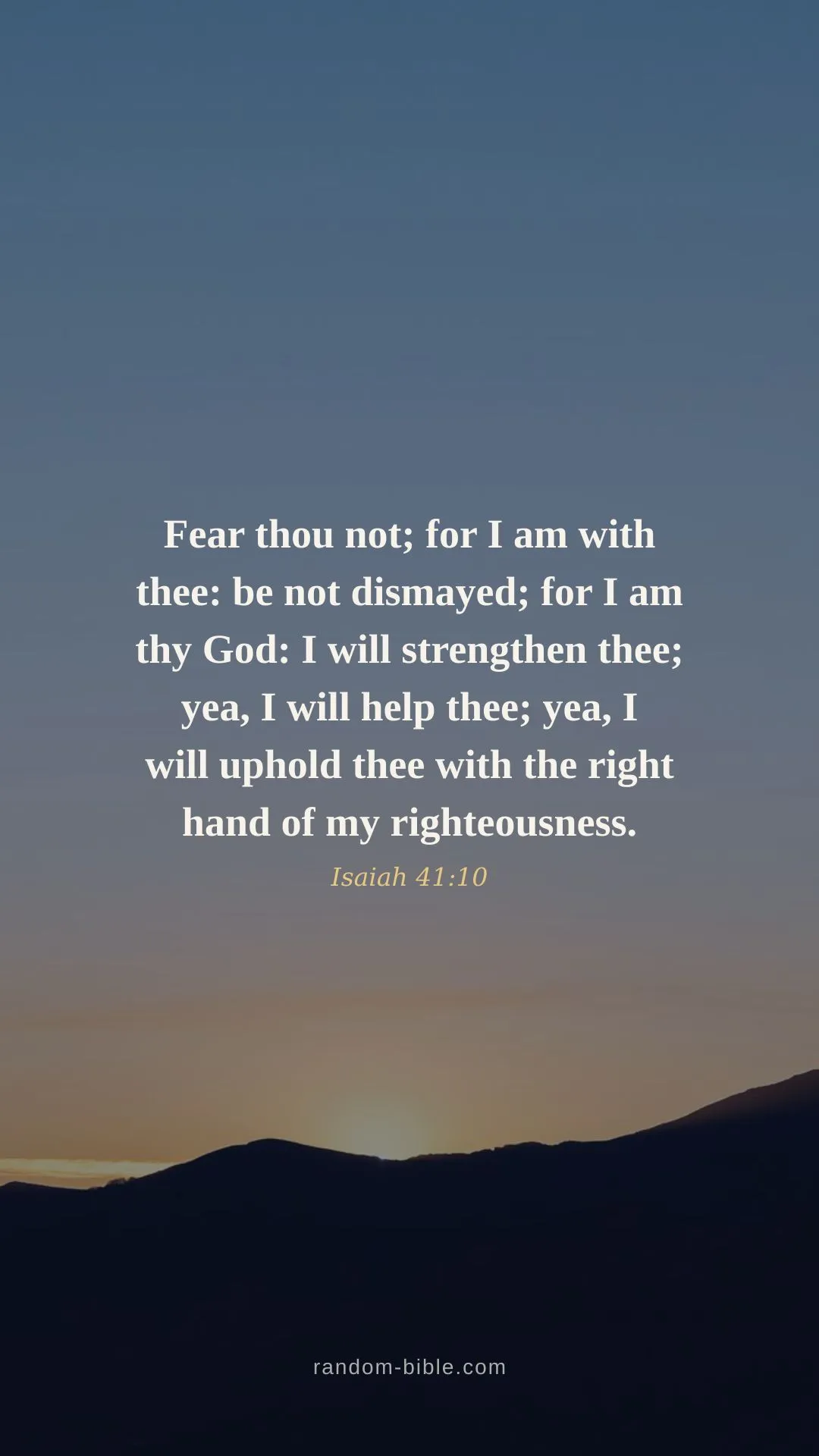
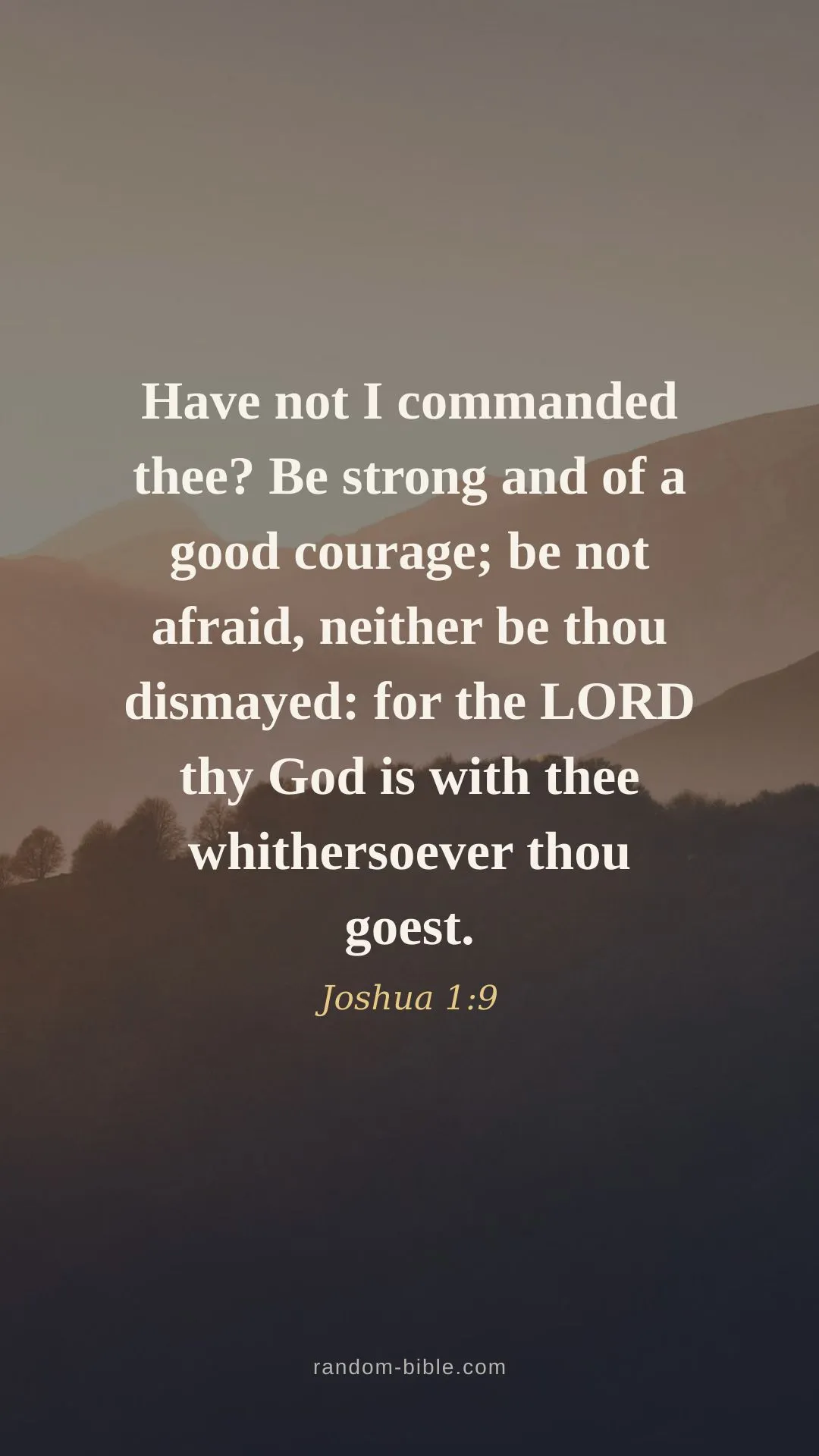
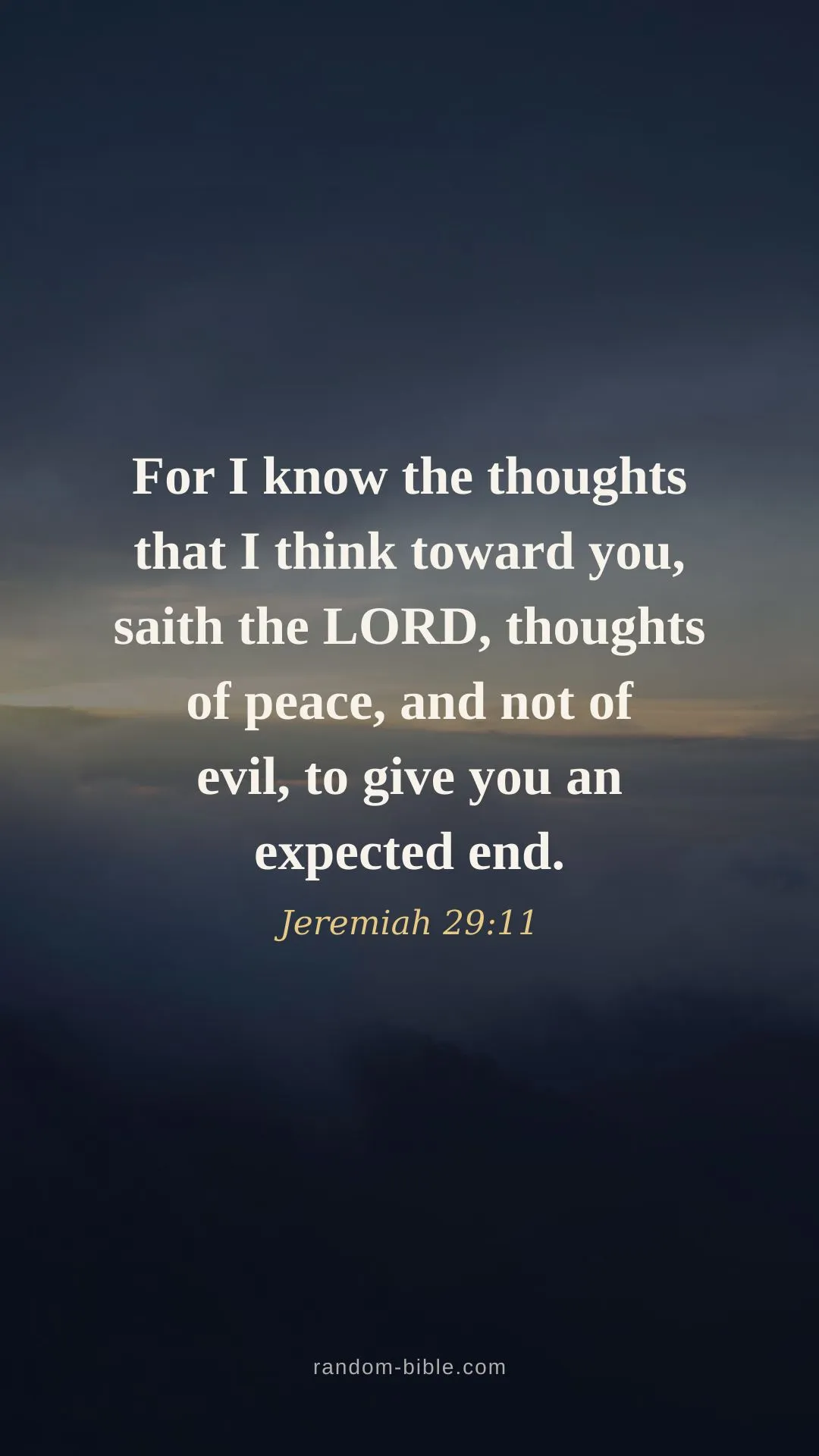
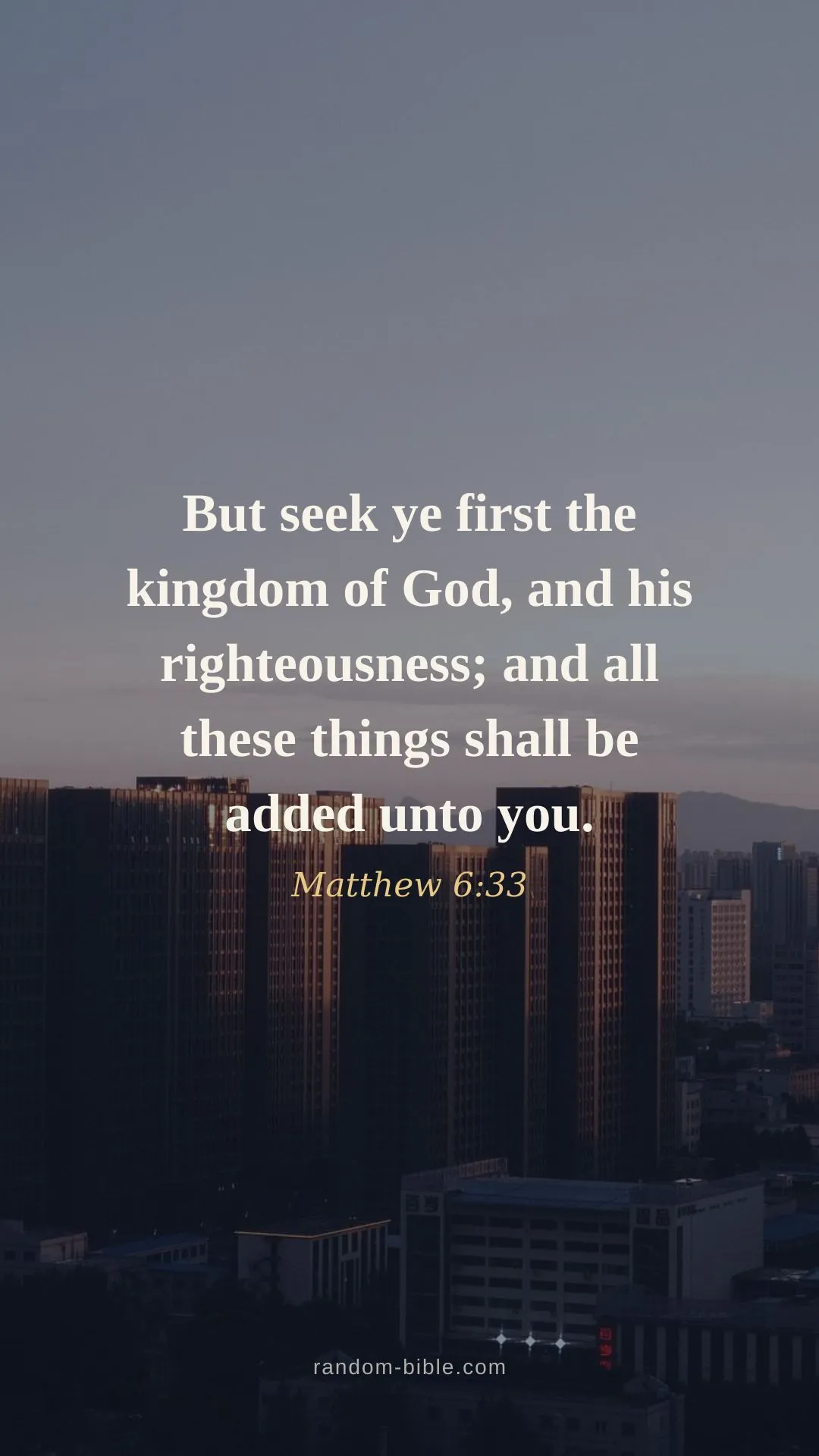
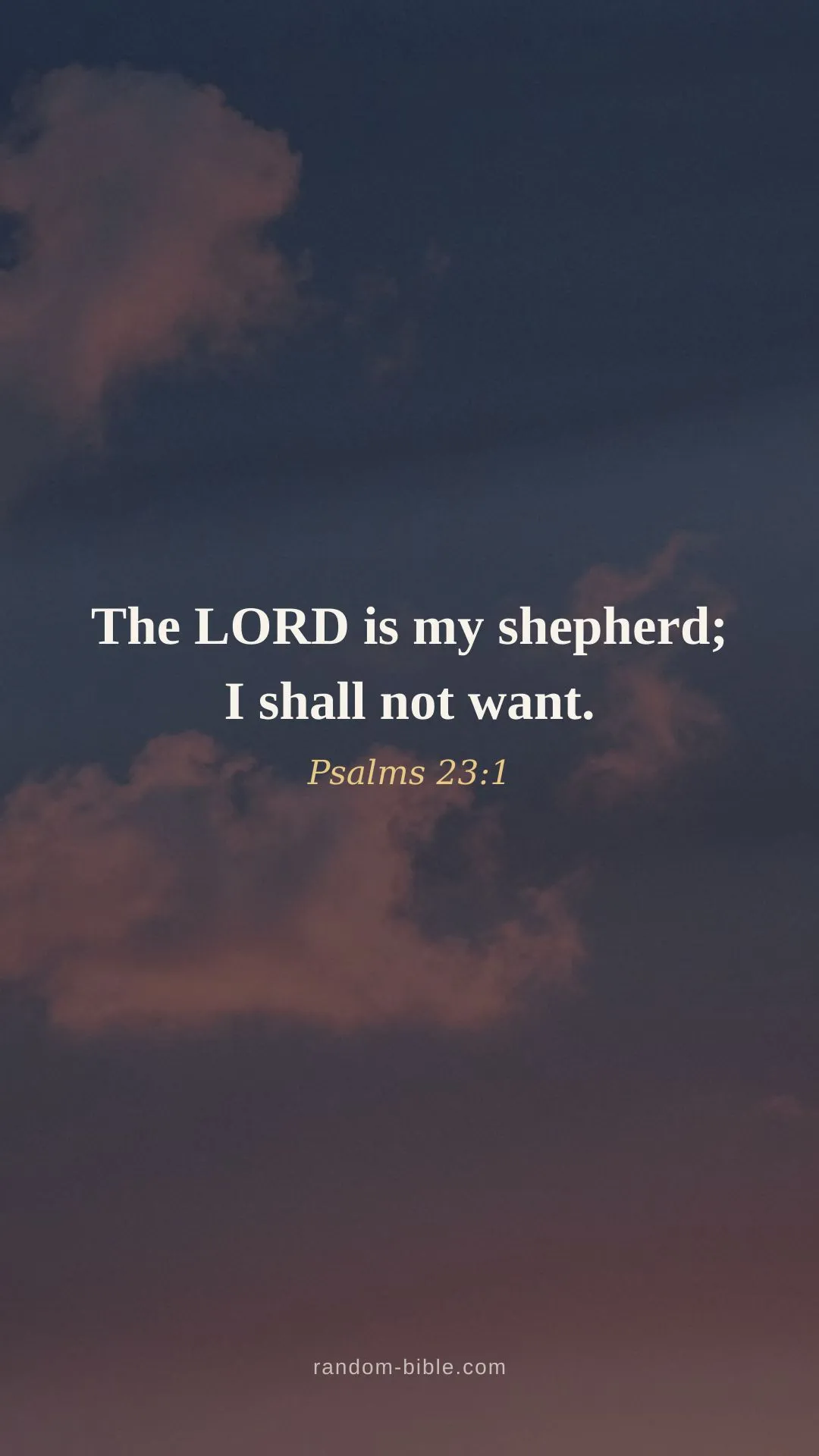
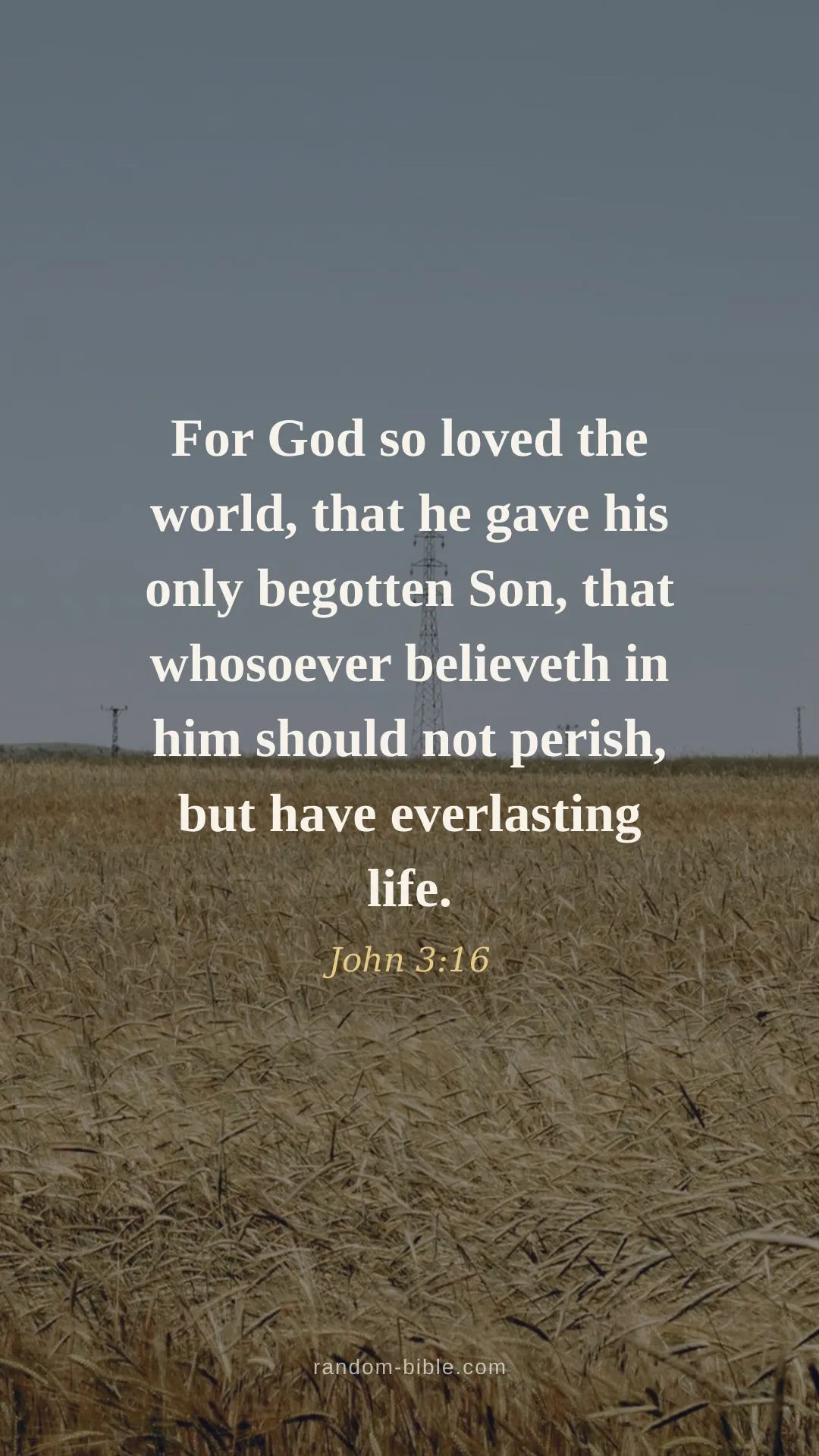
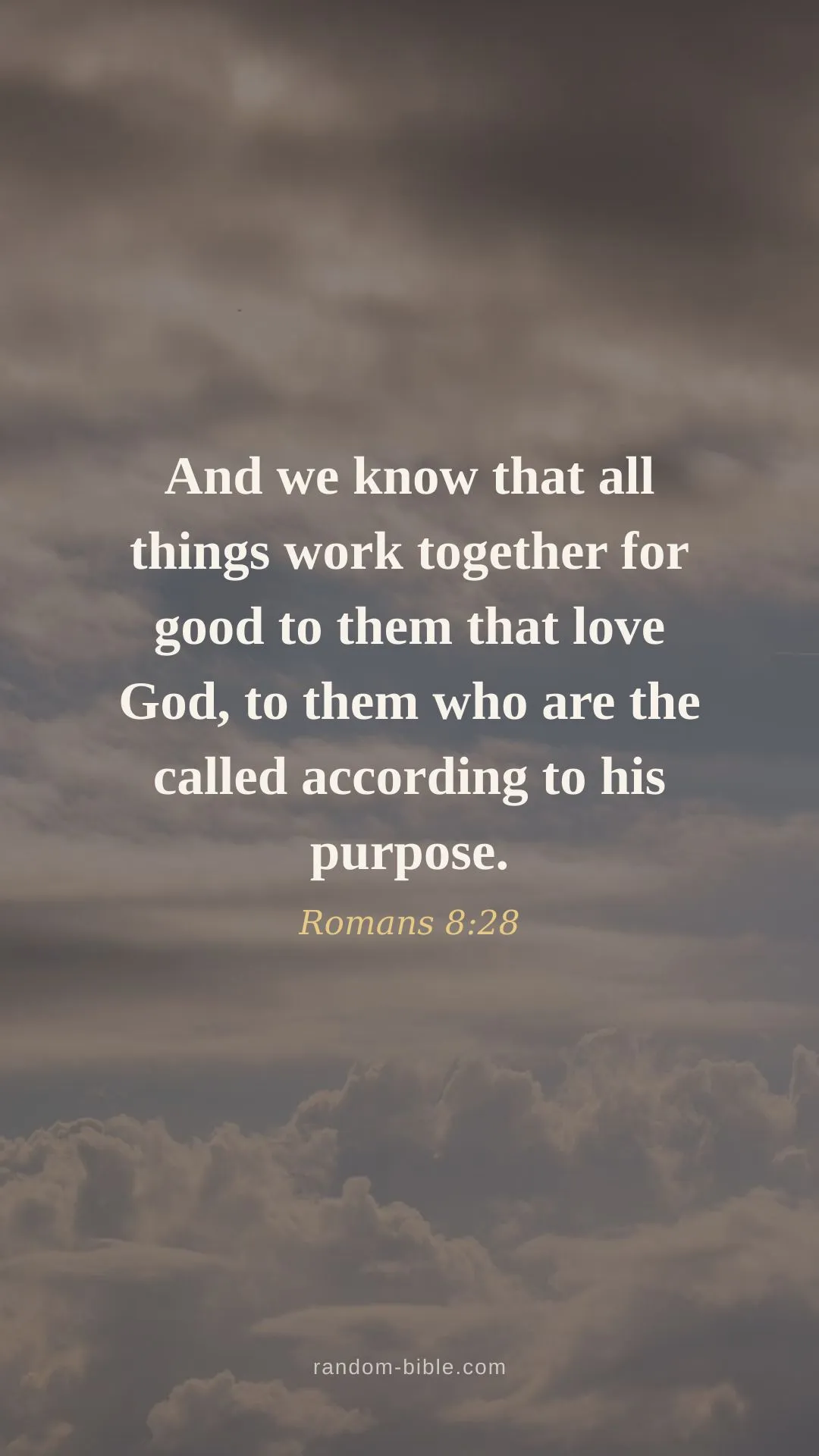
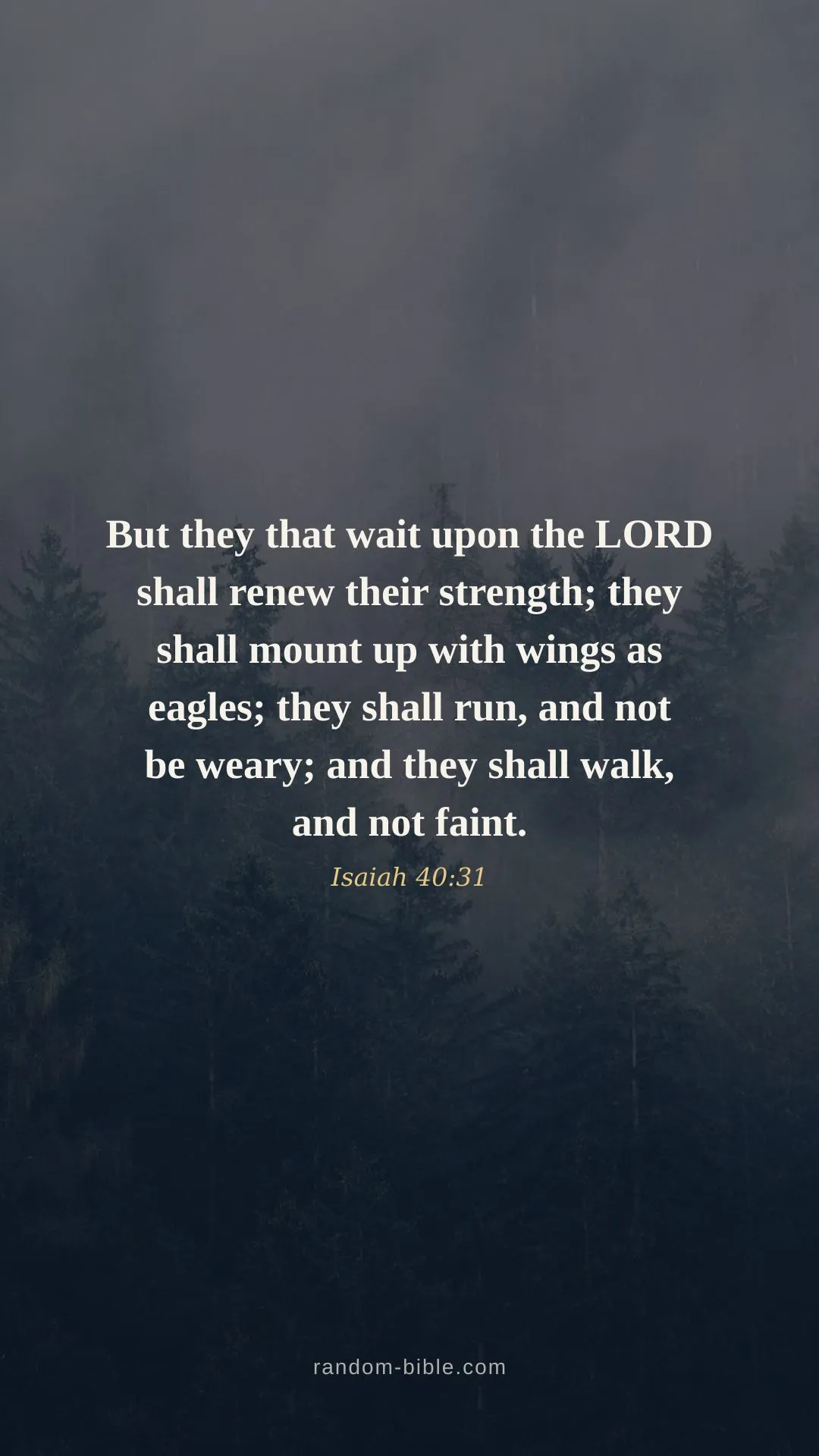
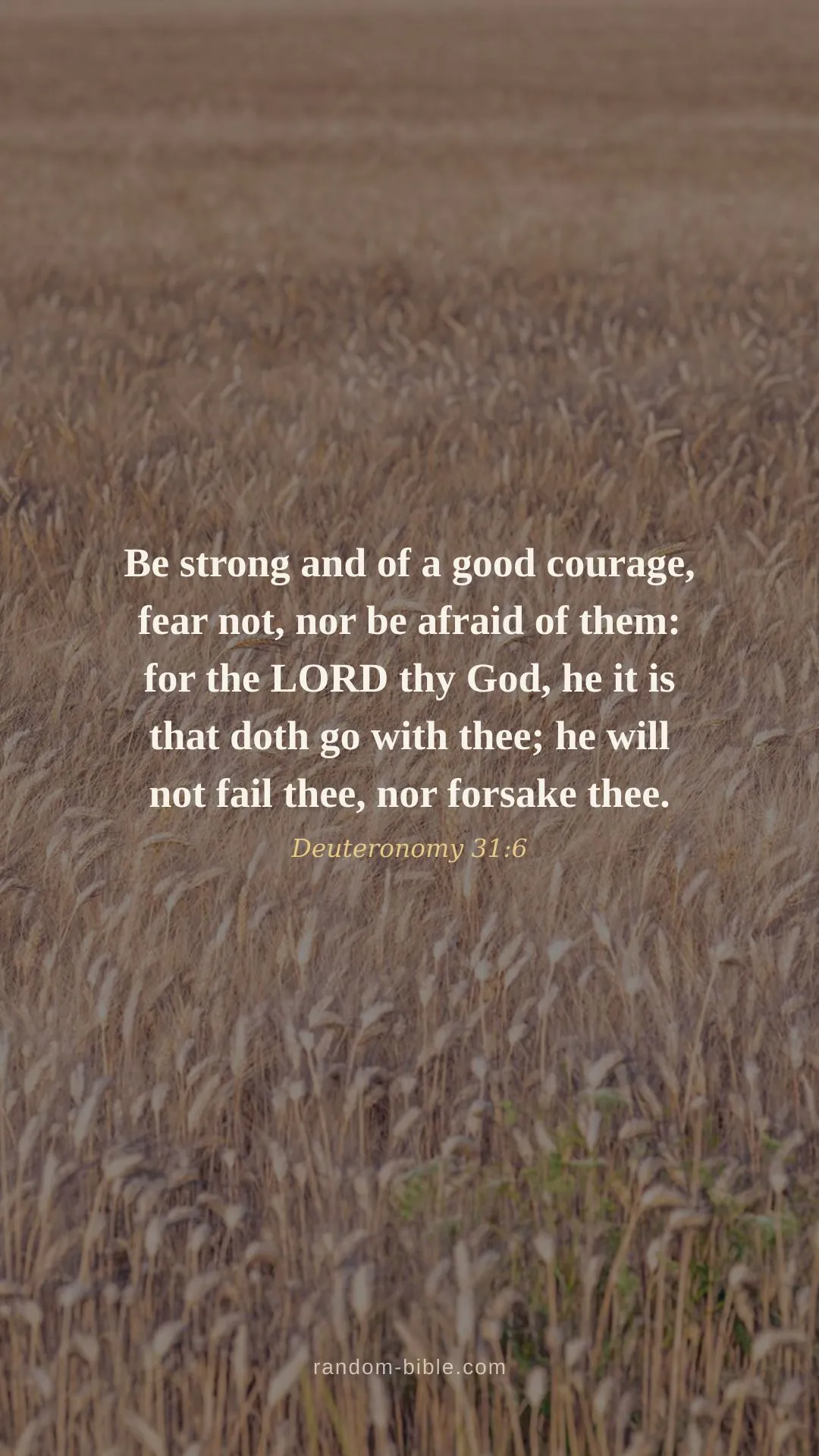
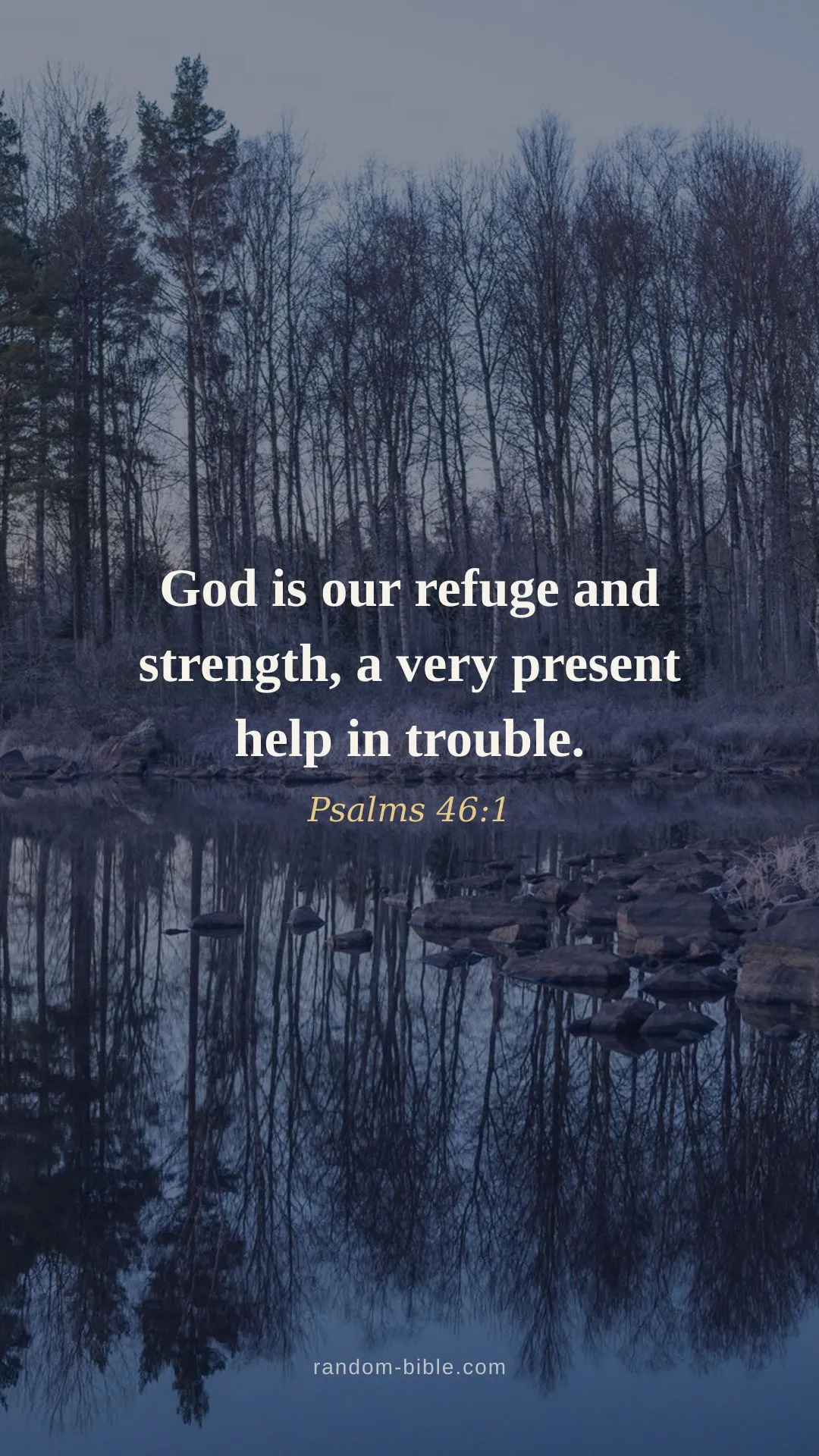
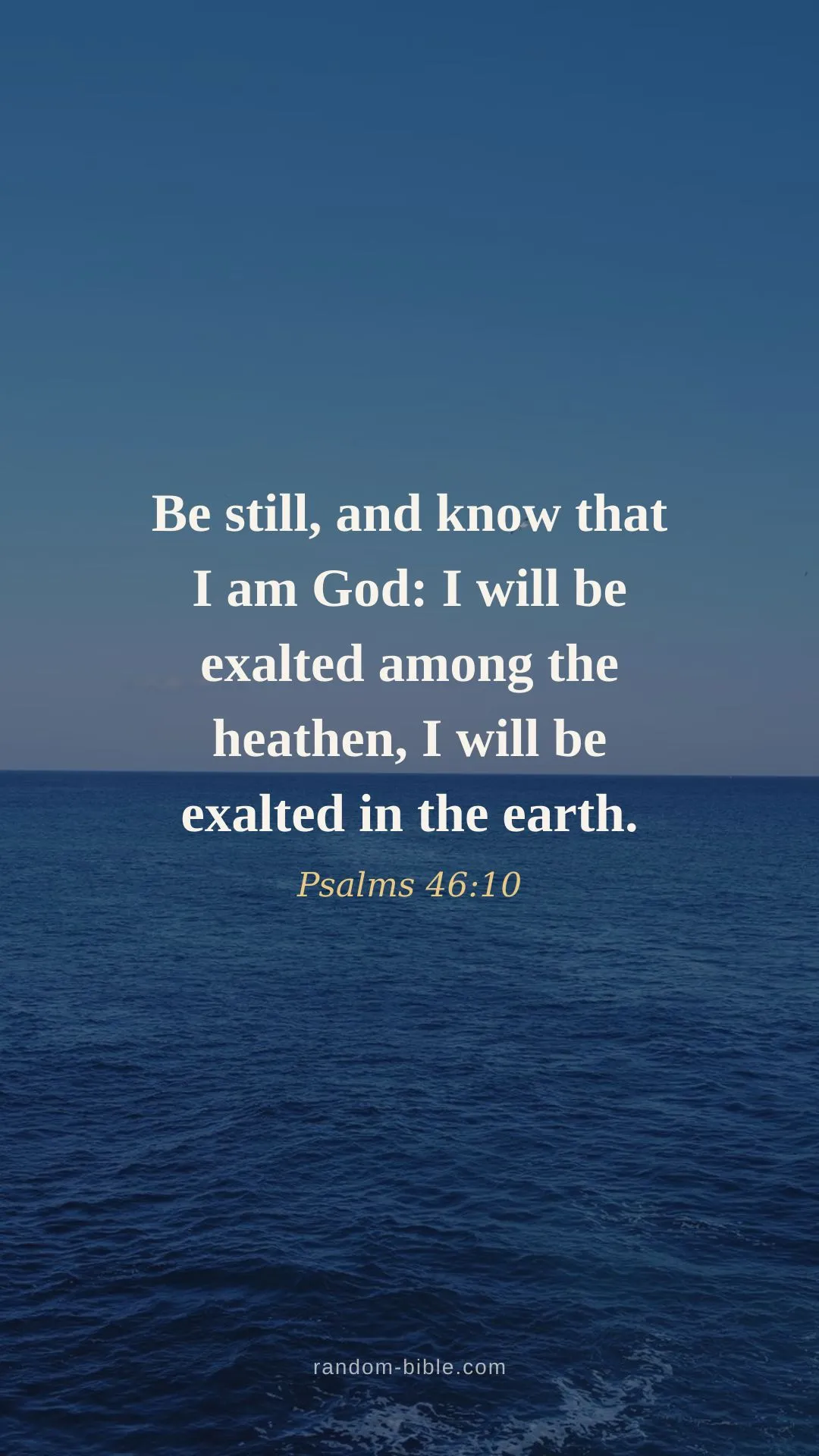
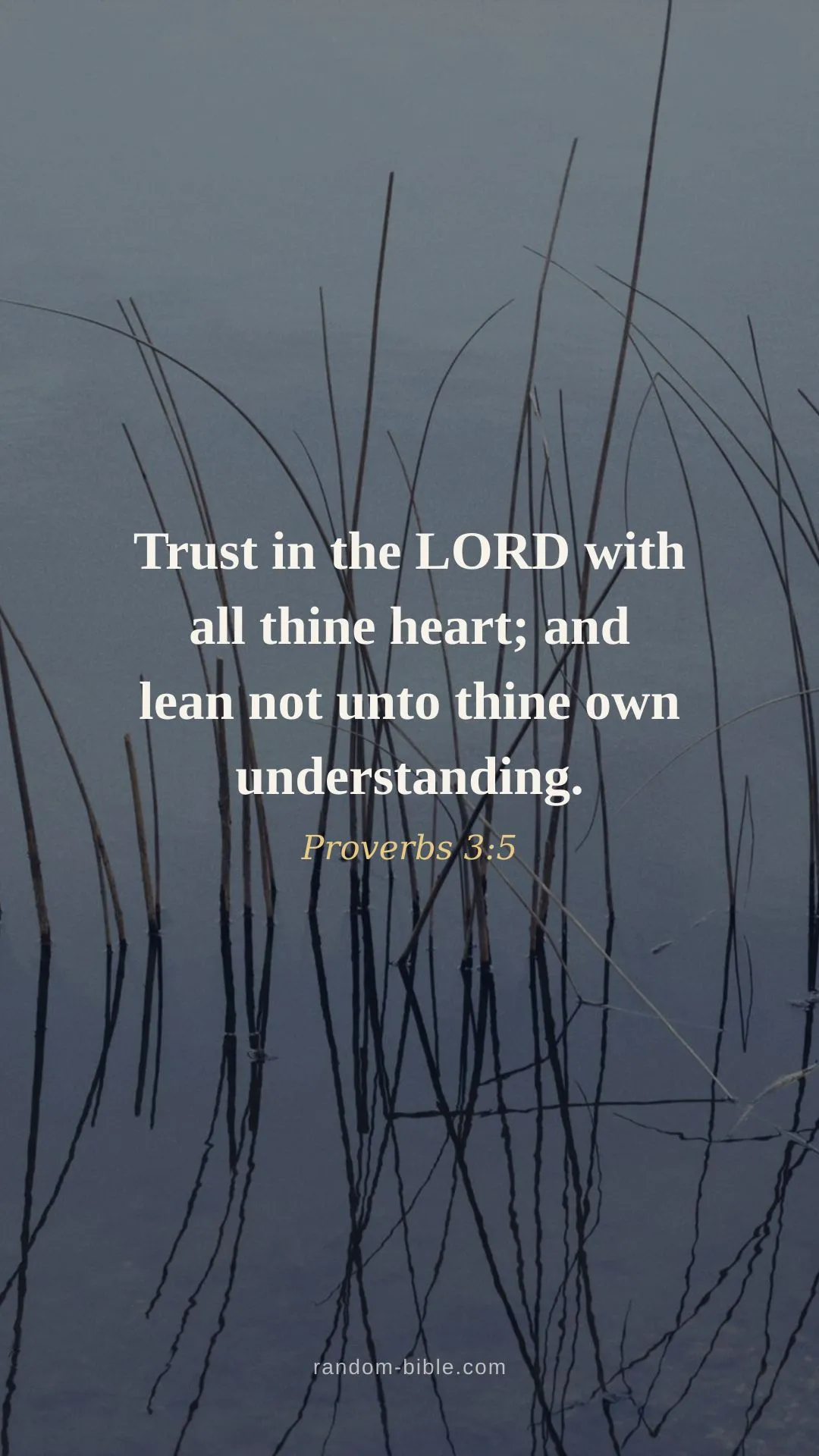
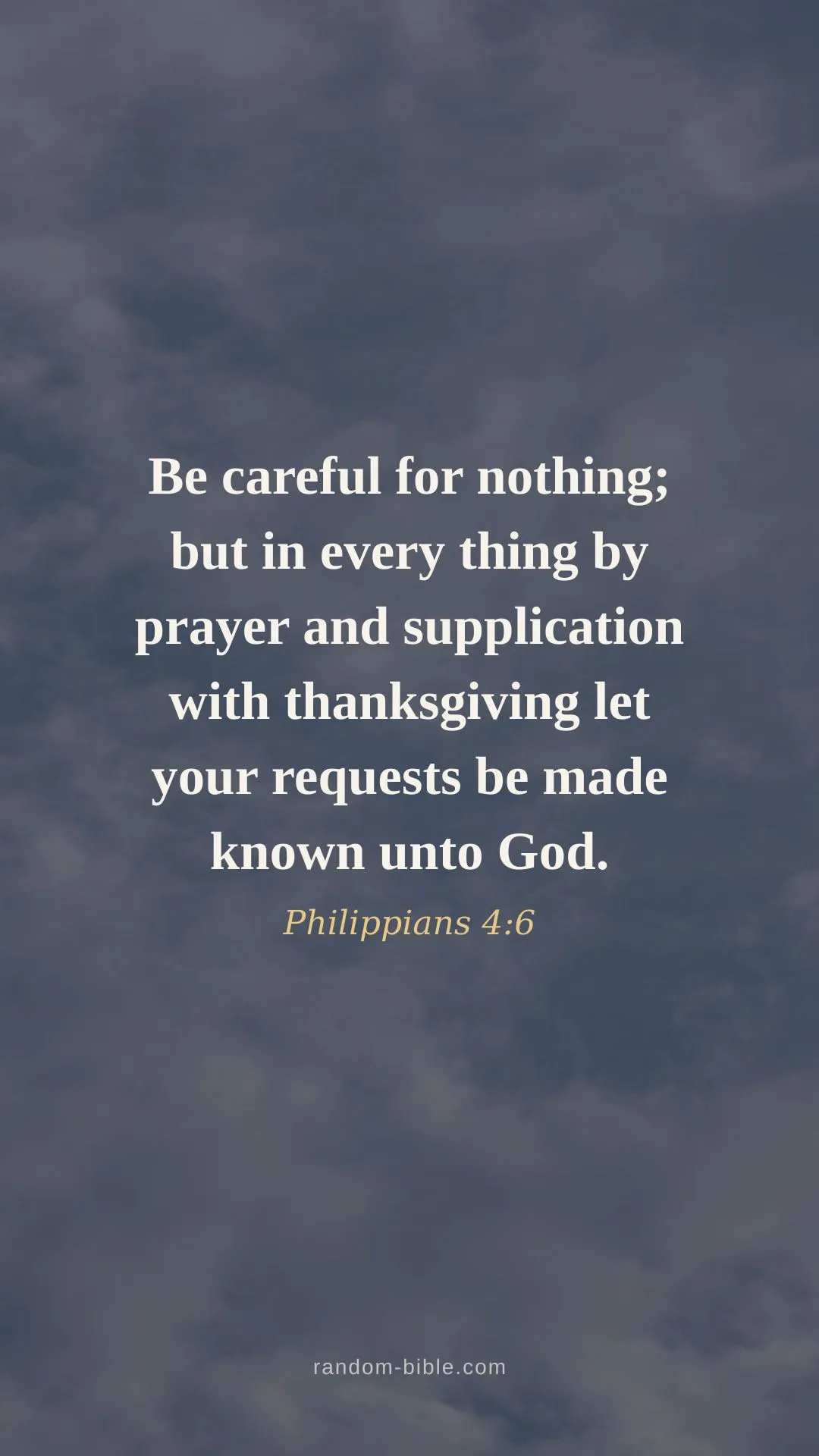
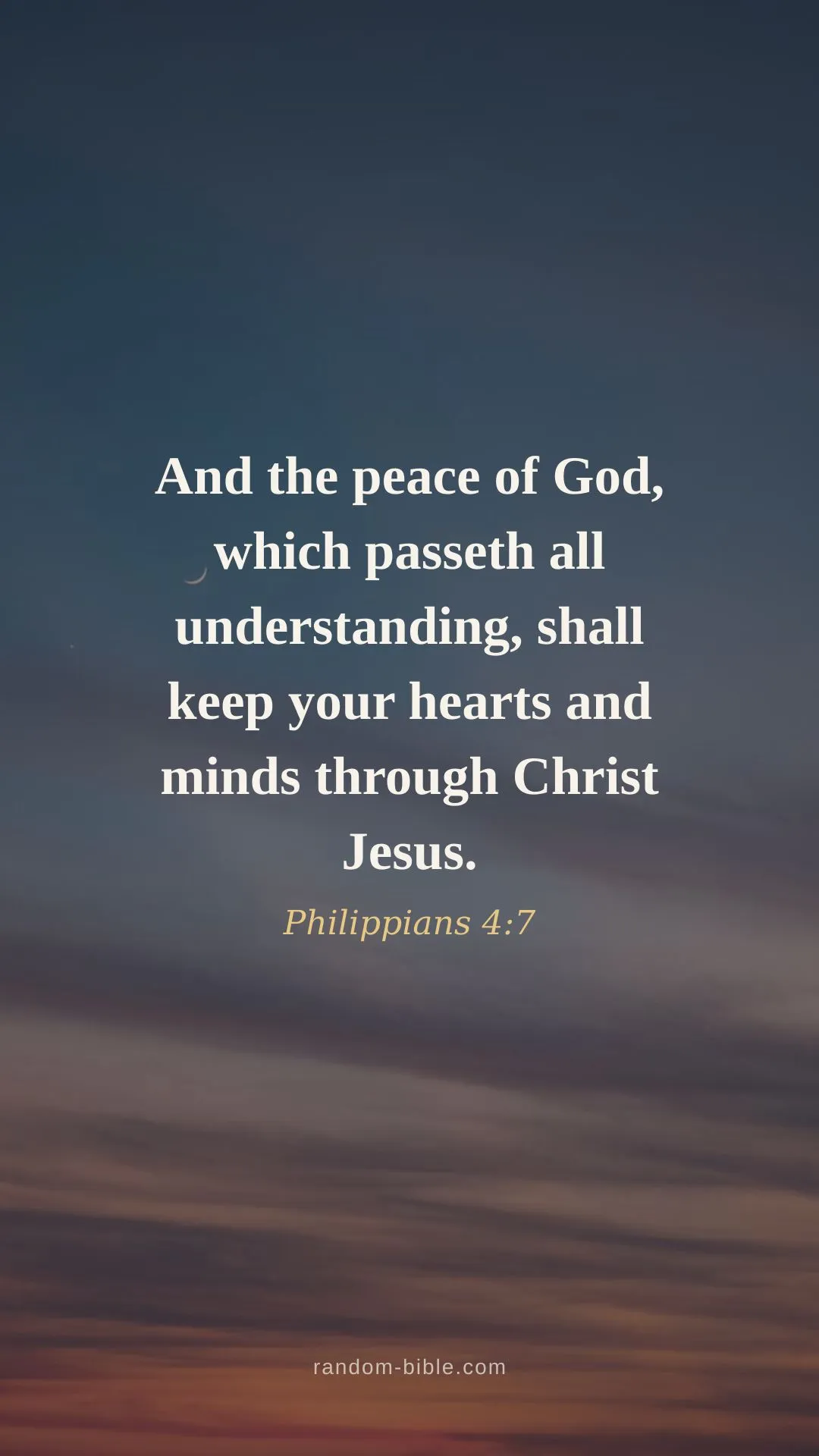
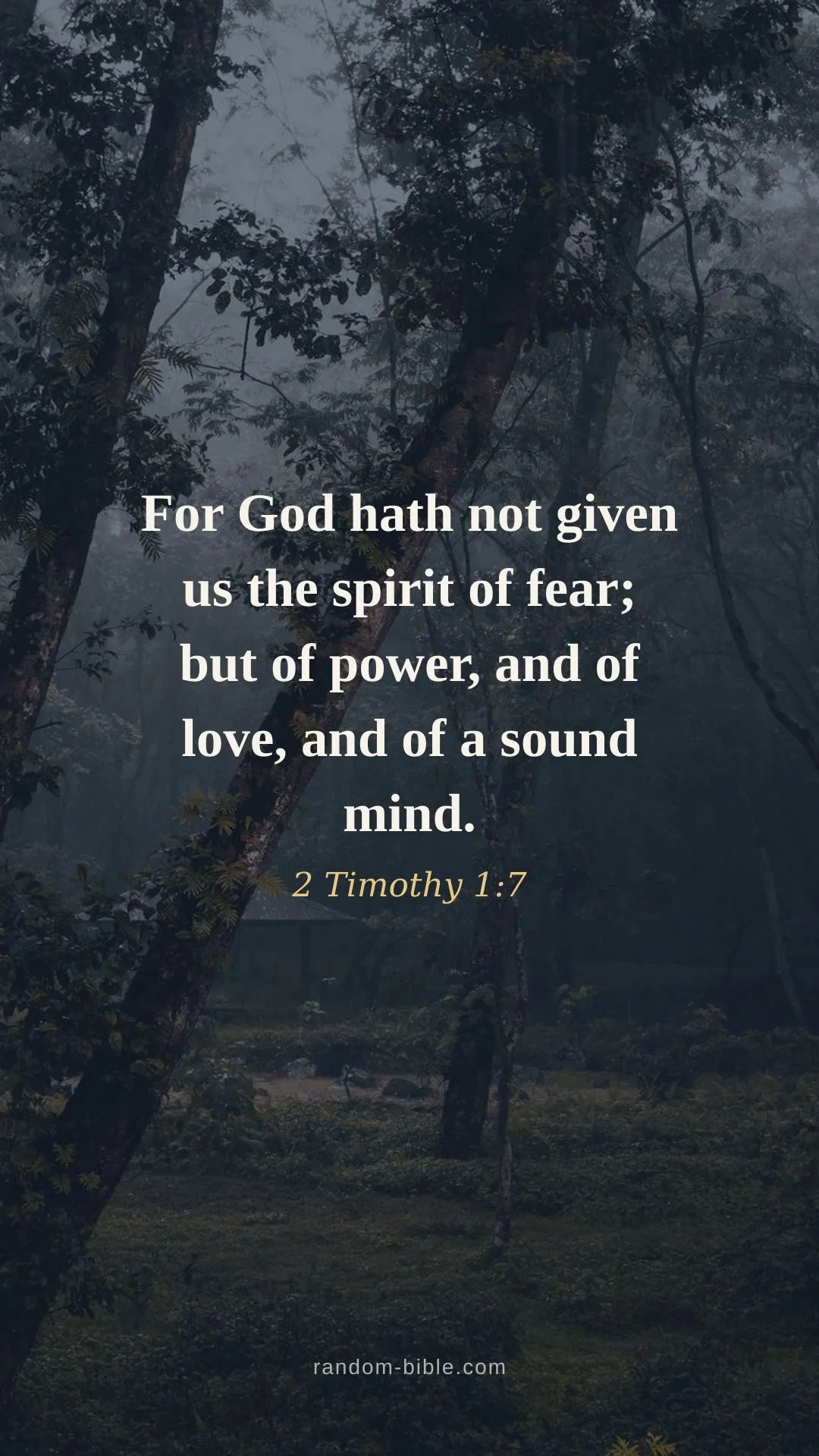
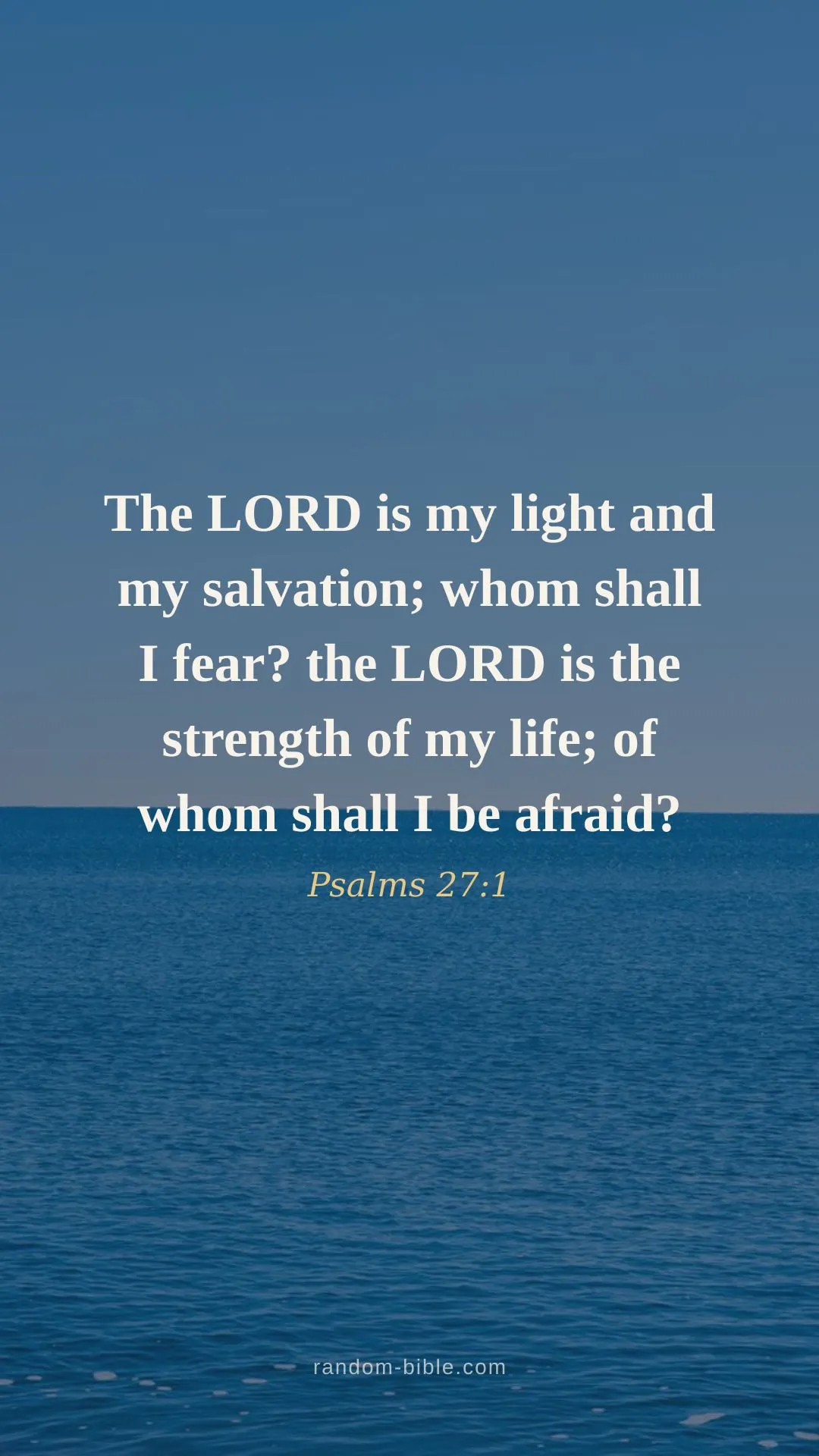
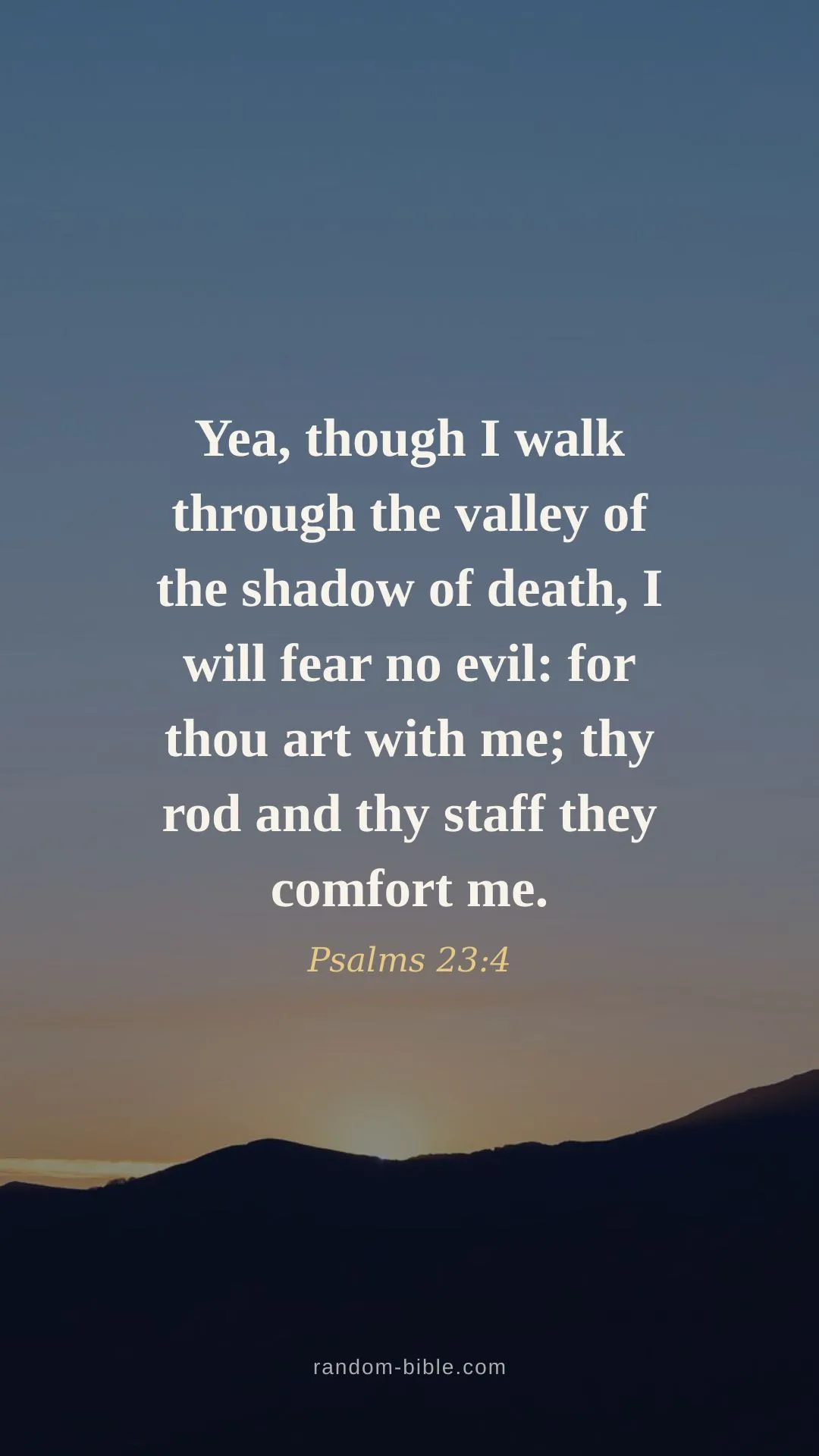
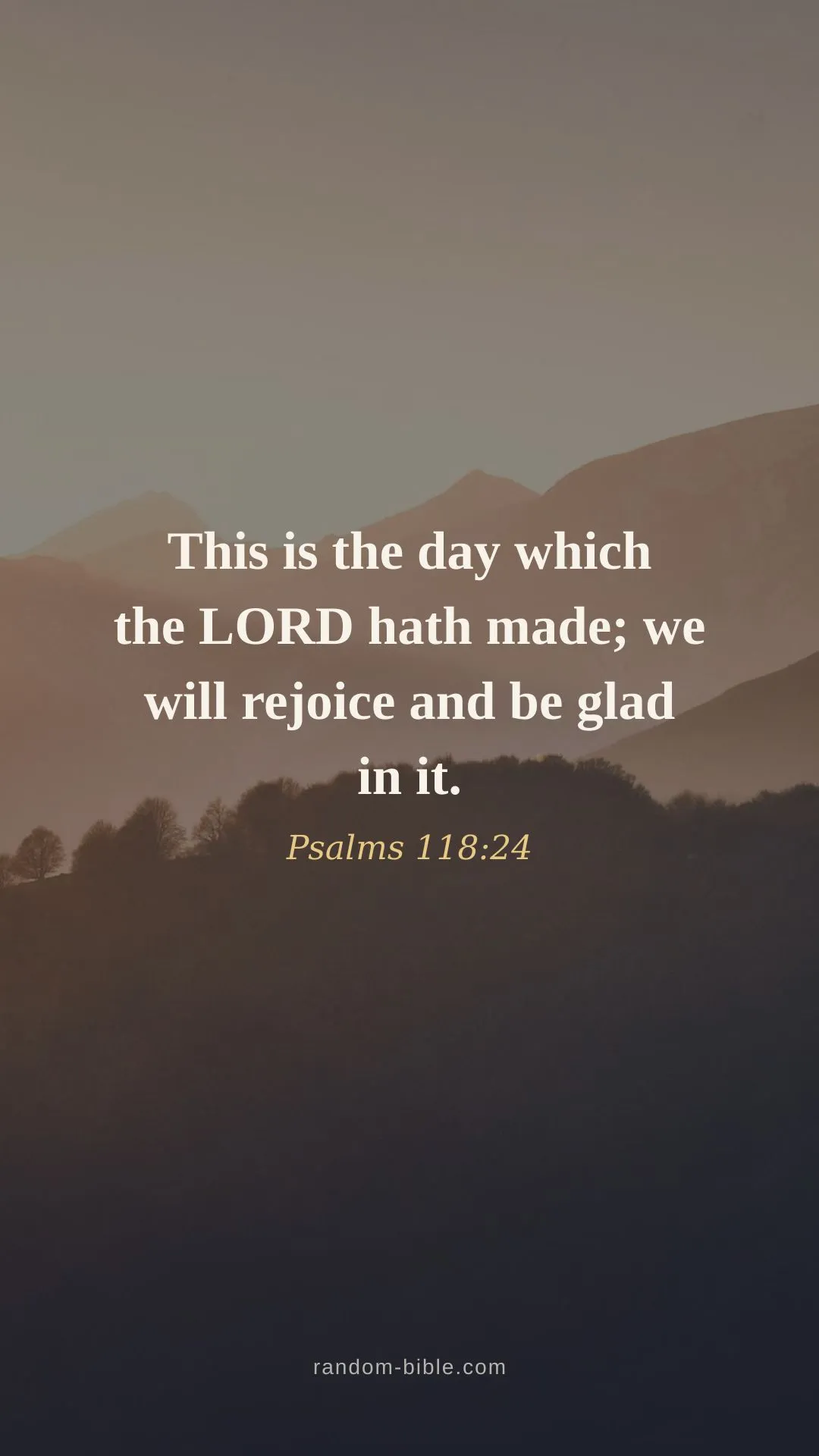
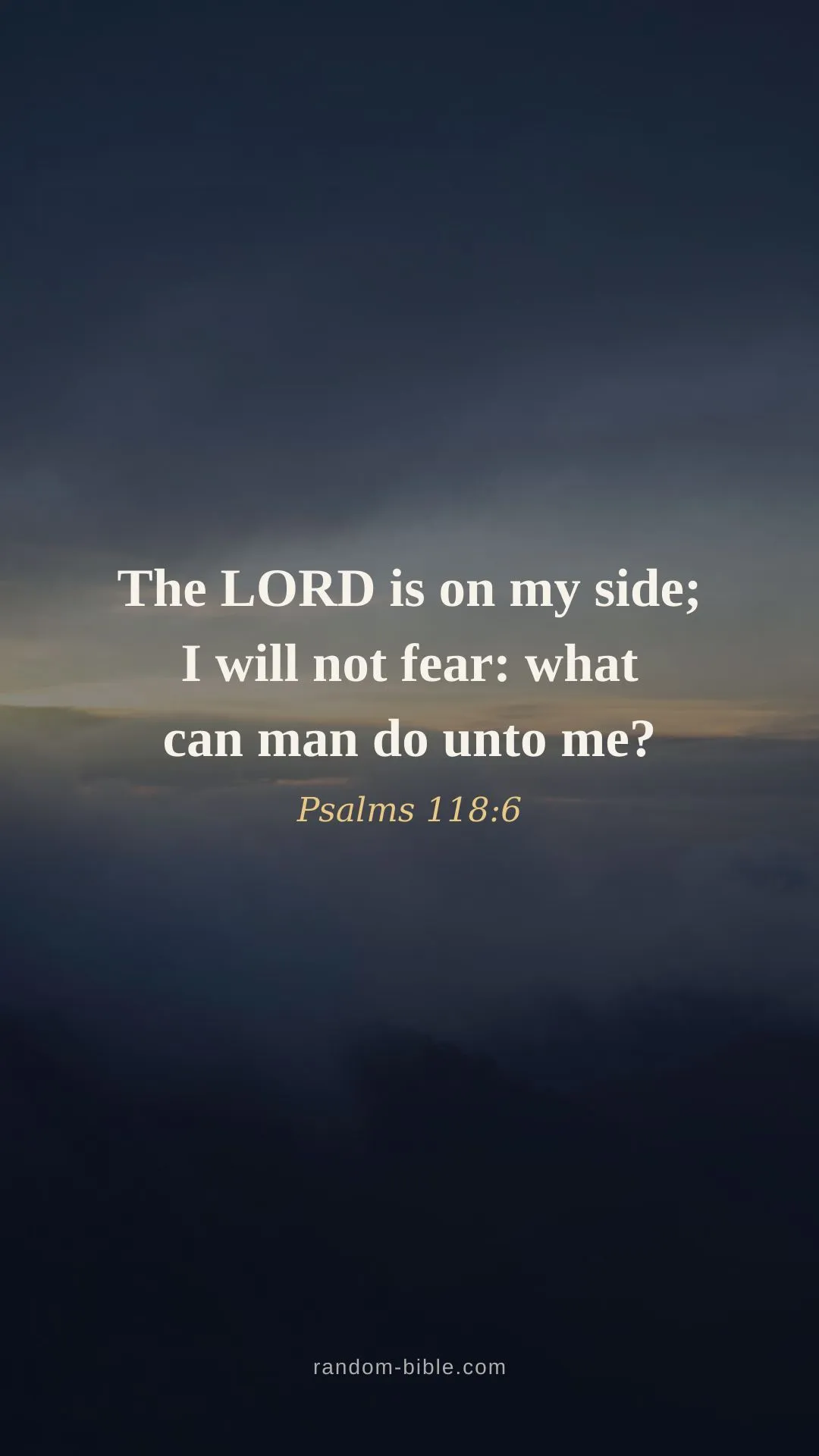
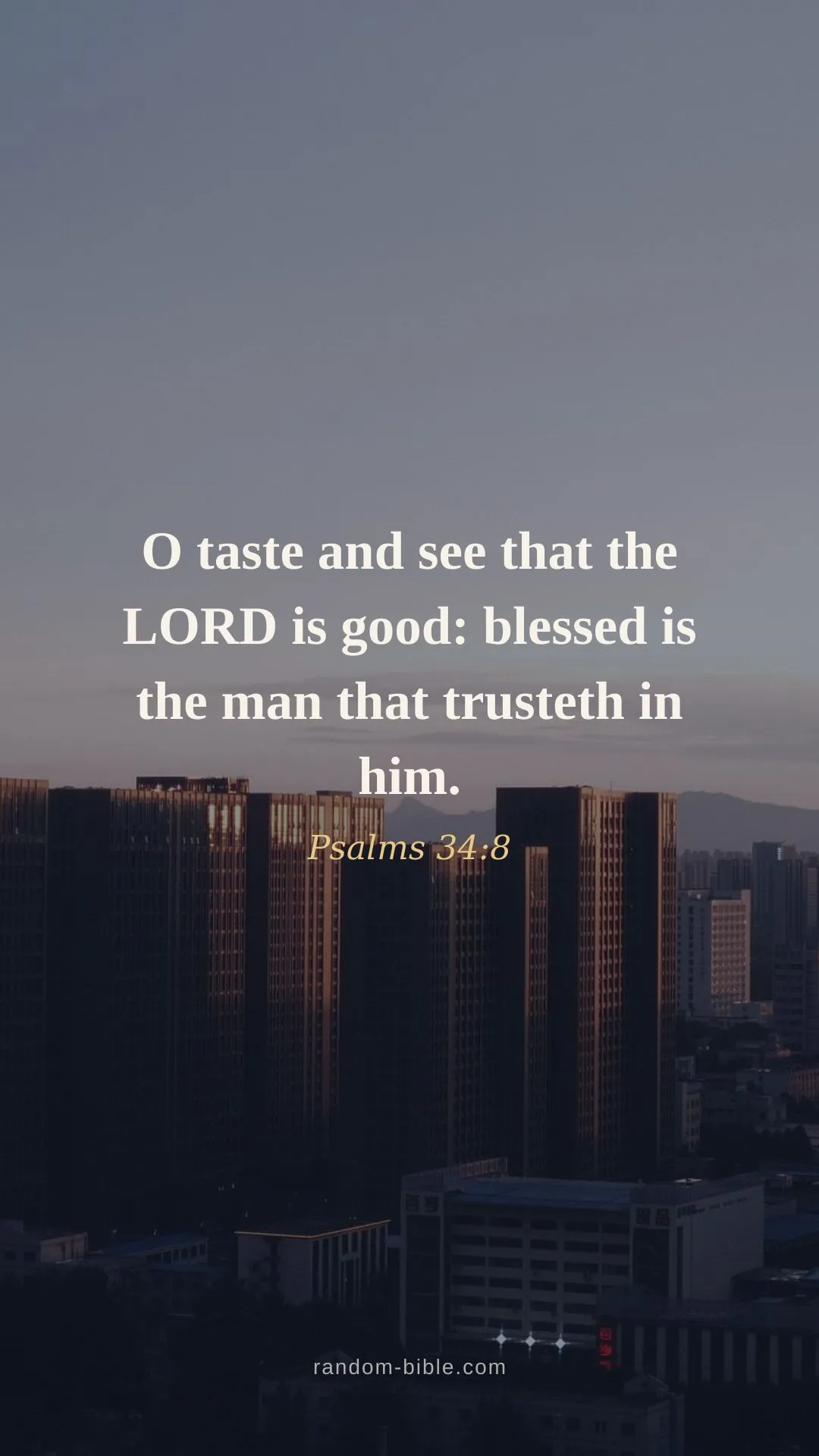
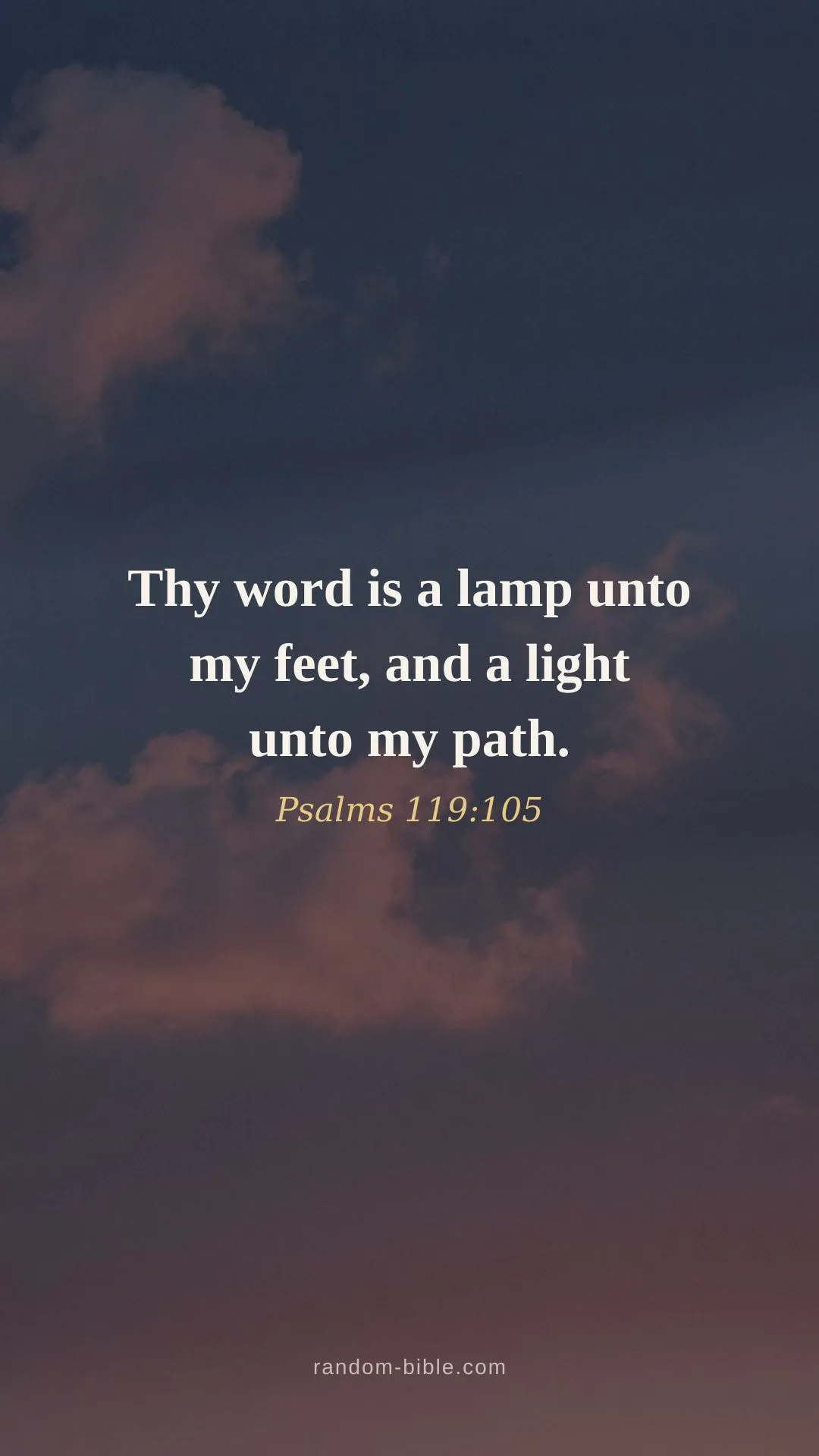
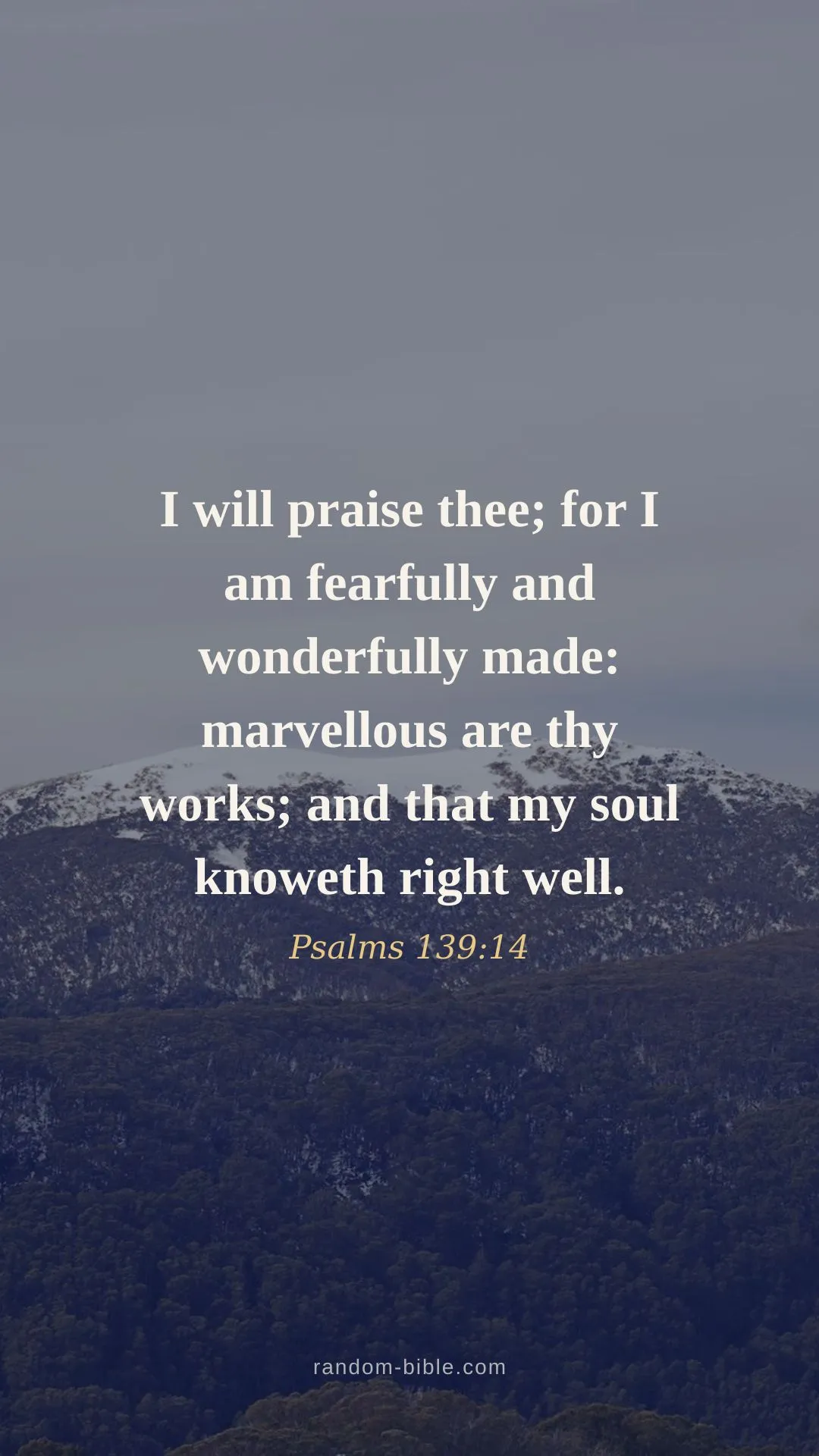
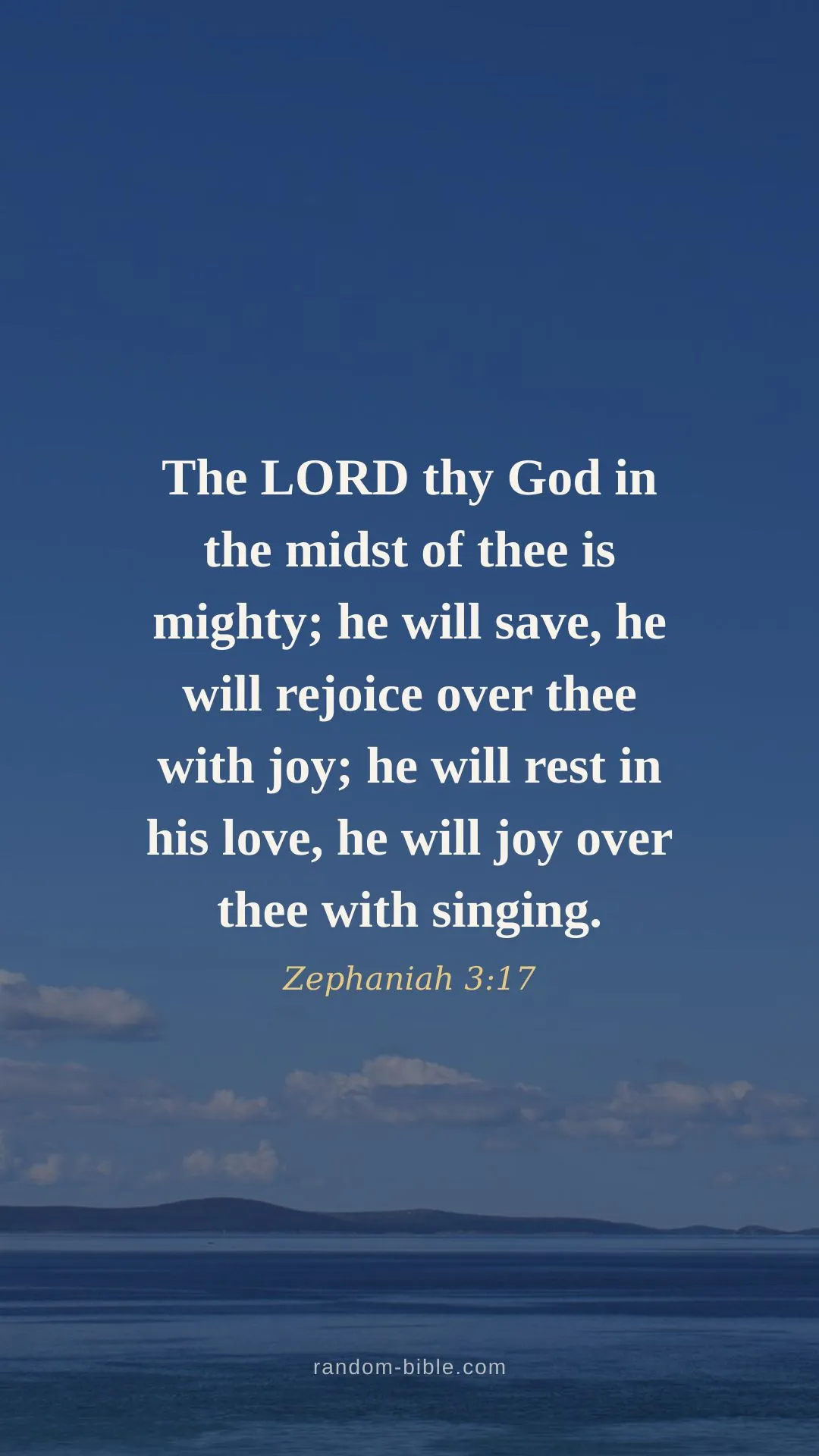
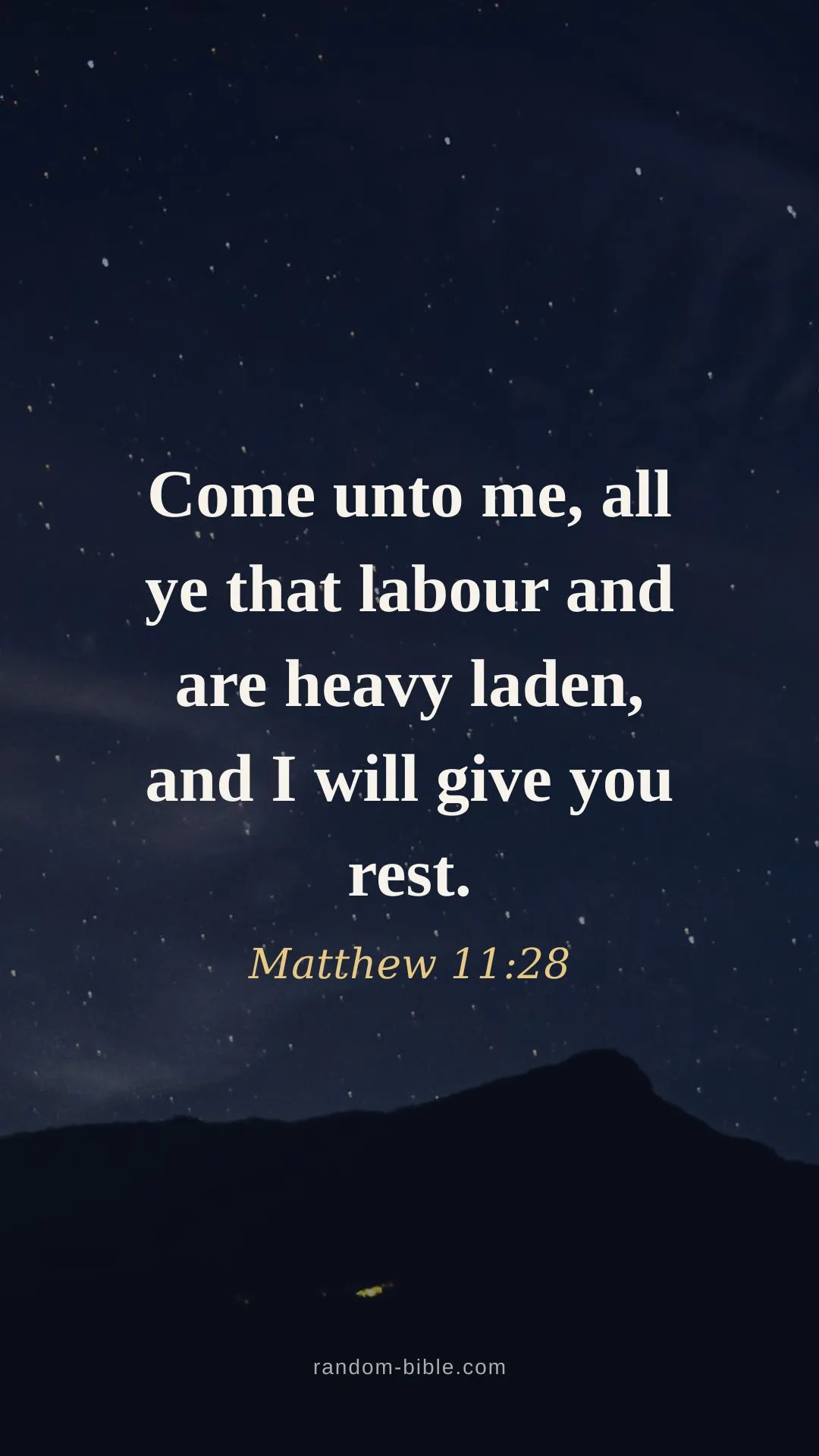
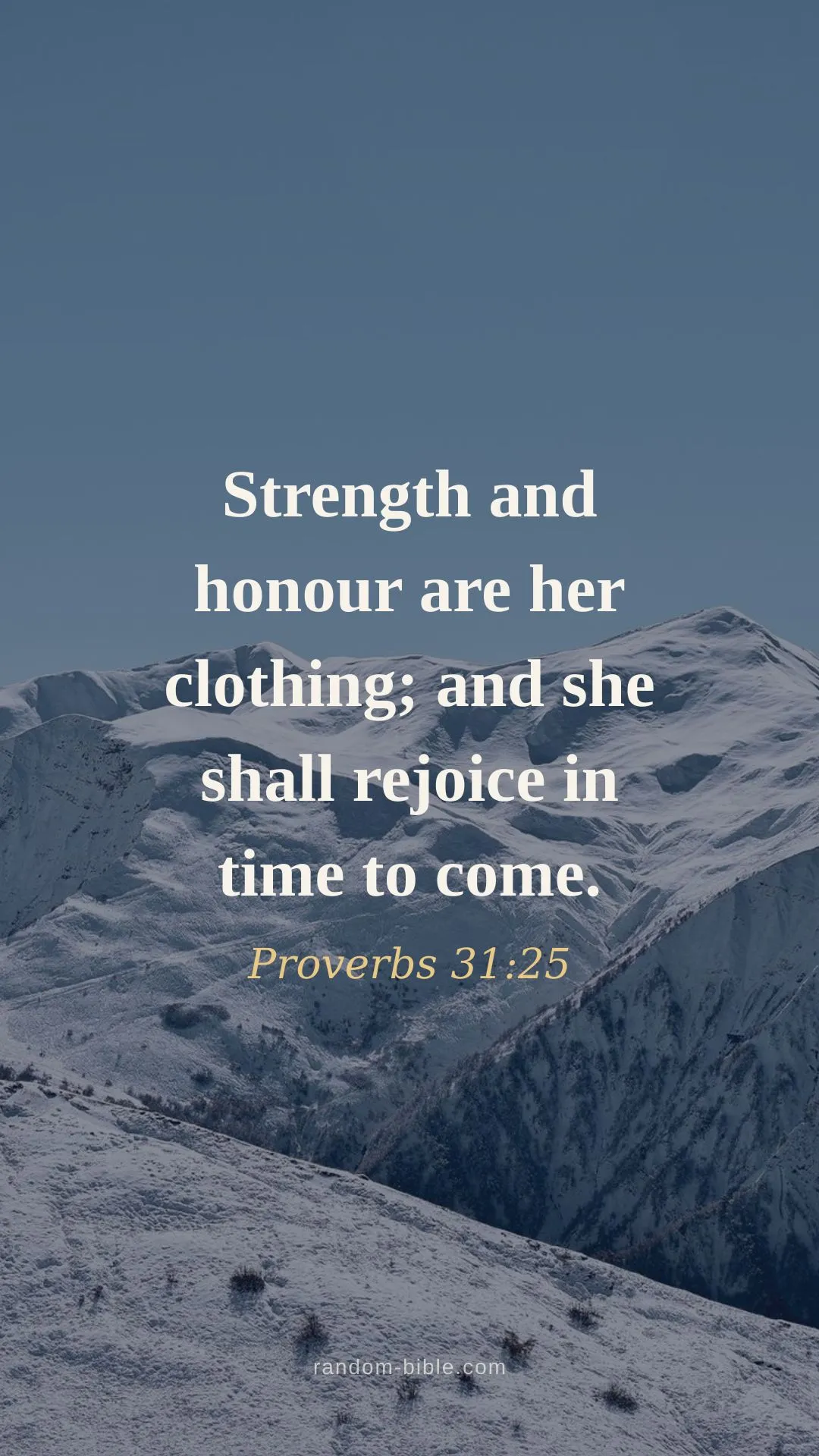
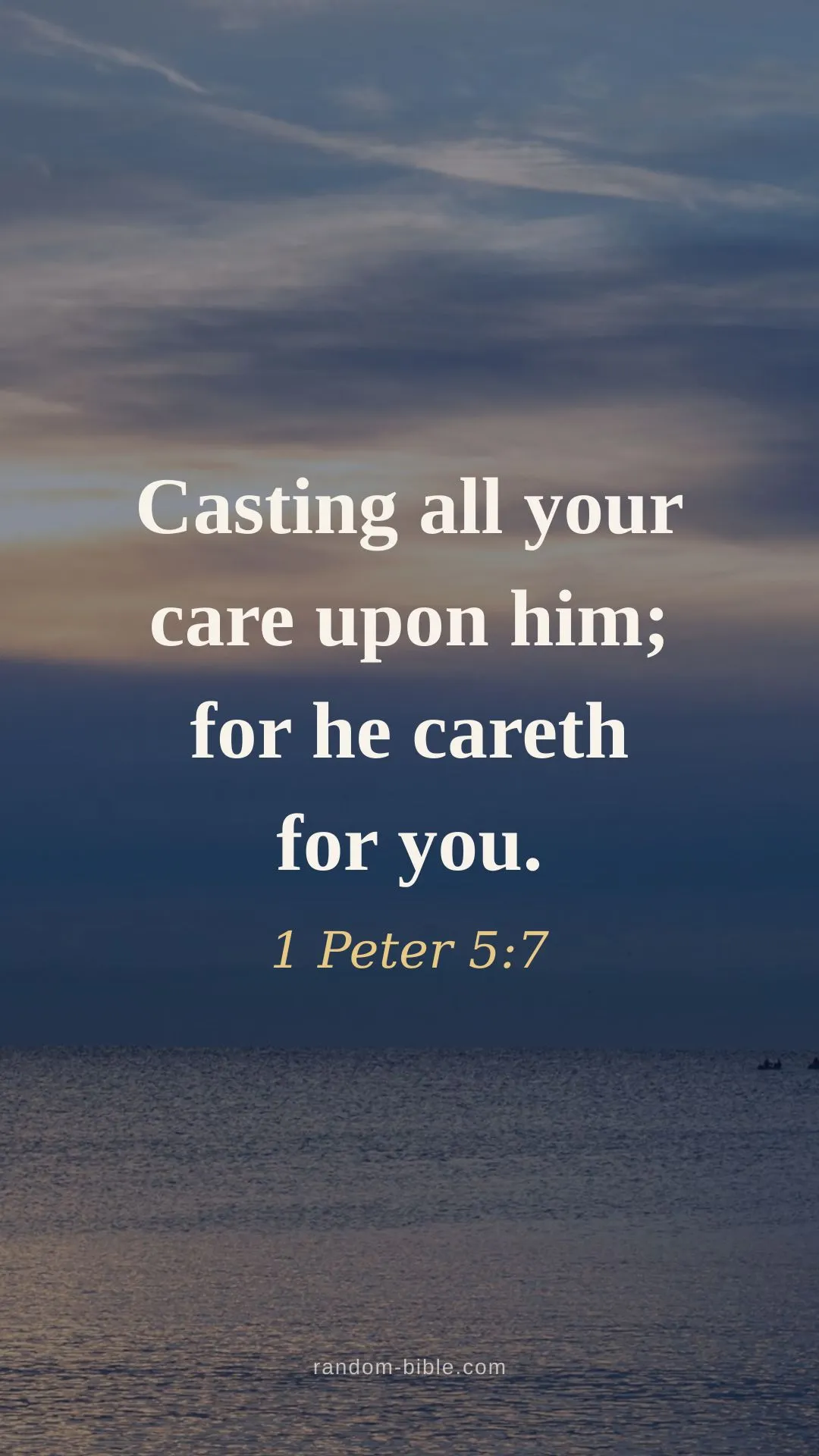
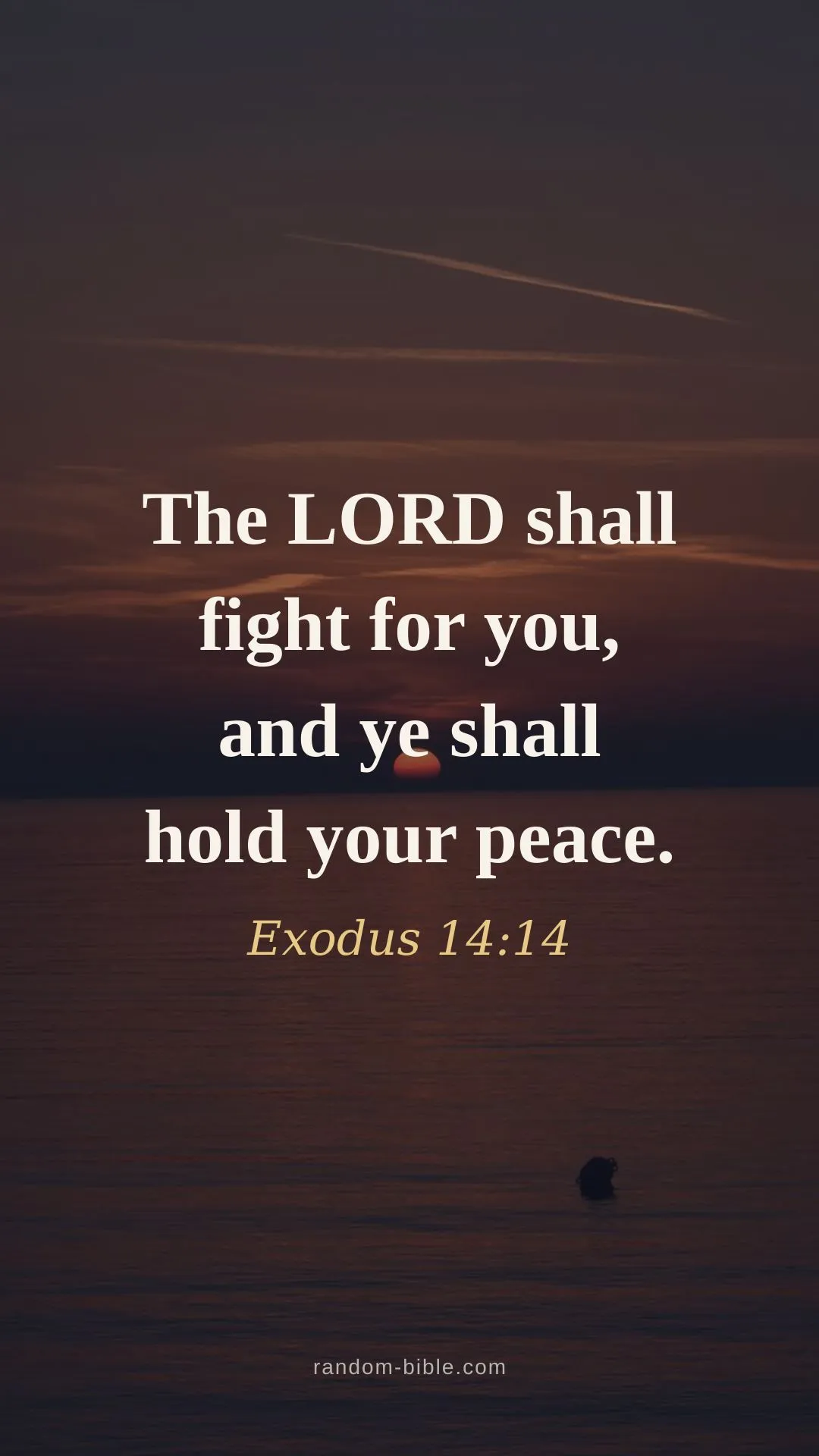
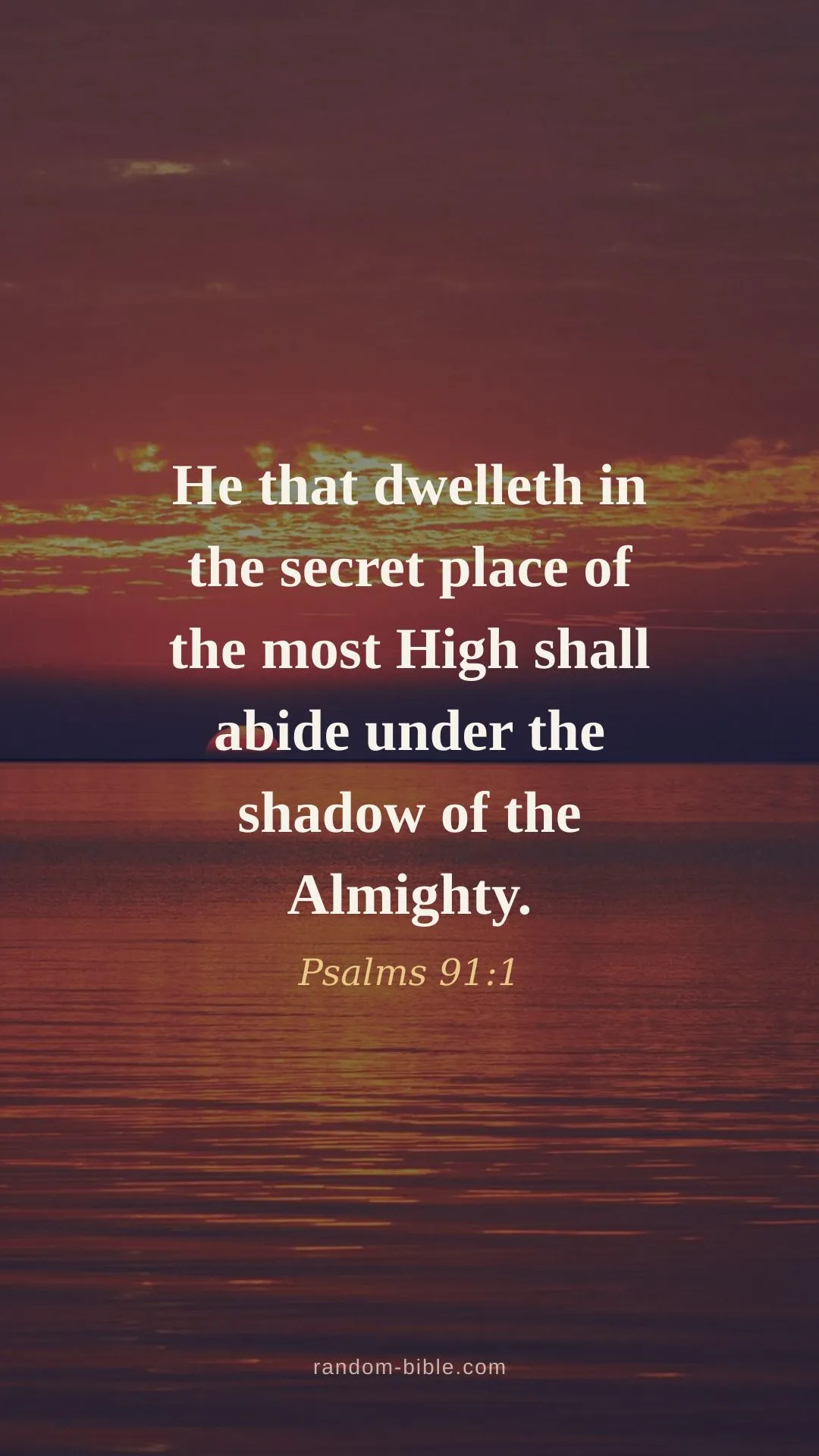
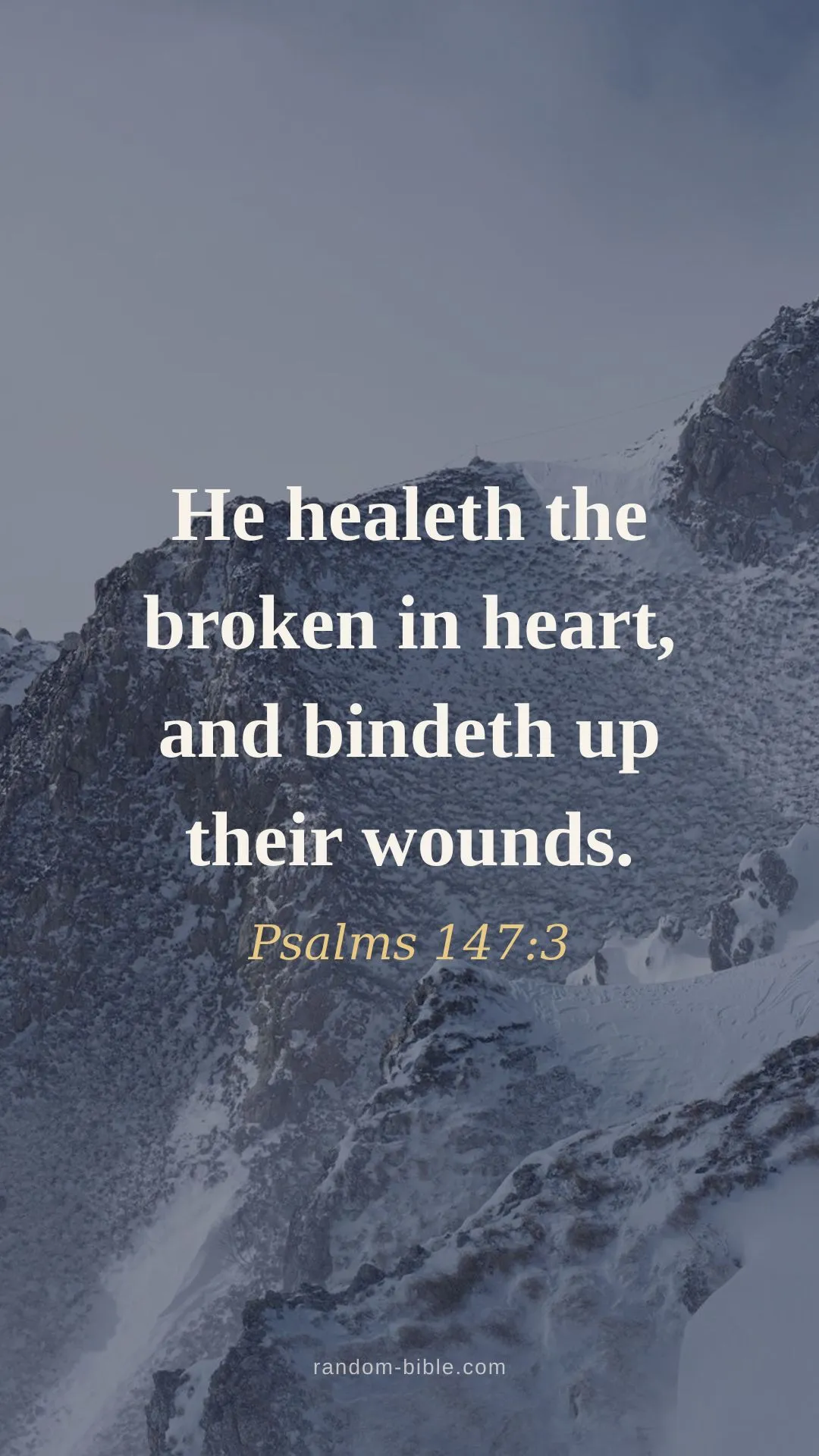
How to set a verse as your iPhone wallpaper
- Tap Download and save the image to Photos.
- Open Settings → Wallpaper → Add New Wallpaper → Photos.
- Pick the verse, adjust, and set it for the lock and home screens.
One size, every iPhone
Each phone download is 1080×1920. That's taller in proportion than any current iPhone screen, so iOS scales it down to fit rather than stretching it, and the same file looks right on a Pro Max, on an SE, and on Android phones too. There's no per-model download to pick between, which is deliberate: model-specific wallpaper sizes mostly make a simple thing feel complicated.
Home screen and lock screen want different things
It's the same picture used two fairly different ways. Nothing sits on top of a lock screen except the clock, so a light, low-contrast style works well there. On the home screen your app icons fill the middle of the display, which is exactly where the verse is, so the words end up partly behind them.
The usual fix is two styles of the same verse: a darker one on the home screen, where it acts as a background and lets the icons stand out, and a lighter one on the lock screen where the verse is the point. Every verse page has both. If the lock screen is the one you care about, the lock-screen set puts a mock clock over each preview so you can check the verse clears it.
Picking a look
Six styles per verse: over photography, soft pastel, pink,deep blue,black, and a plain cream. Black is worth a look if your iPhone has an always-on display, since dark pixels use less power on OLED.
Frequently asked questions
What size are the iPhone wallpapers?
Every phone download is 1080×1920 portrait. That is taller than it is wide by more than any iPhone screen needs, so iOS scales it down to fit rather than stretching it — the verse stays sharp on a Pro Max and on an SE alike.
Do they work on Android as well?
Yes. Nothing here is iPhone-specific beyond the setup steps — 1080×1920 is the standard portrait size for Android phones too. Save the phone image and apply it from your launcher’s wallpaper picker.
Should I use the same verse on my home and lock screens?
Many people use a darker style on the home screen so app icons stand out, and a lighter one on the lock screen where nothing sits on top. Each verse page has both, so you can download two styles of the same passage and set them separately.
Will the verse be hidden behind my app icons?
On the home screen, icons fill the middle and lower area, which is where the verse sits. If you want the words readable on the home screen, keep your icons to one page and leave the centre rows empty, or use the wallpaper on the lock screen instead.
Keep a verse coming
Random Bible gives you one hand-picked verse a day, on your home screen. Or let one arrive on every new browser tab.