
Christian Facebook Cover Photos
Free Bible verse covers sized for a Facebook profile, 1702 by 630 so they stay sharp. Every verse sits in the middle of the frame, so a phone never cuts it off and your profile picture never covers it. Sizes and how to set one.
Christmas Facebook covers
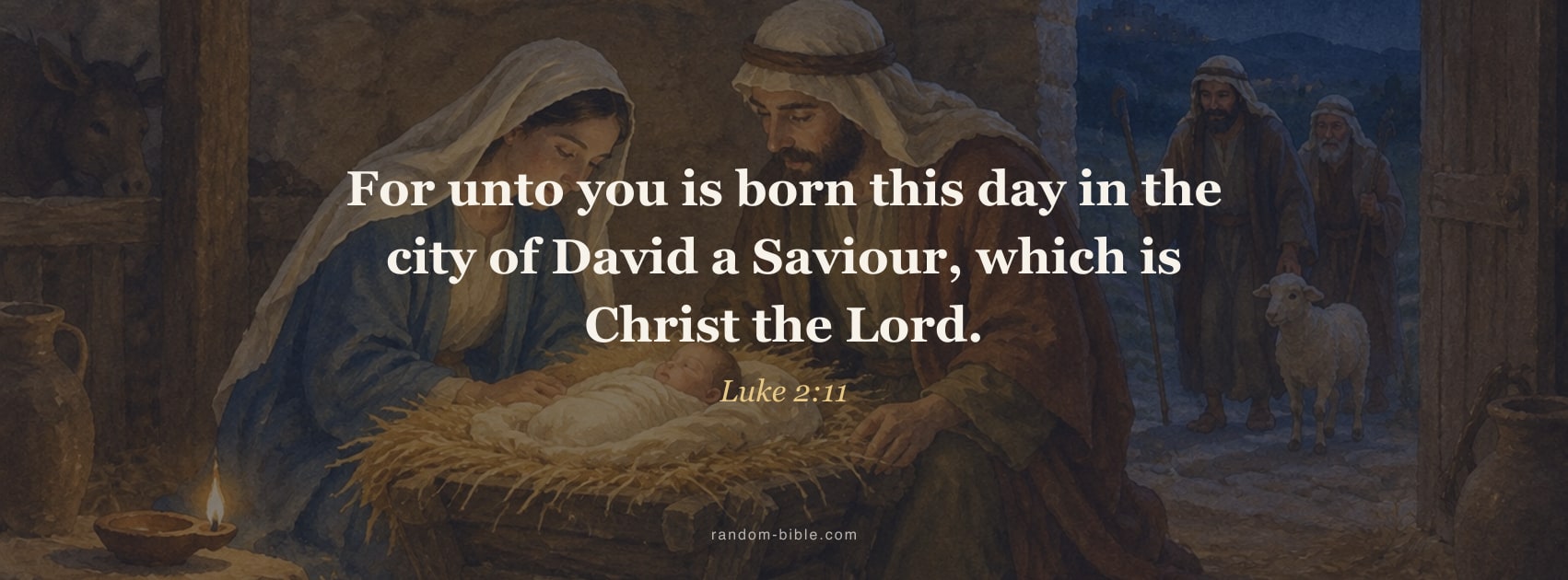
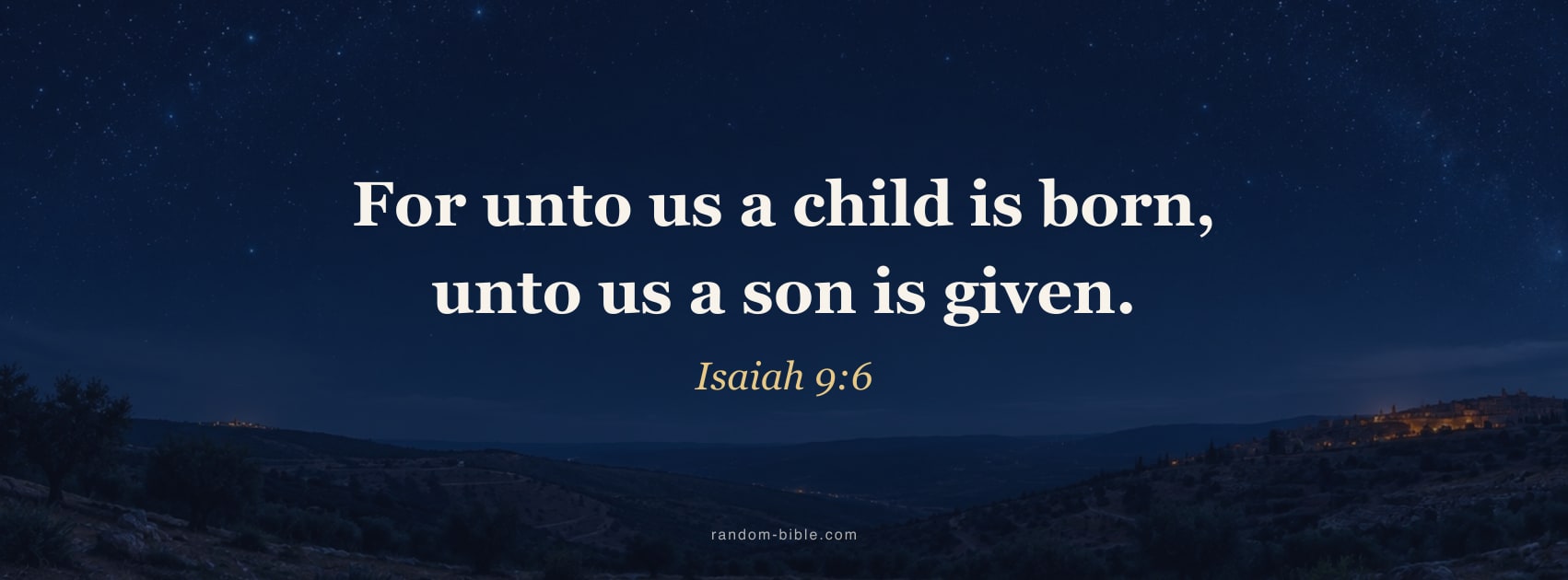
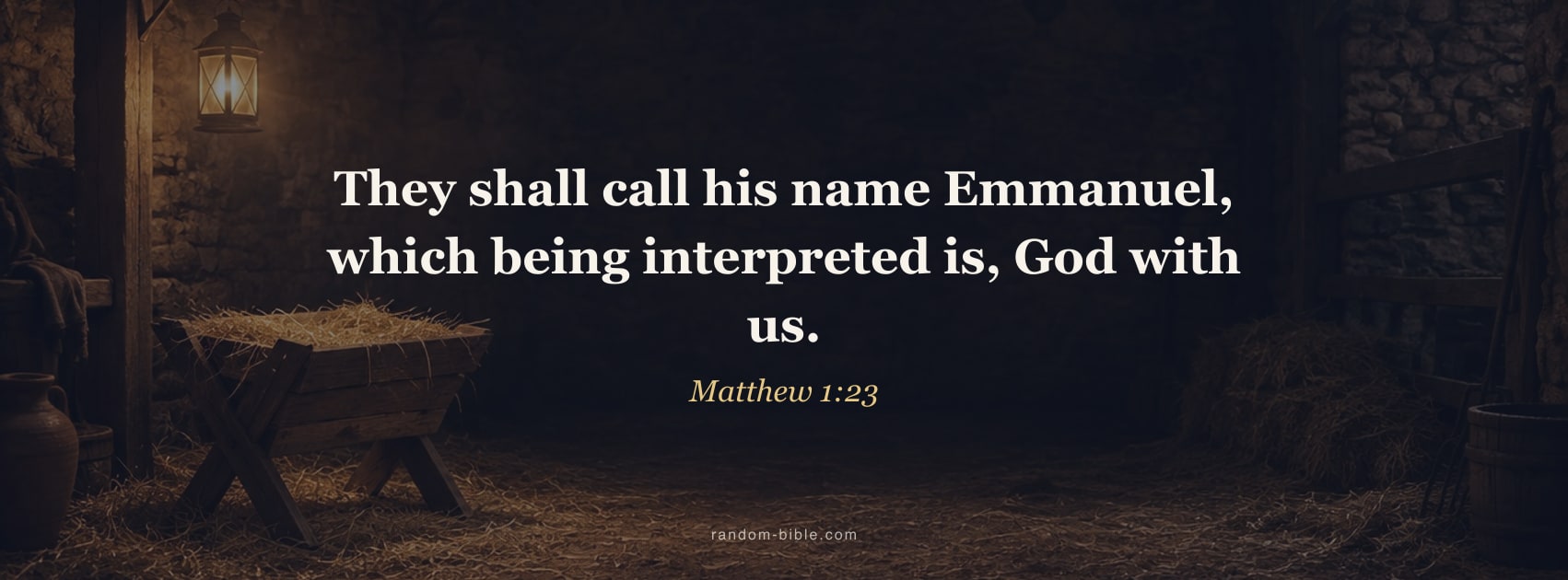
Covers for December, from the birth narratives in Luke and Matthew and the prophecy in Isaiah, over a starry night, candlelight and a rustic stable manger. Put one up in late November and it carries you through to Epiphany.
More with this verse
More with this verse
More with this verse
More with this verse
Verses in this set: Luke 2:11 · Isaiah 9:6 · Matthew 1:23 · John 1:14
Easter Facebook covers
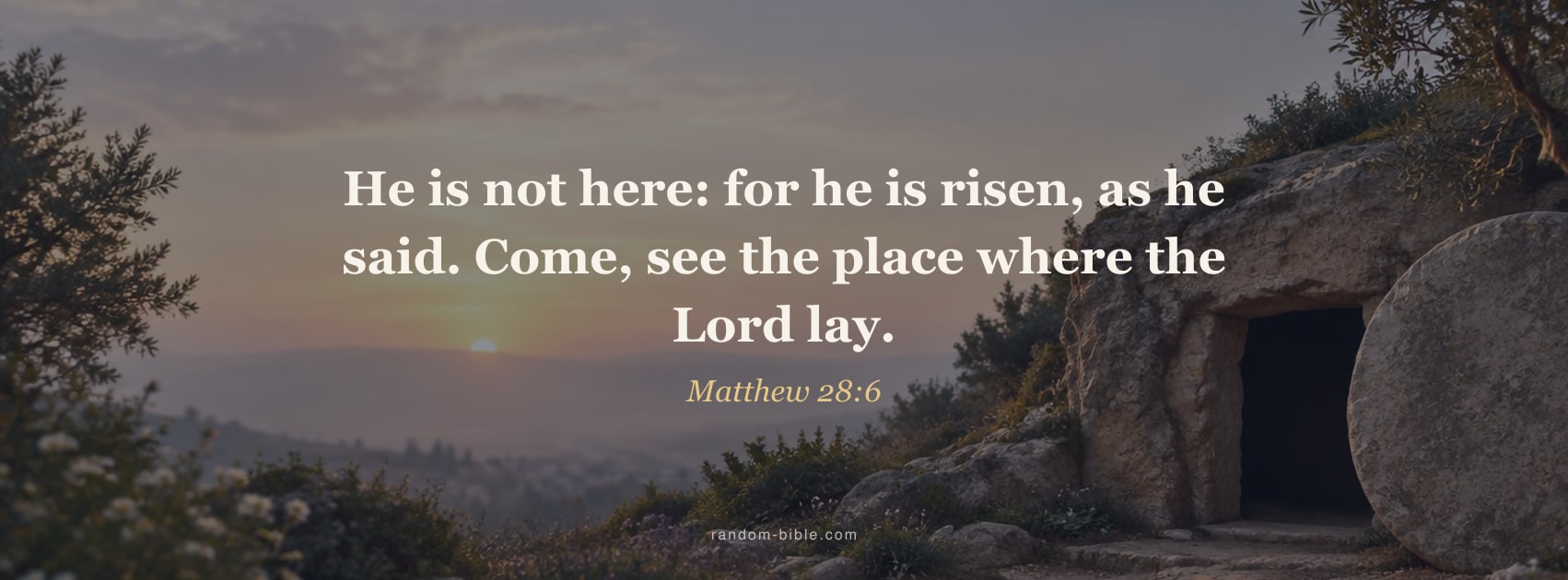
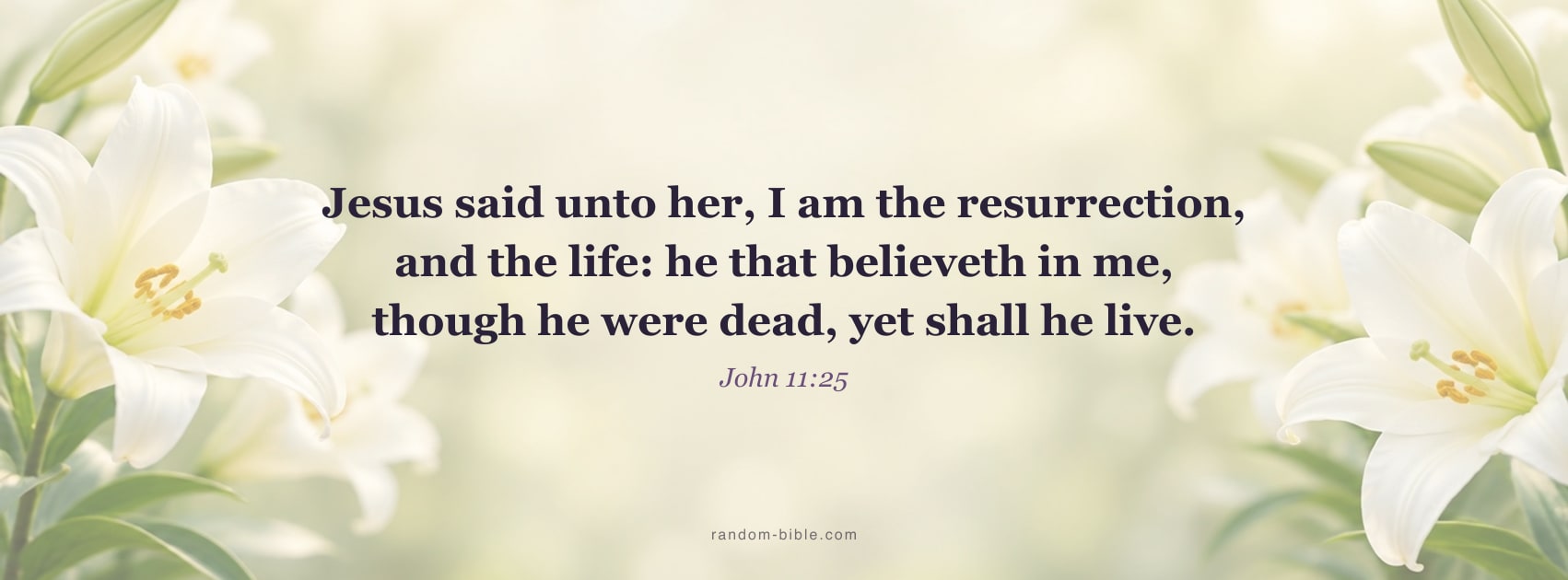
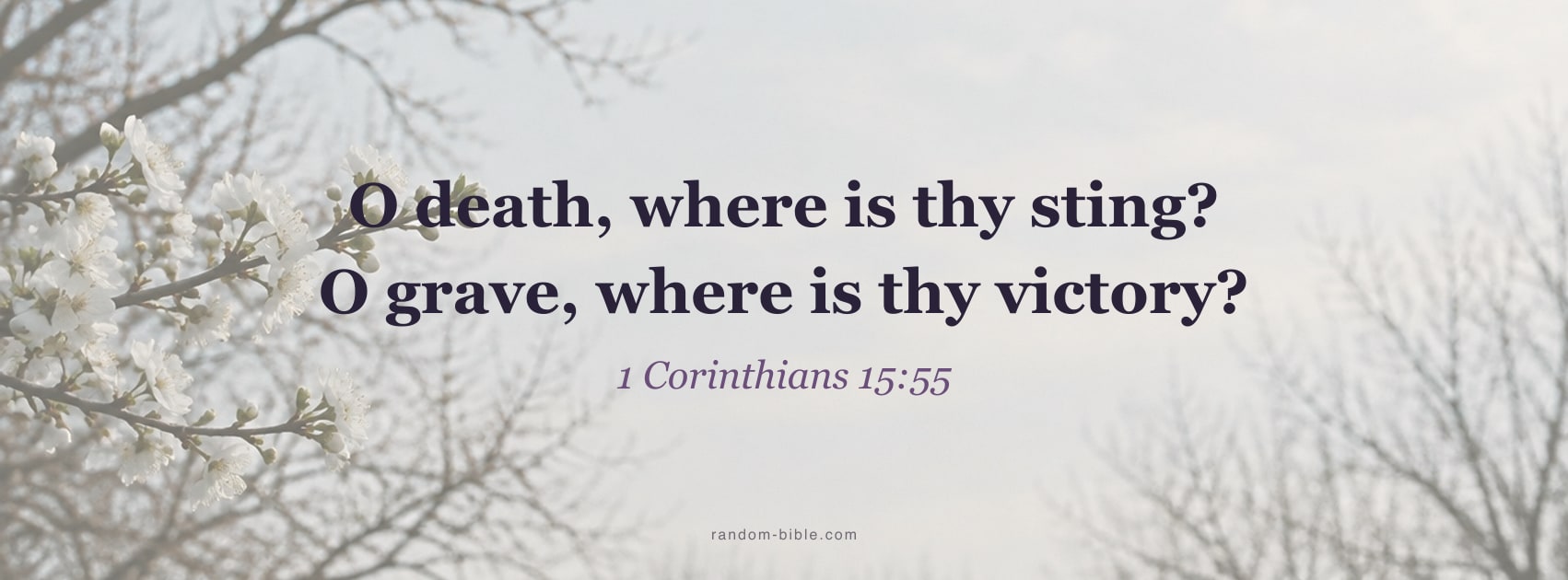
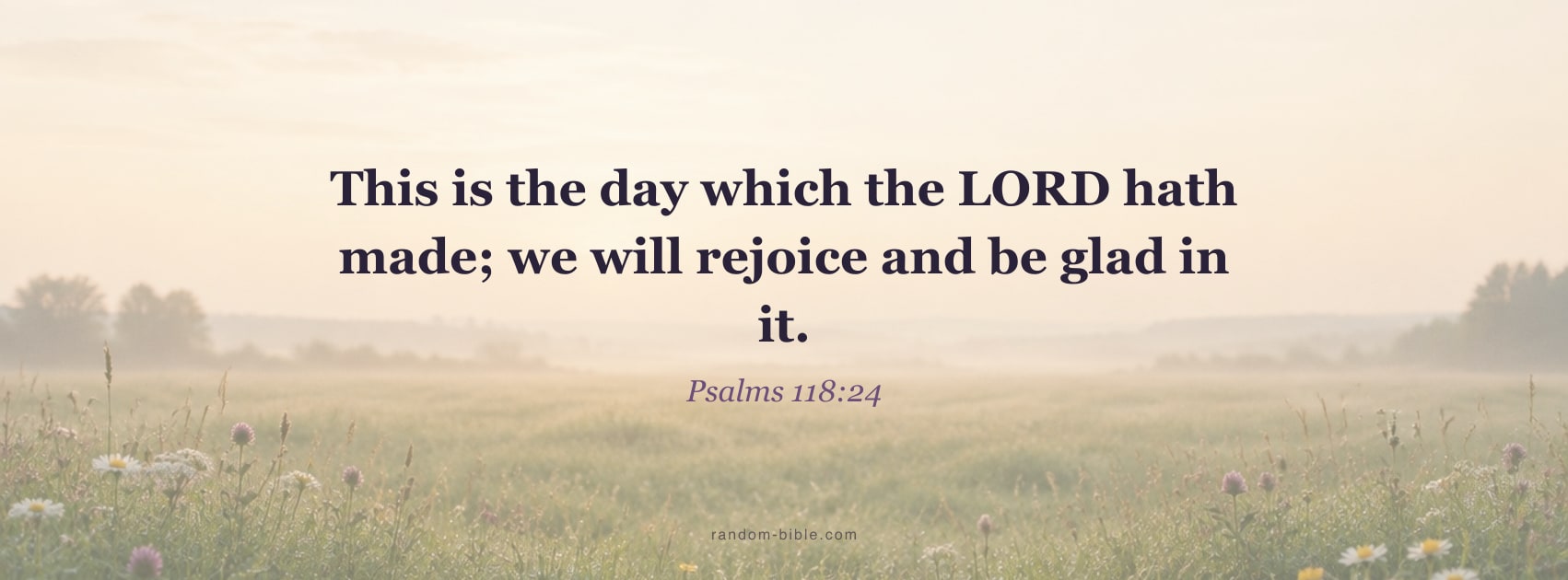
Resurrection verses for Holy Week and the fifty days after: the empty tomb in Matthew, Jesus at Bethany in John, and Paul on death losing its sting.
More with this verse
More with this verse
More with this verse
More with this verse
Verses in this set: Matthew 28:6 · John 11:25 · 1 Corinthians 15:55 · Psalms 118:24
Faith covers in soft, girly colours
Pink and rose covers with verses many women choose for a profile: Proverbs 31, Psalm 46 and the strength verse from Philippians.
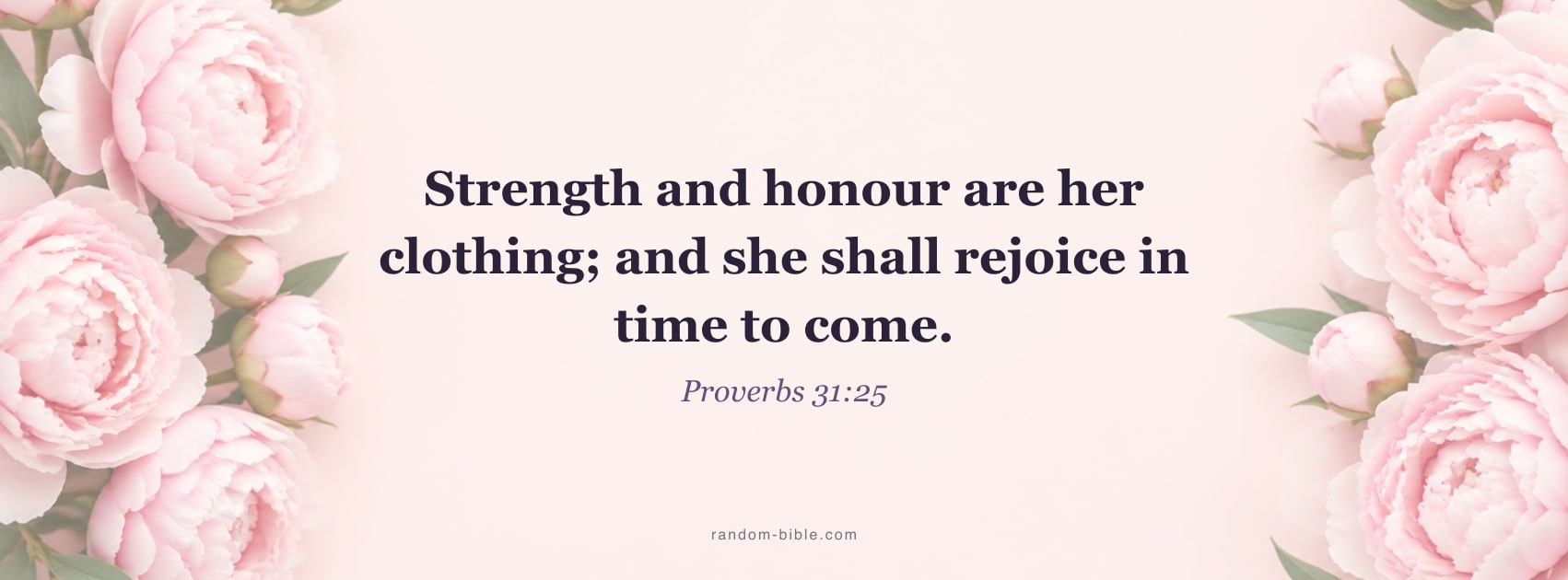
More with this verse
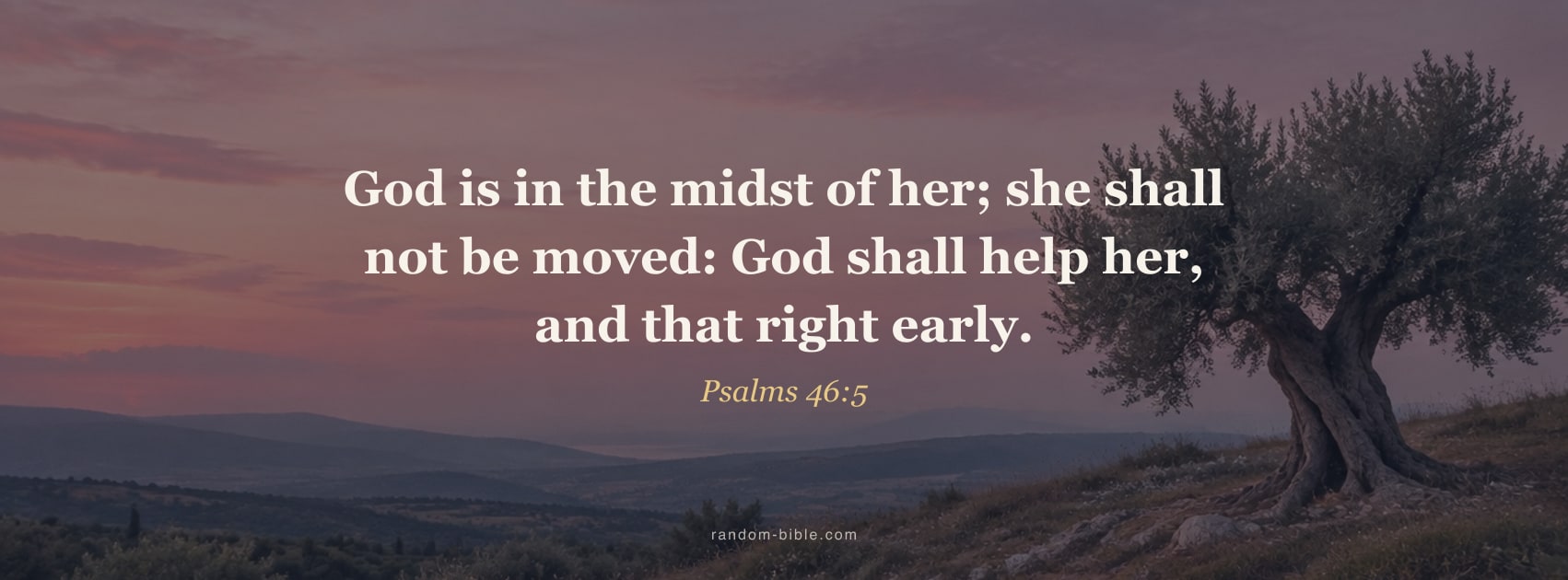
More with this verse
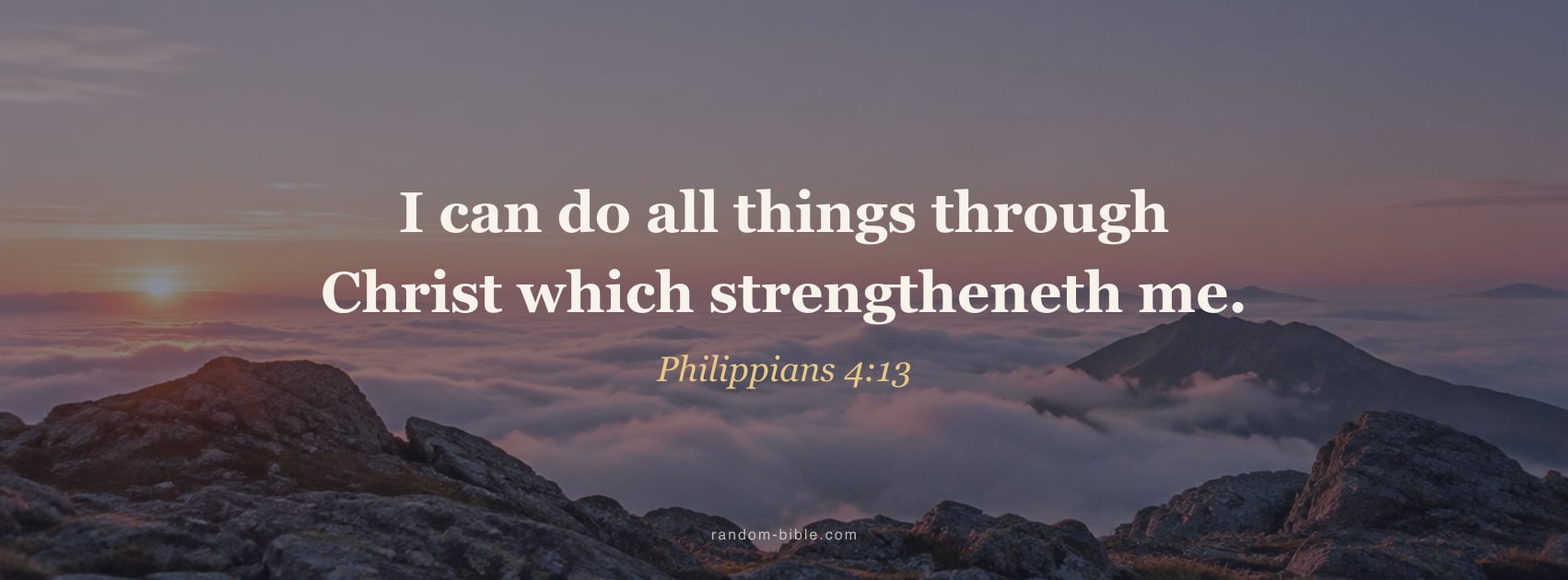
More with this verse
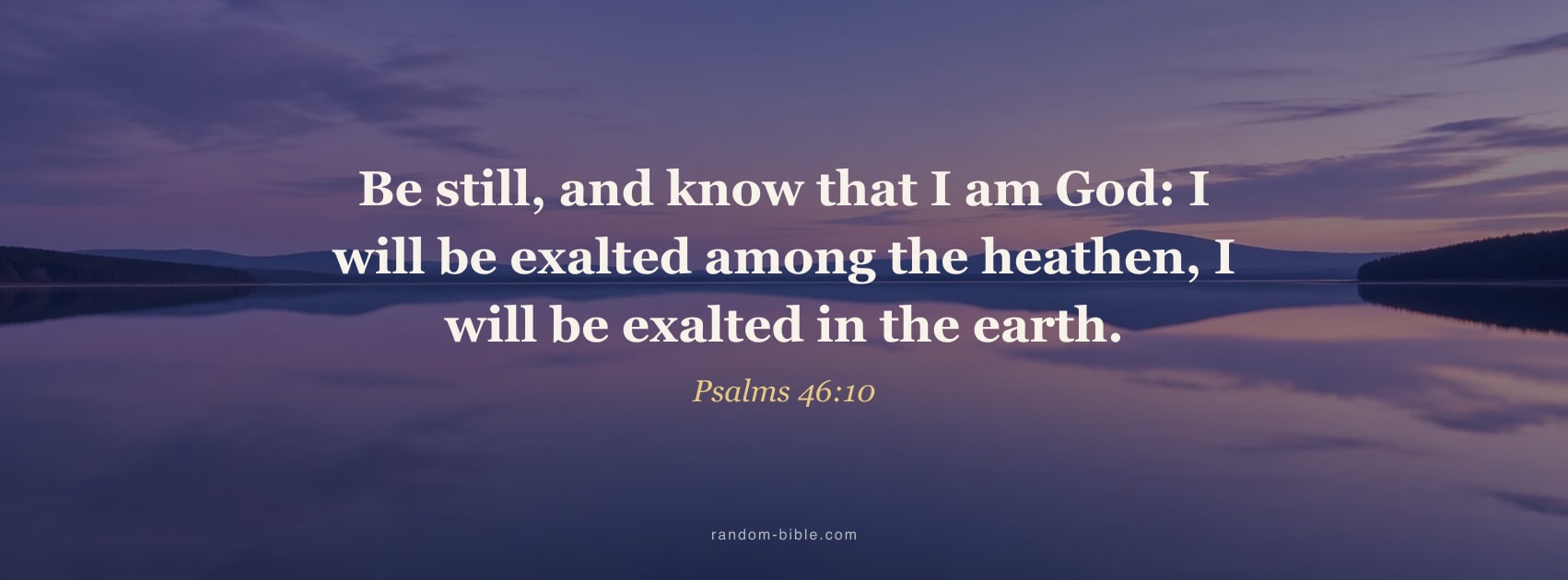
More with this verse
Verses in this set: Proverbs 31:25 · Psalms 46:5 · Philippians 4:13 · Psalms 46:10
Rustic and home covers
Wood, wheat and morning light for family pages. Joshua 24:15 is the verse people most often hang over a front door, so it leads here.
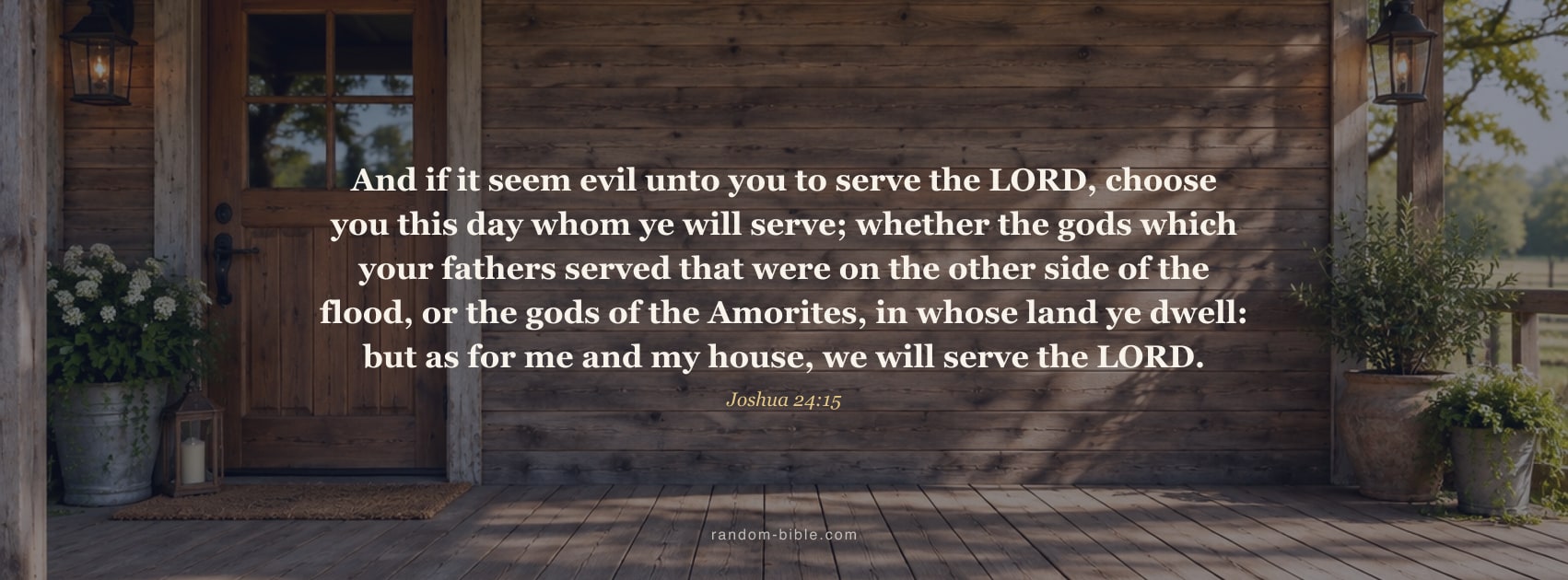
More with this verse

More with this verse
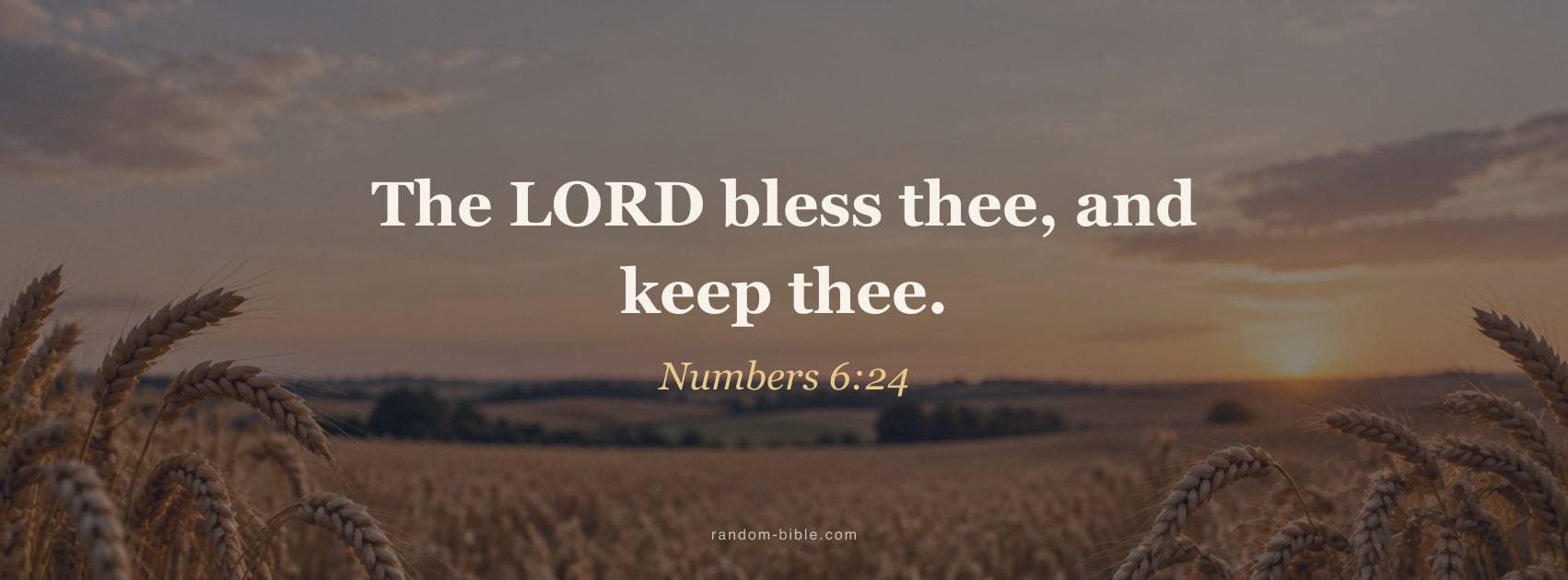
More with this verse
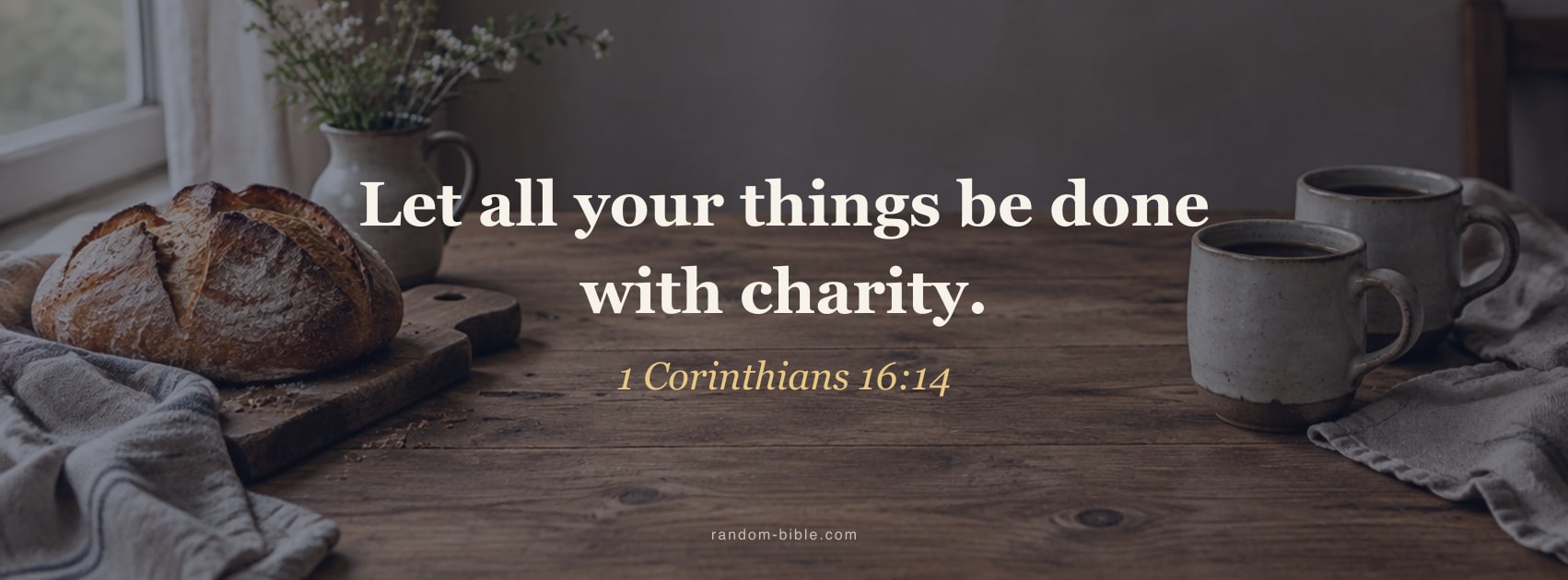
More with this verse
Verses in this set: Joshua 24:15 · Lamentations 3:23 · Numbers 6:24 · 1 Corinthians 16:14
Size and how to set it
Facebook shows a cover at 820×312 on a computer and crops it to 640×360 on a phone. Upload at 1702×630, twice the usual 851×315 size, so it stays sharp. That is the size of every cover on this page.

On a phone
- Tap a cover, then Download. On an iPhone choose Save Image so it lands in Photos.
- In the Facebook app open your profile and tap the camera icon on the cover.
- Choose Upload photo, pick the cover and leave it centred.
- Tap Save.
On a computer
- Download a cover.
- On your profile, choose Edit cover photo, then Upload photo.
- Leave it centred and choose Save changes.

Make a Facebook cover with any Bible verse
Choose the verse, then a colour or your own photo. The maker opens at 1702×630 and keeps the verse in the middle, where a phone will not cut it.
Frequently asked questions
What size is a Facebook cover photo?
Facebook shows a cover at 820 by 312 pixels on a computer and 640 by 360 on a phone, where it crops the sides. The usual design size is 851 by 315; every cover here is 1702 by 630, twice that, so it stays sharp on high-density screens.
Will the verse get cut off on my phone?
No. A phone shows about the middle two thirds of the cover and trims the sides, so every cover keeps the verse in the middle 60% of the frame, which is also clear of your profile picture on a computer.
Are these Facebook covers free?
Yes. The verses are from the King James Version, which is in the public domain, and you do not need an account to download them.
Can I put a different verse on a cover?
Yes. "Make your own cover" at the bottom of the page opens the wallpaper maker in the Facebook size, where you choose any verse and a colour or your own photo. Tapping a cover lets you change its picture.
Keep a verse coming
Random Bible gives you one hand-picked verse a day, on your home screen. Or let one arrive on every new browser tab.