
Free downloads · widescreen HD
Bible Verse Wallpaper for Desktop & Laptop
Widescreen Bible verse wallpapers for desktop and laptop: KJV scripture over serene photography, sized for your computer background. Free to download, and they work the same on Mac and Windows.
- Put a verse on your photoFree · nothing uploaded
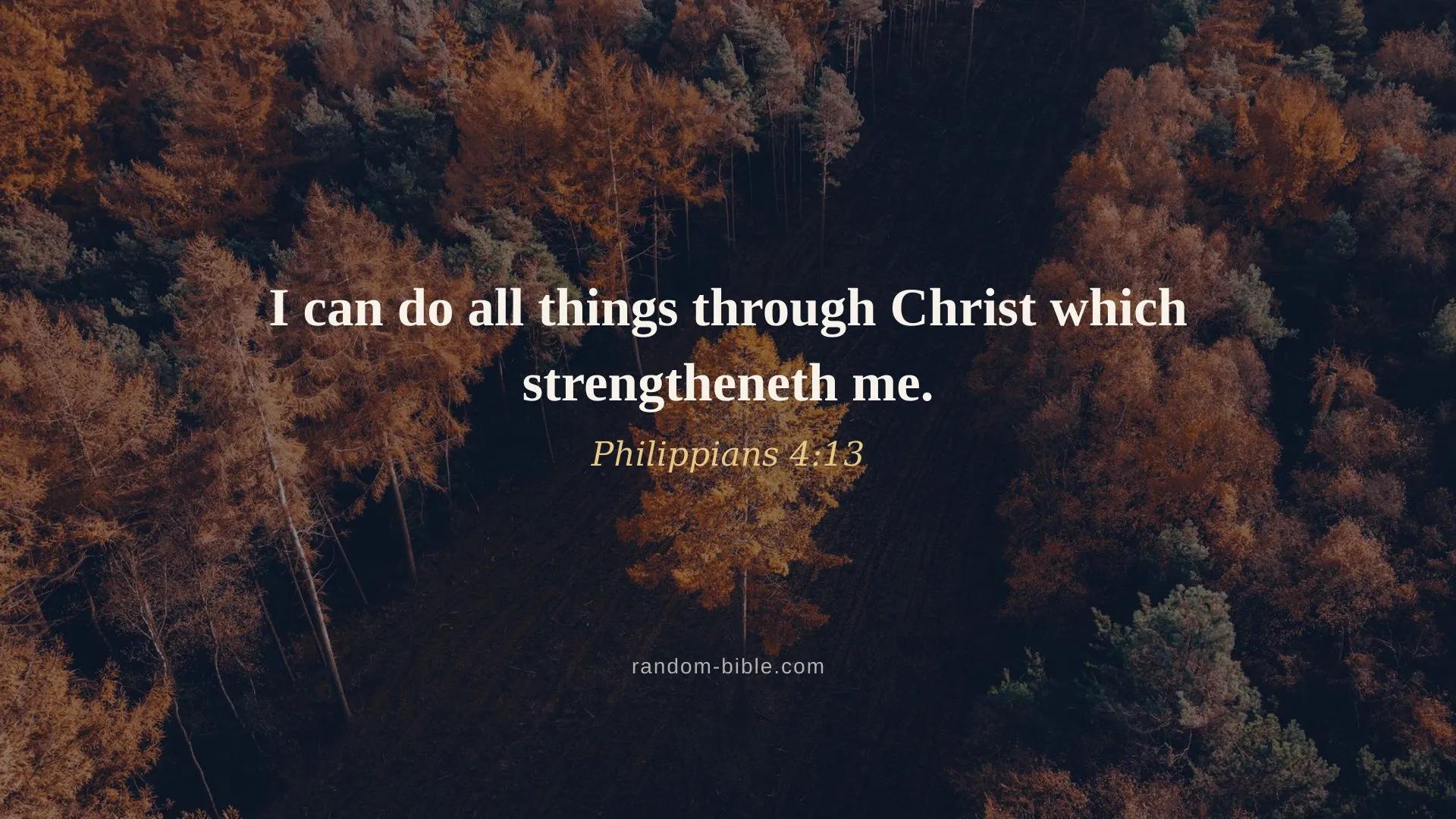
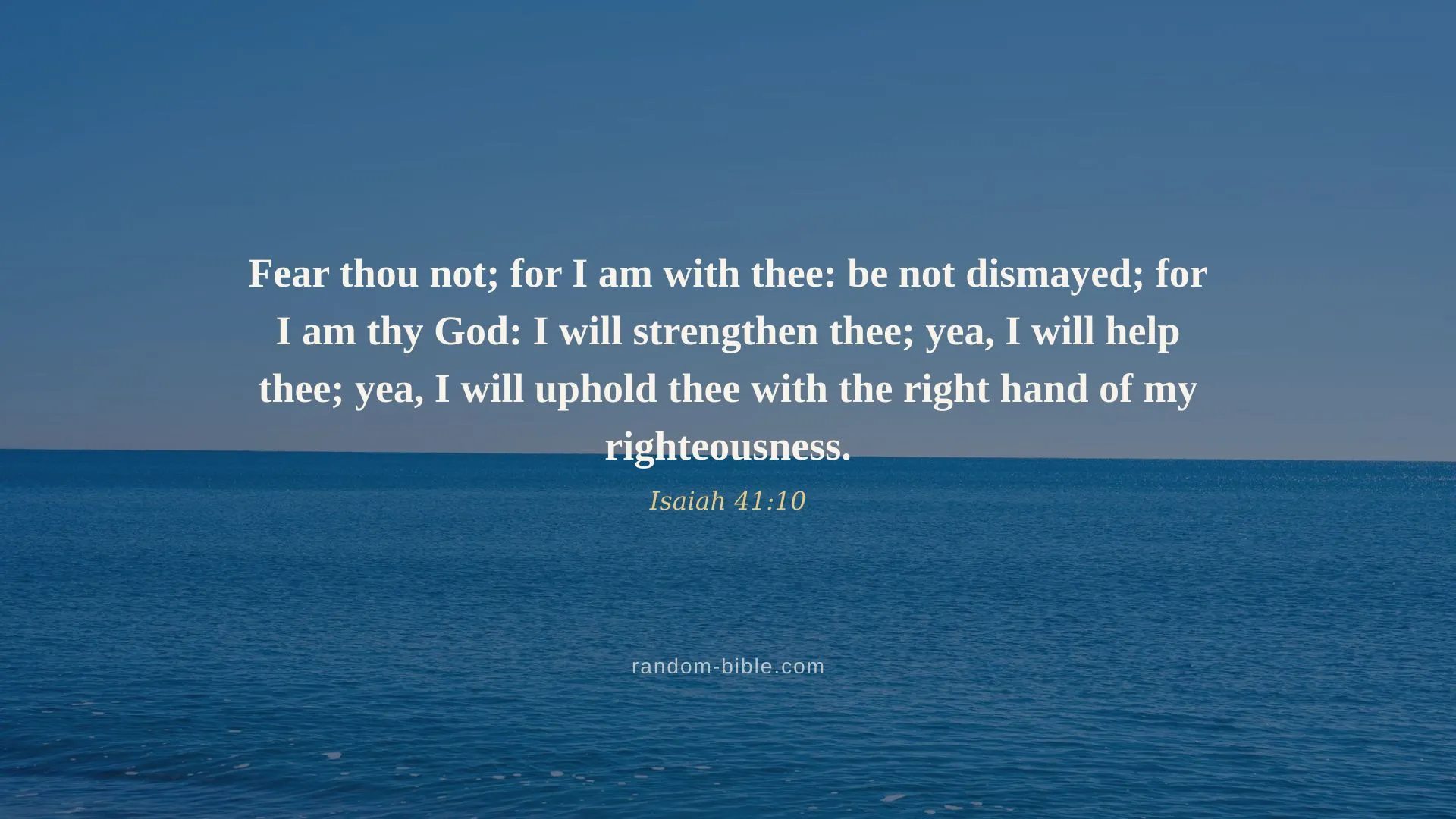
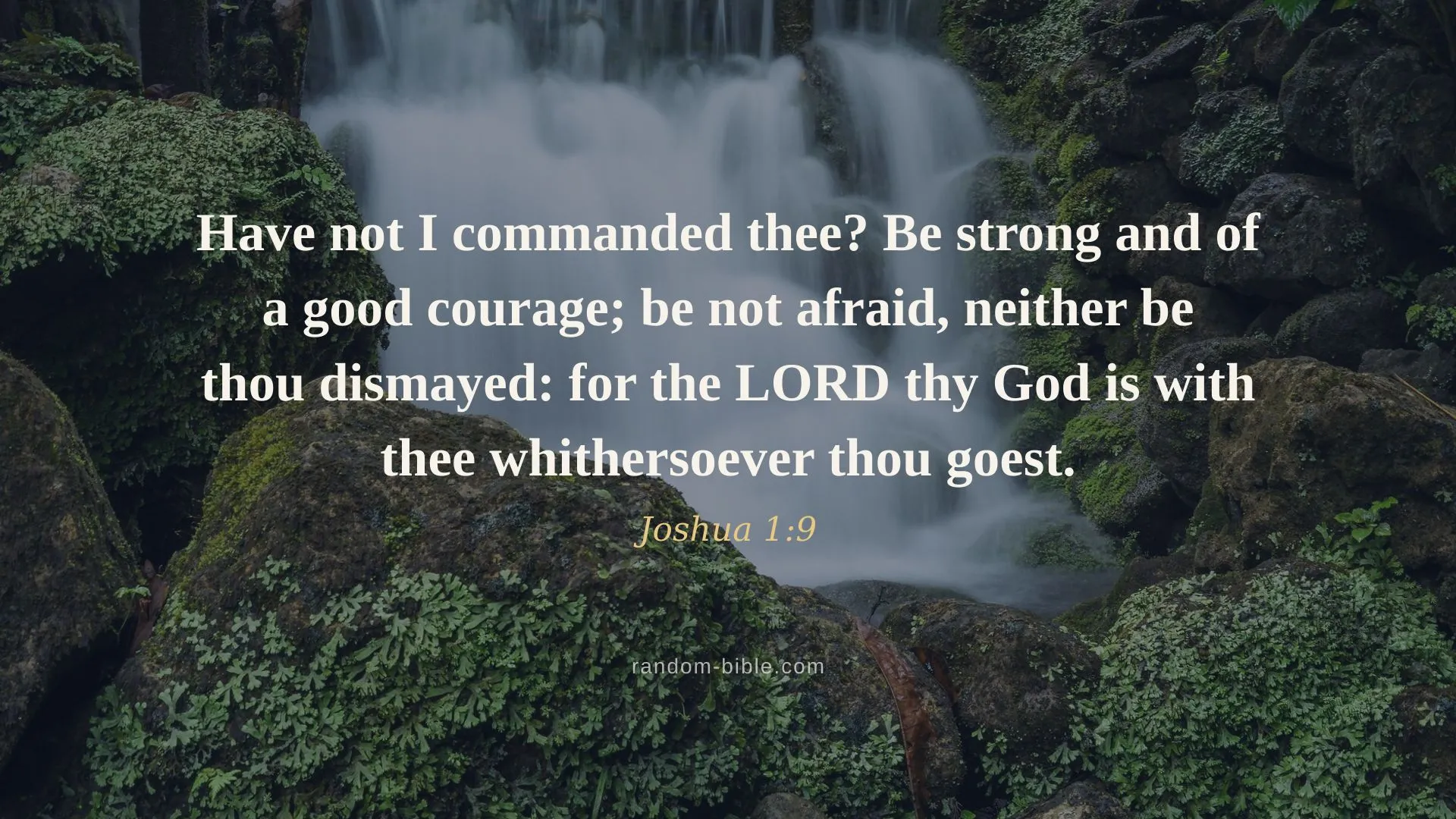
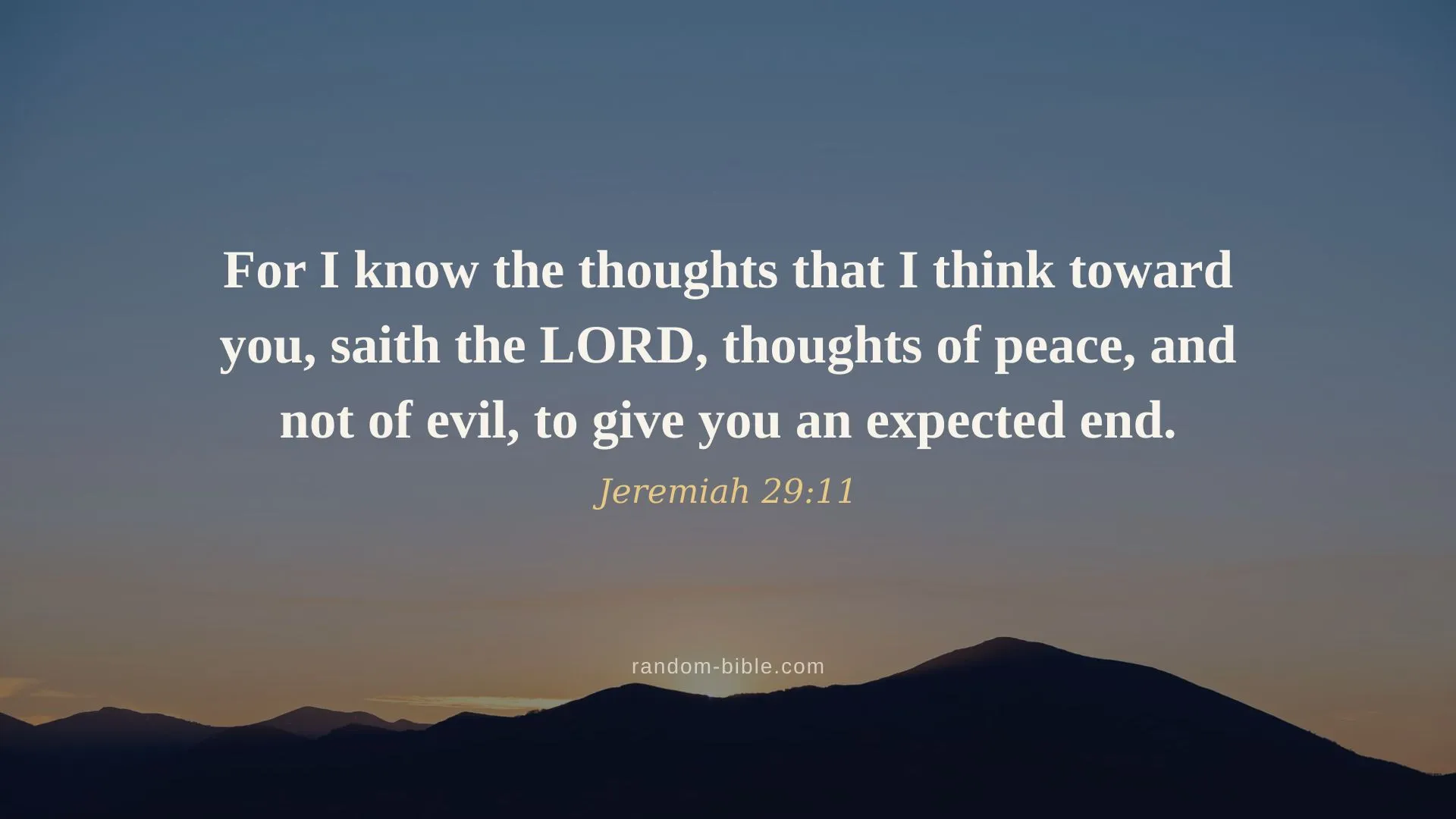
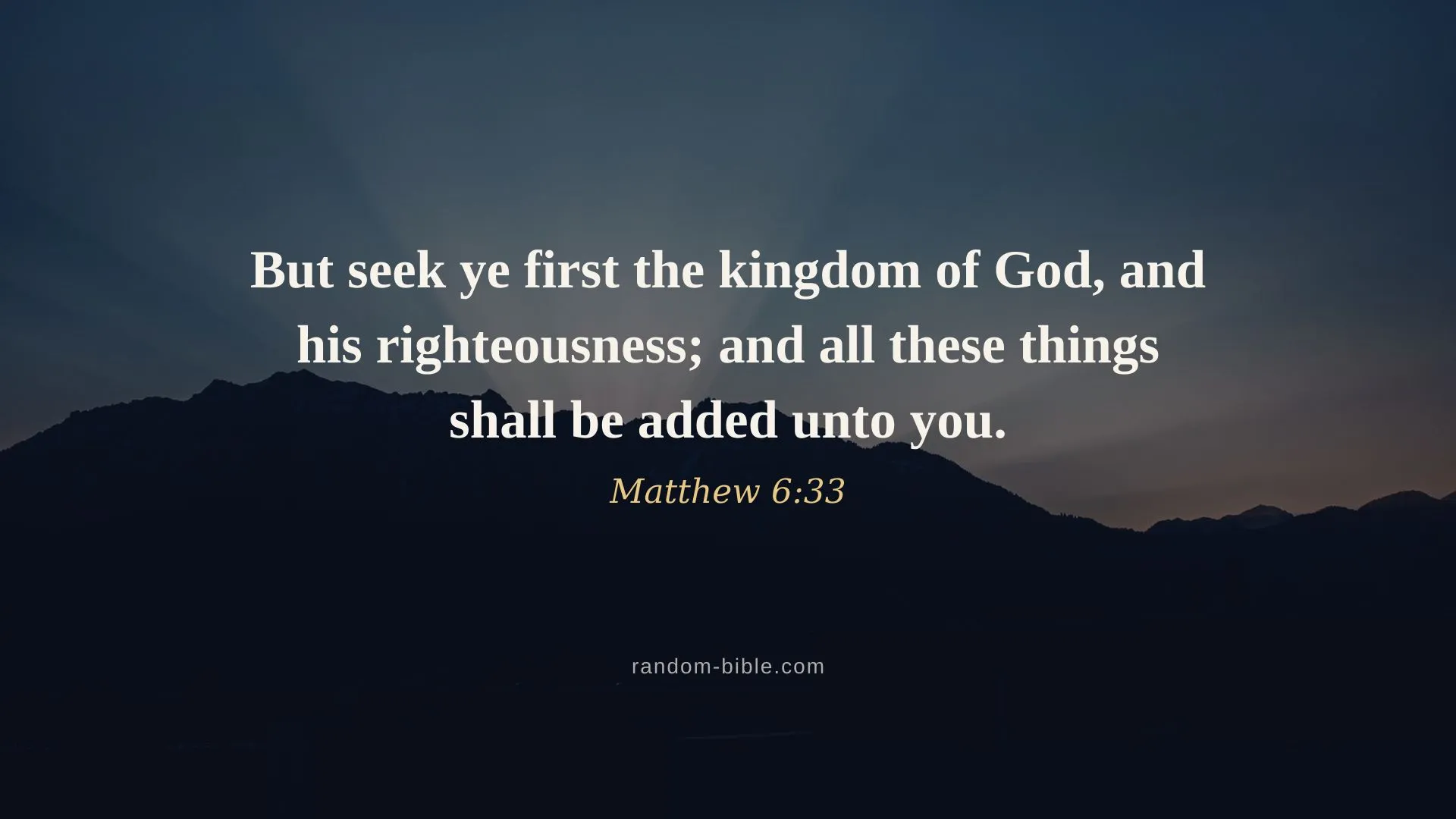
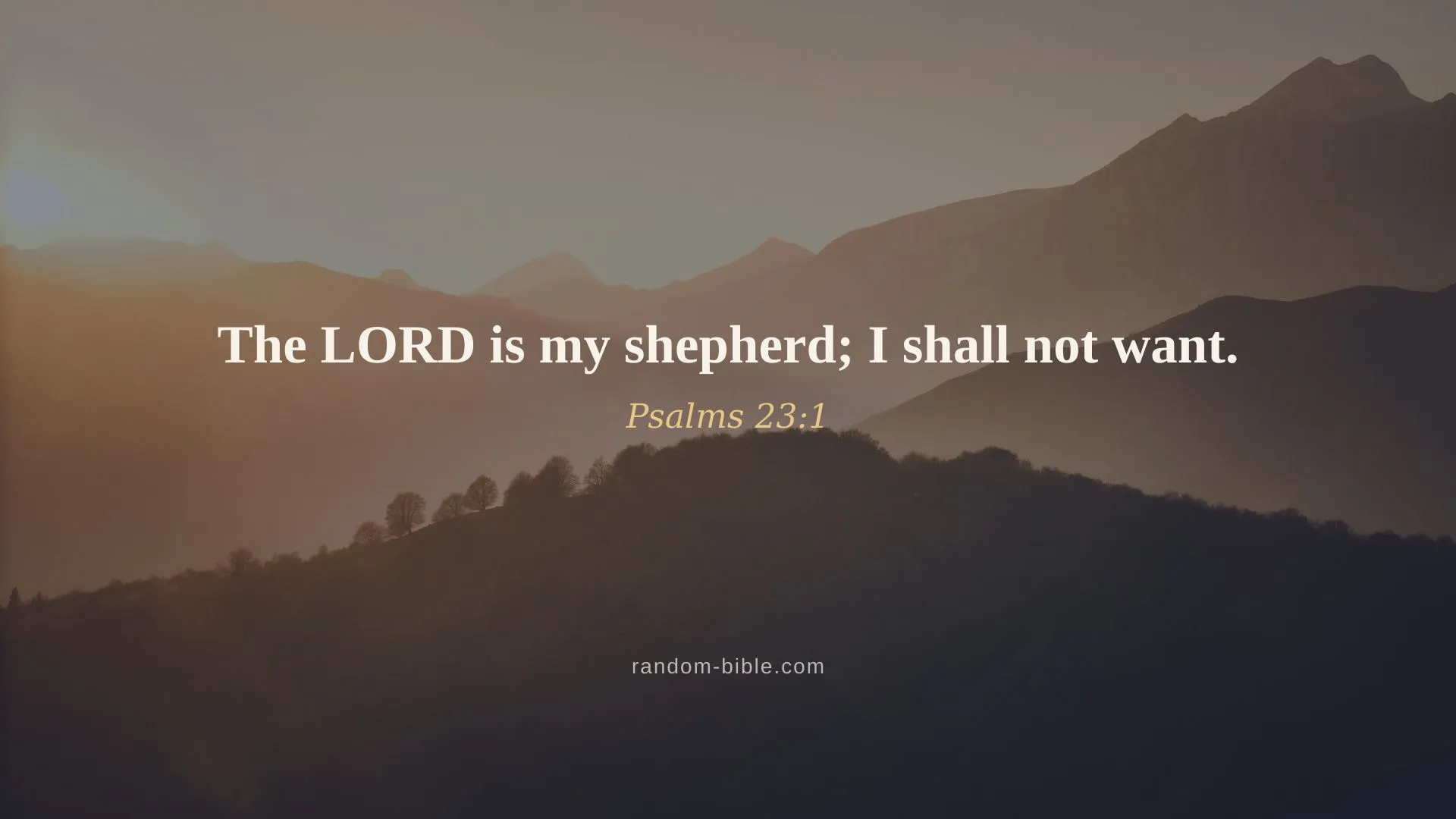
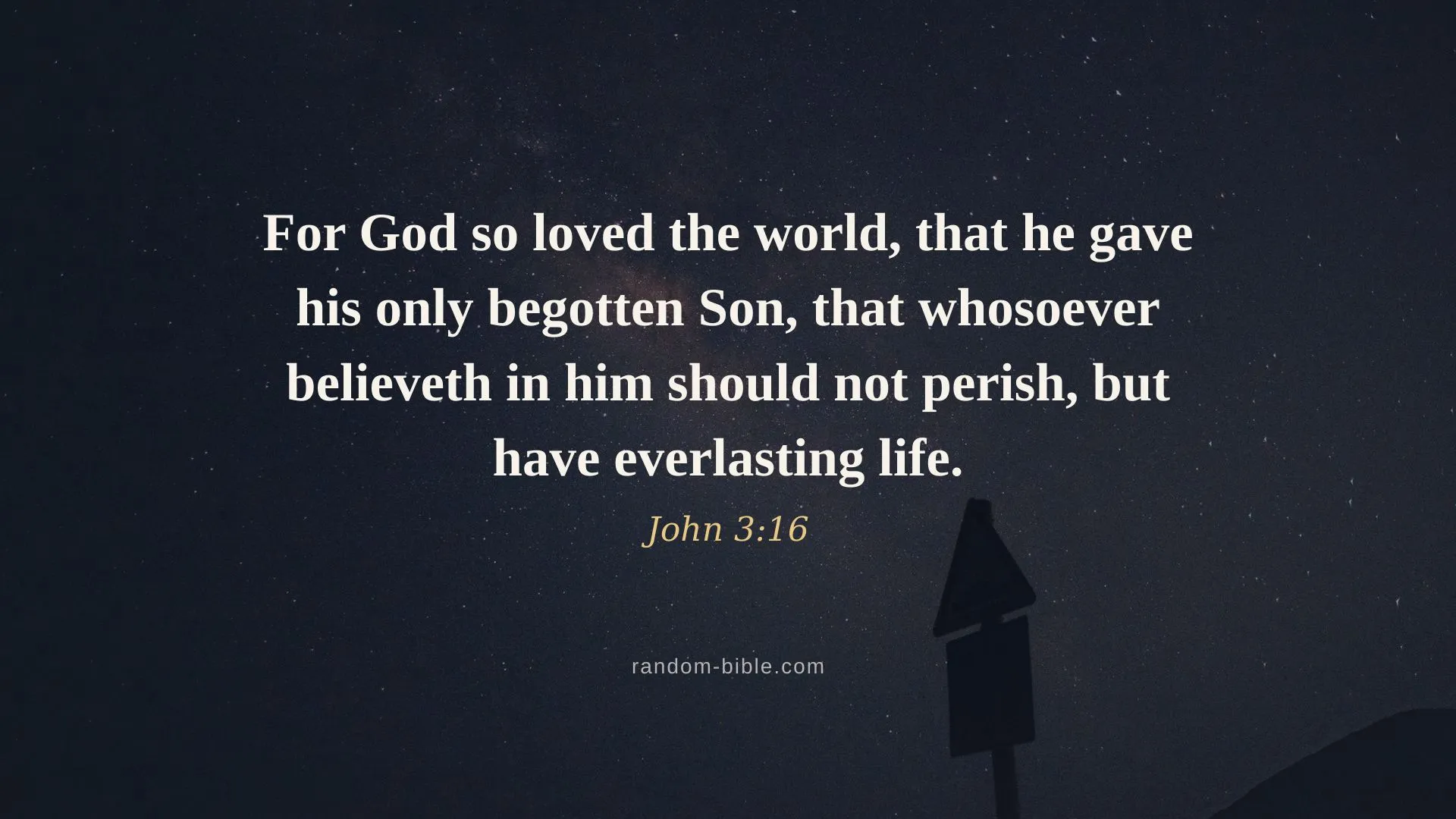
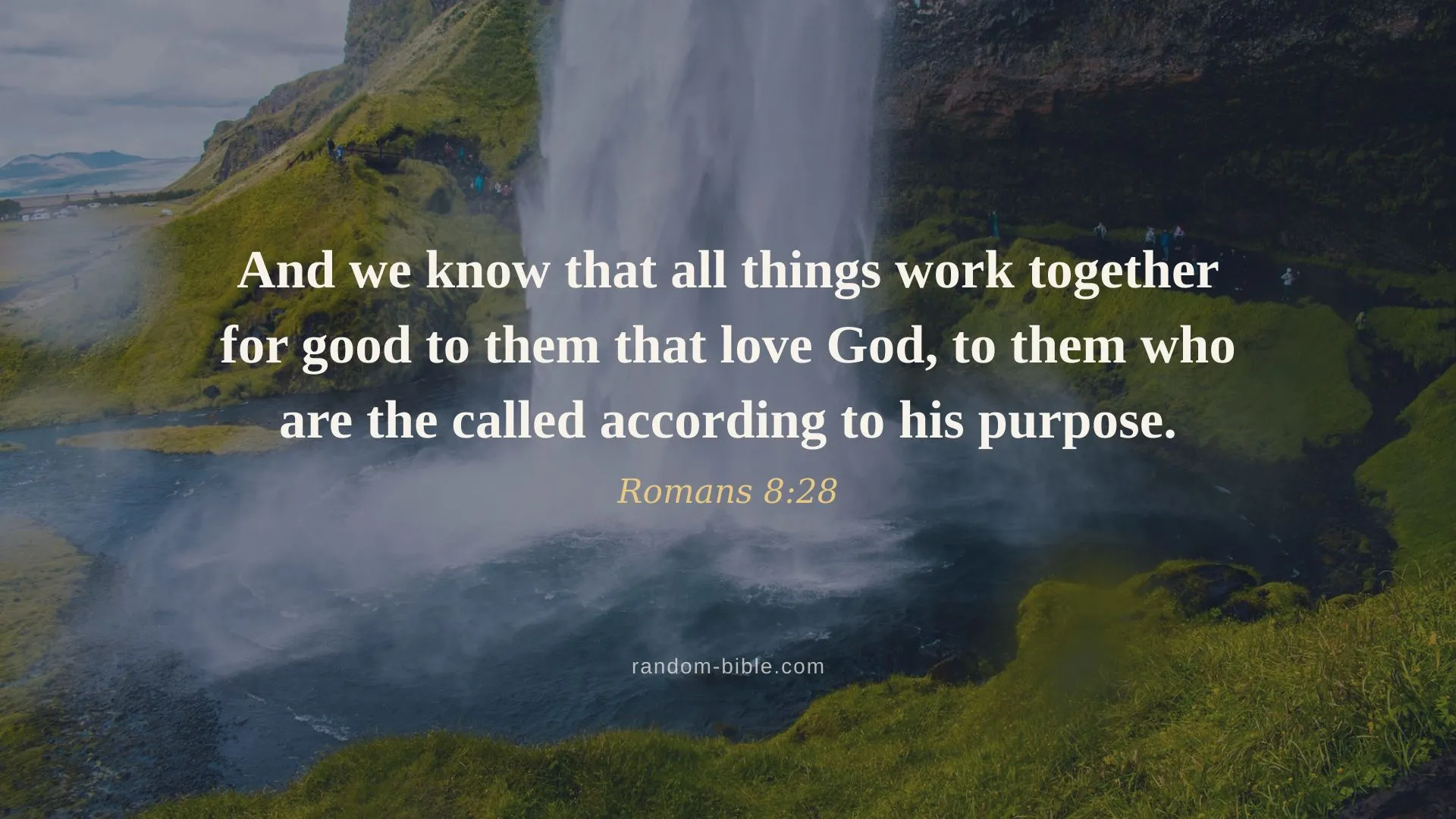
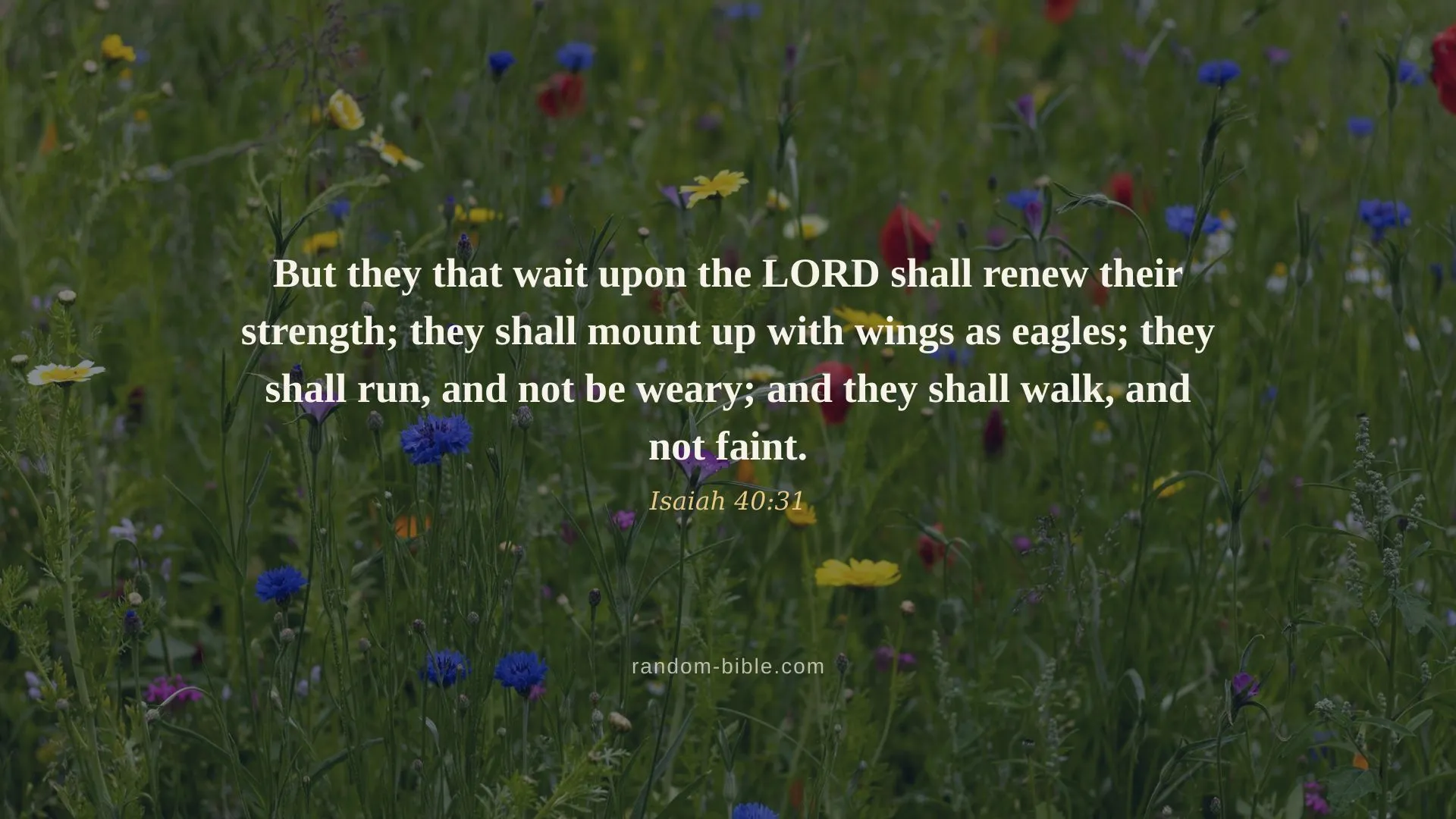
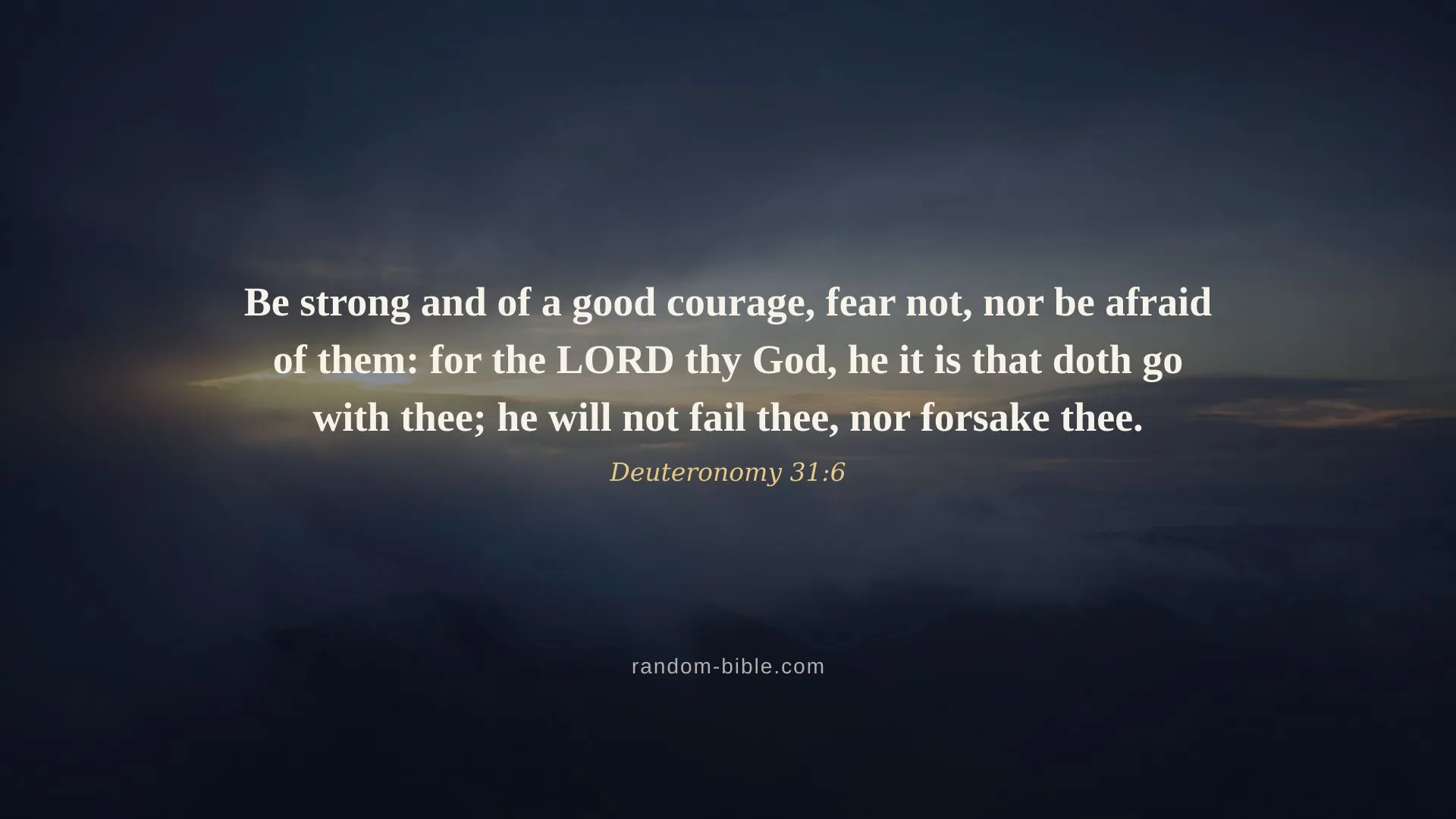
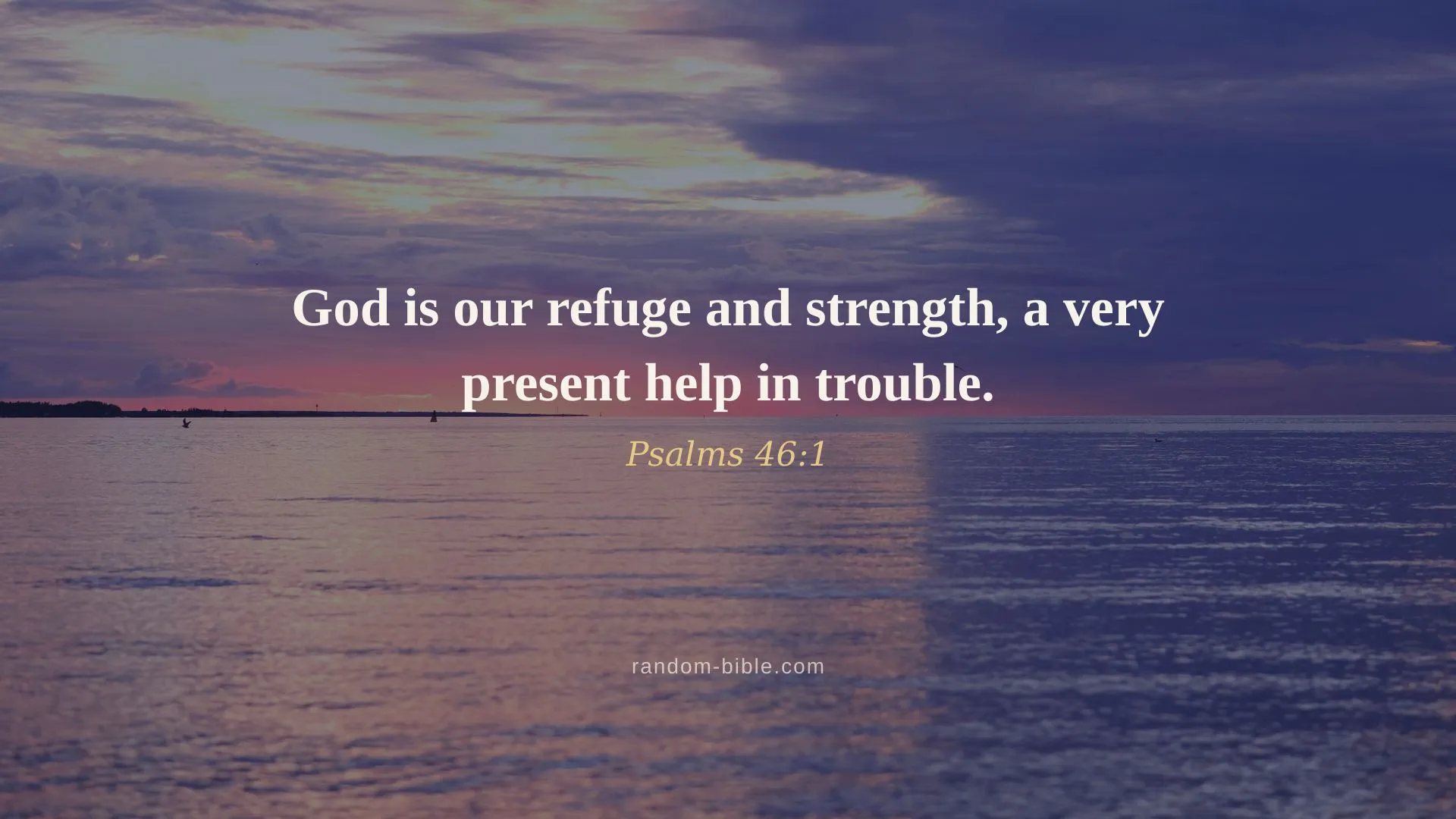
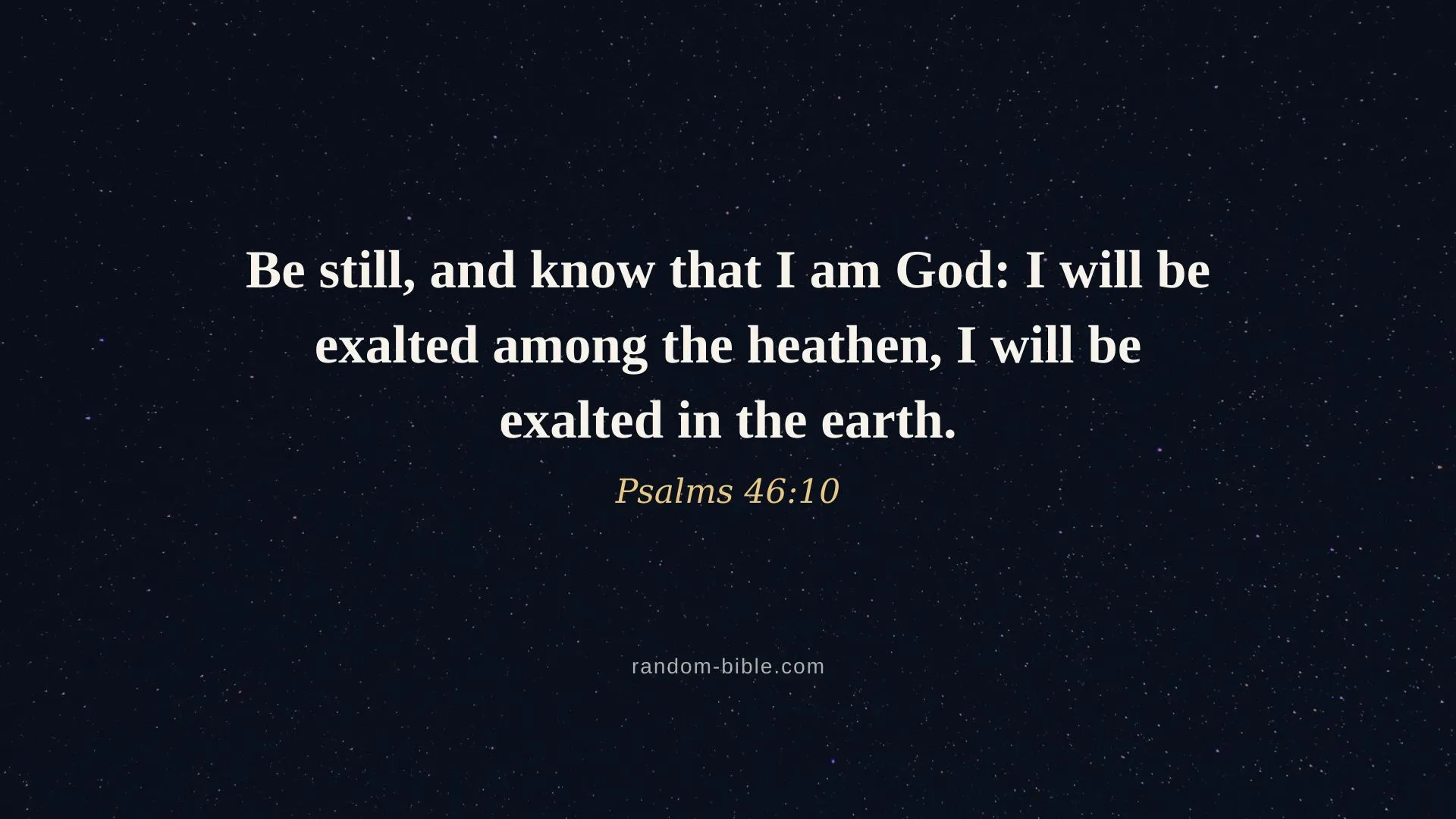
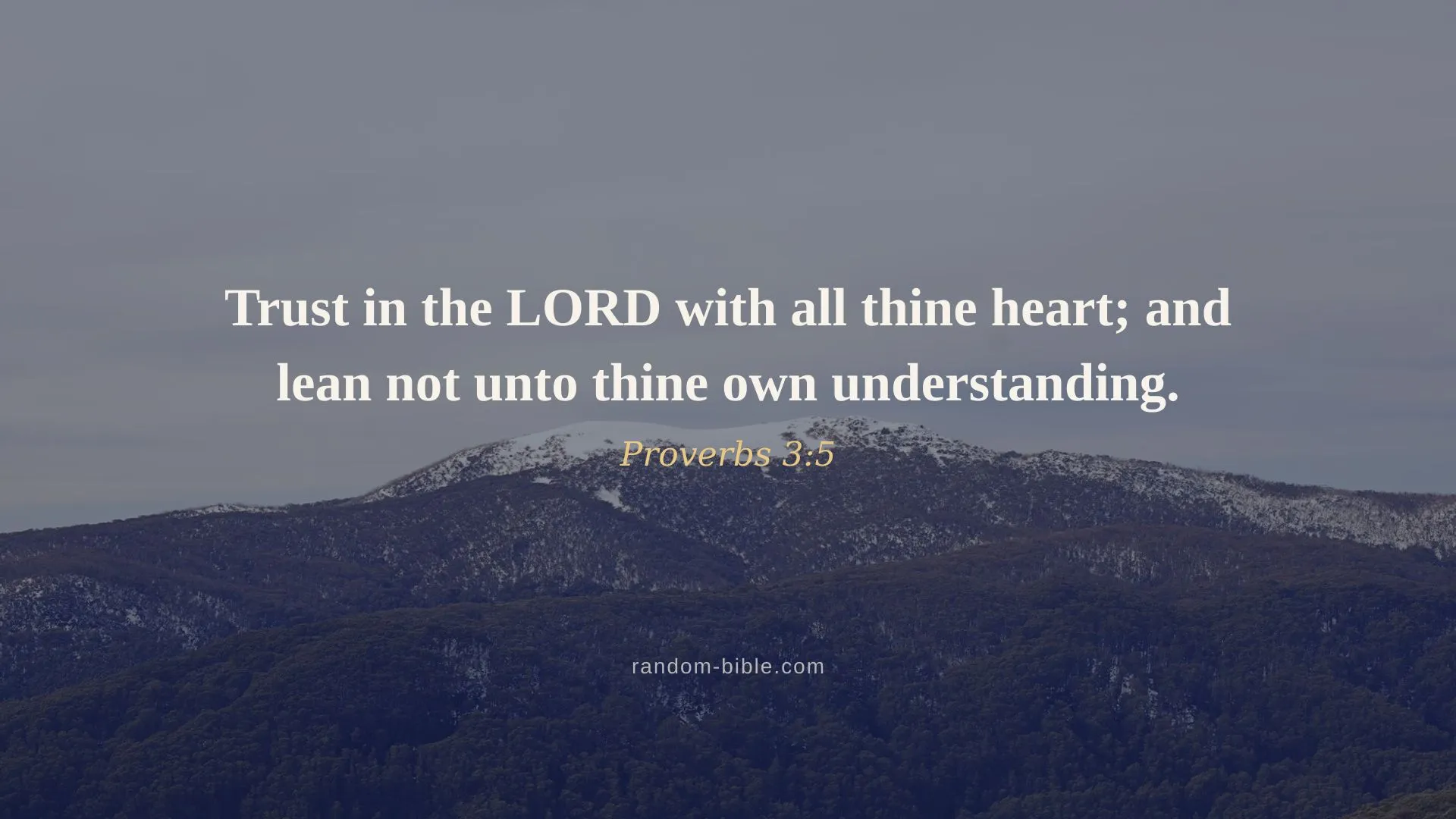
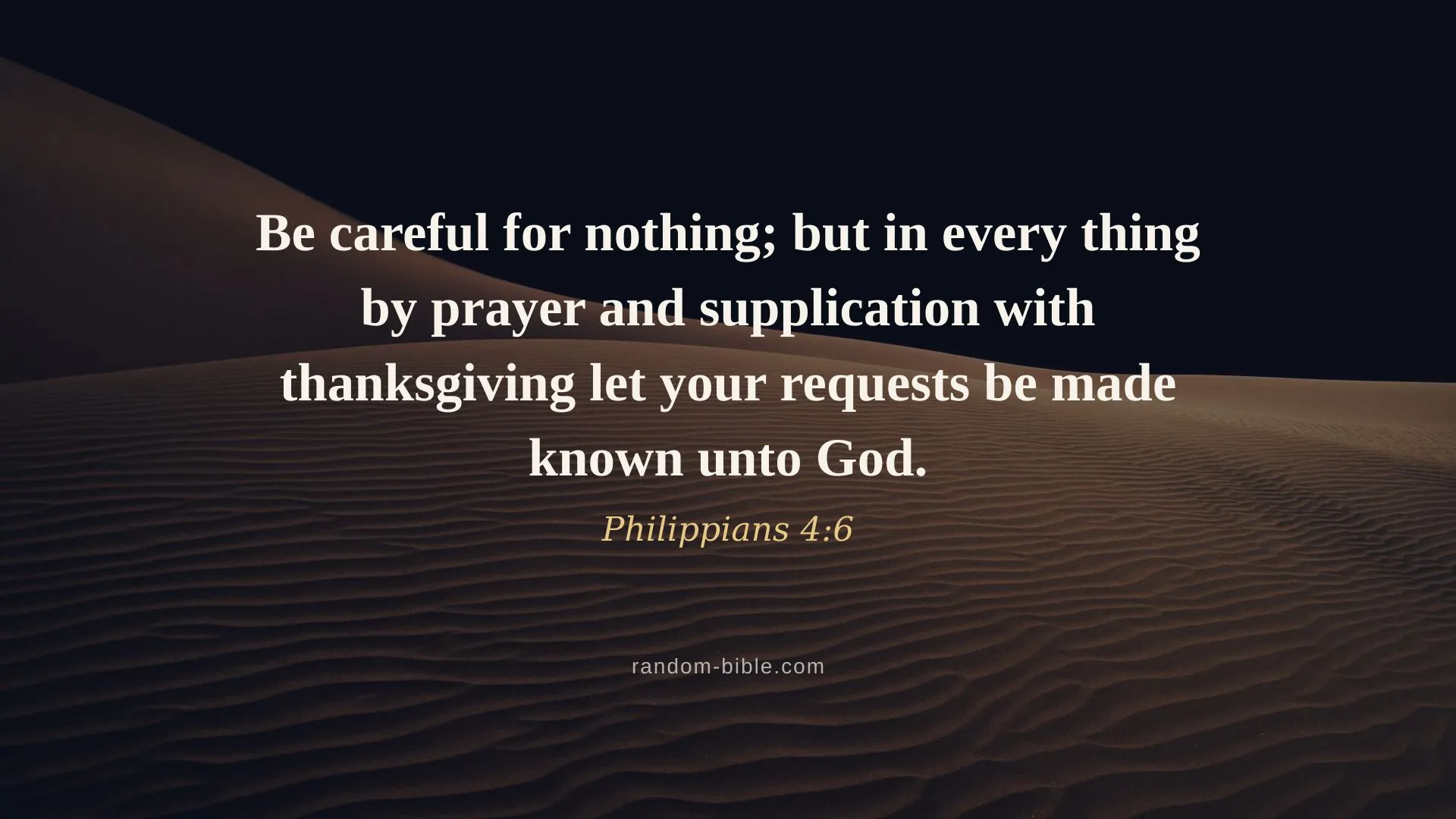
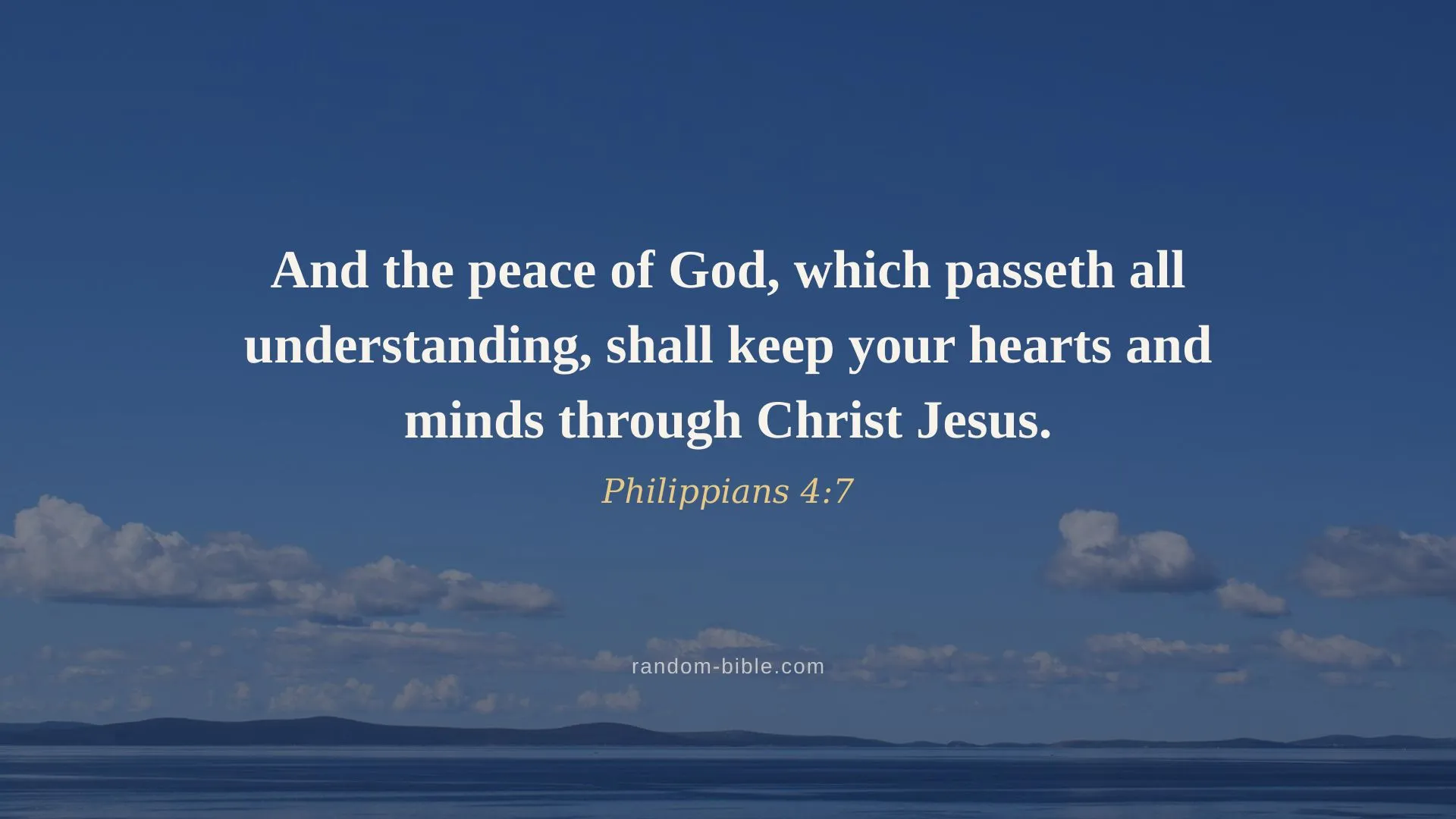
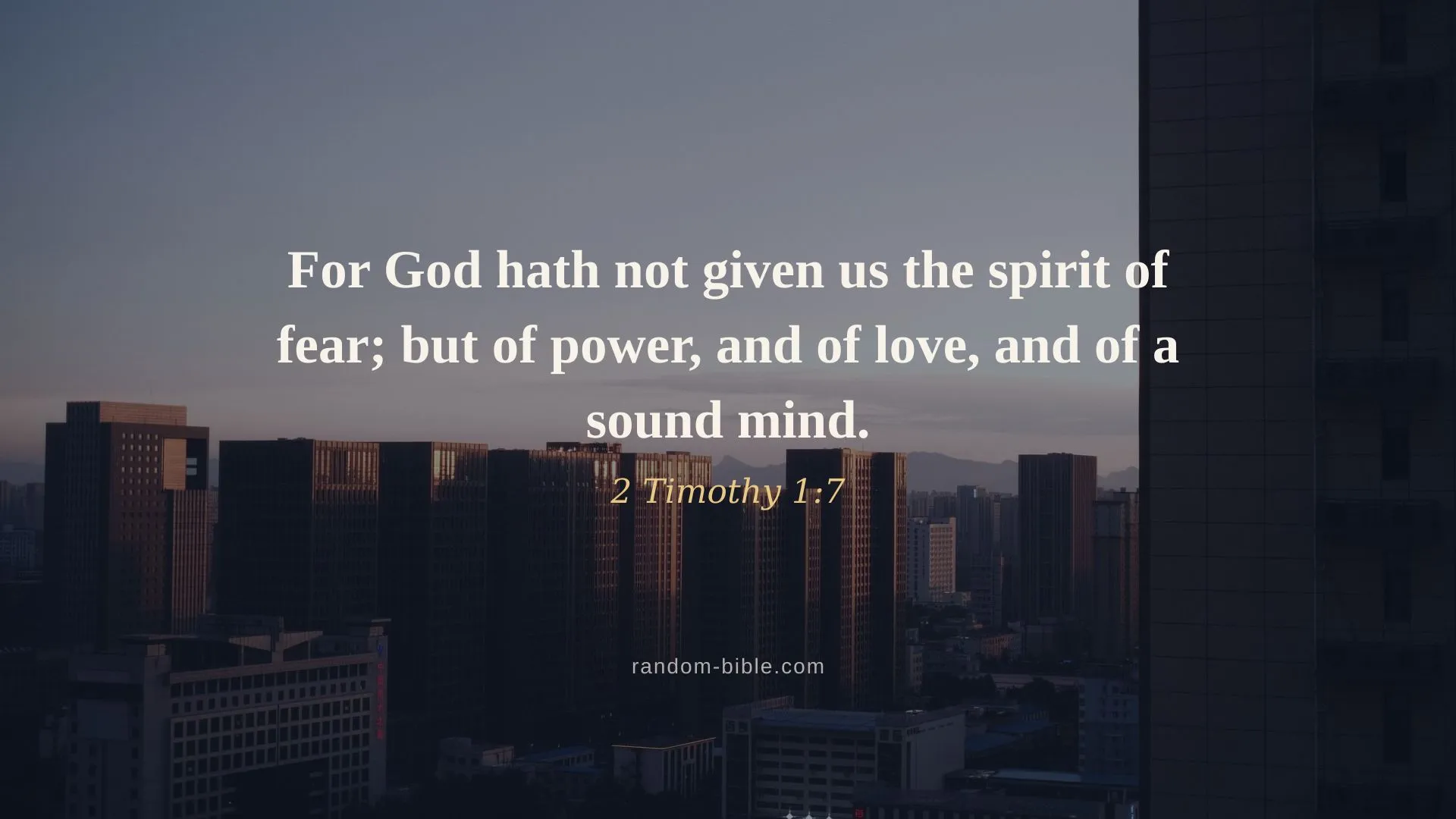
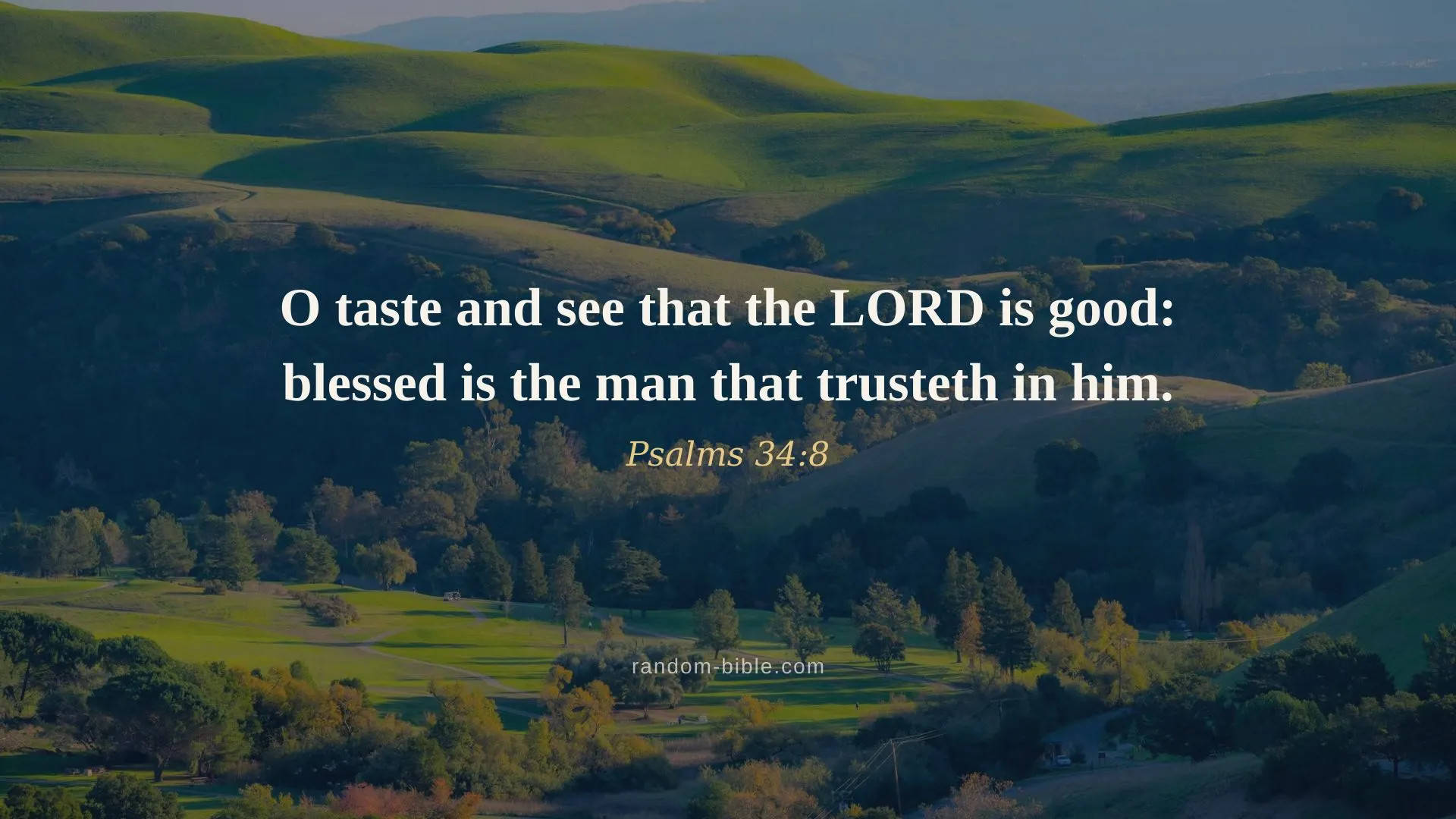
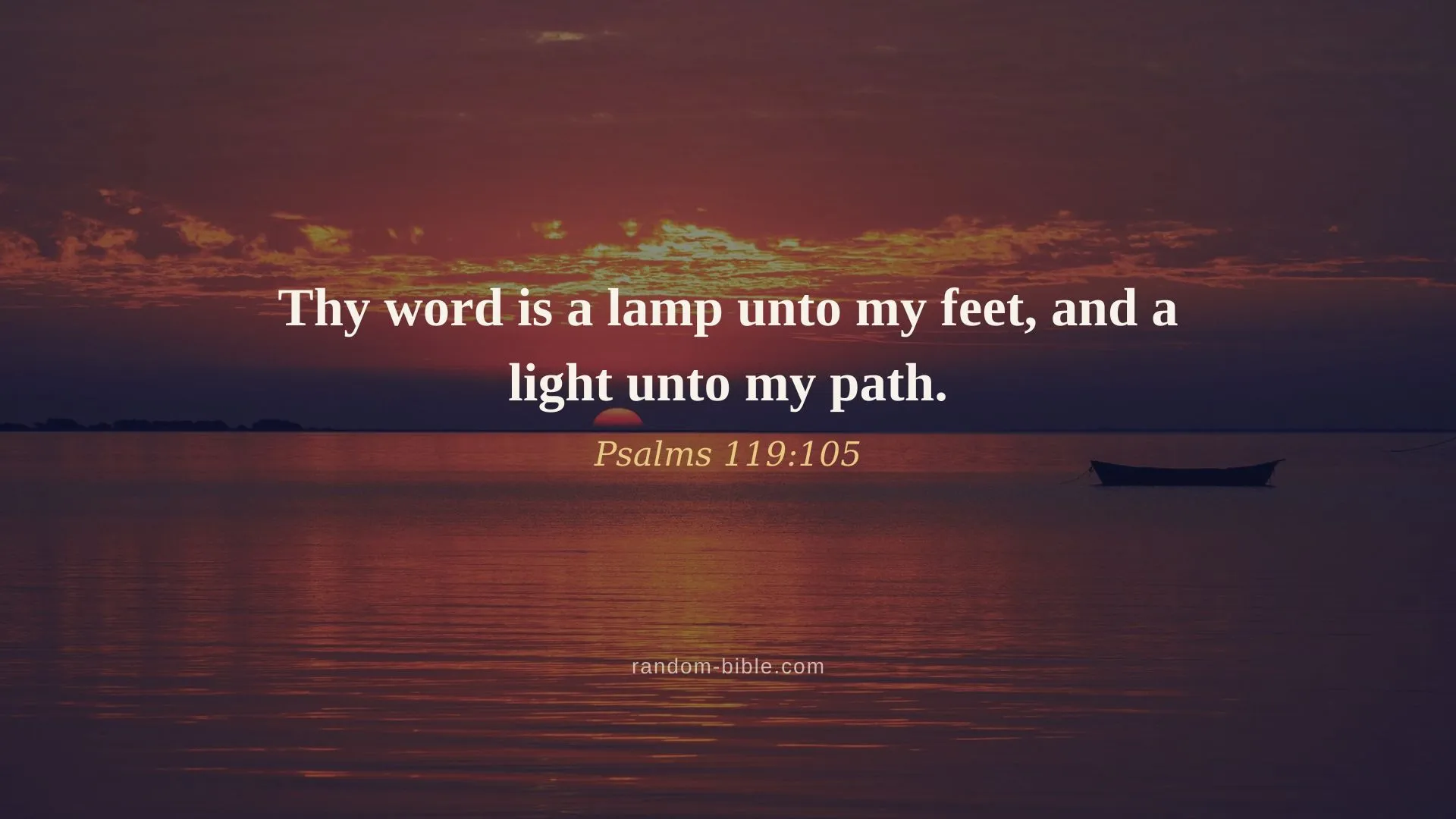
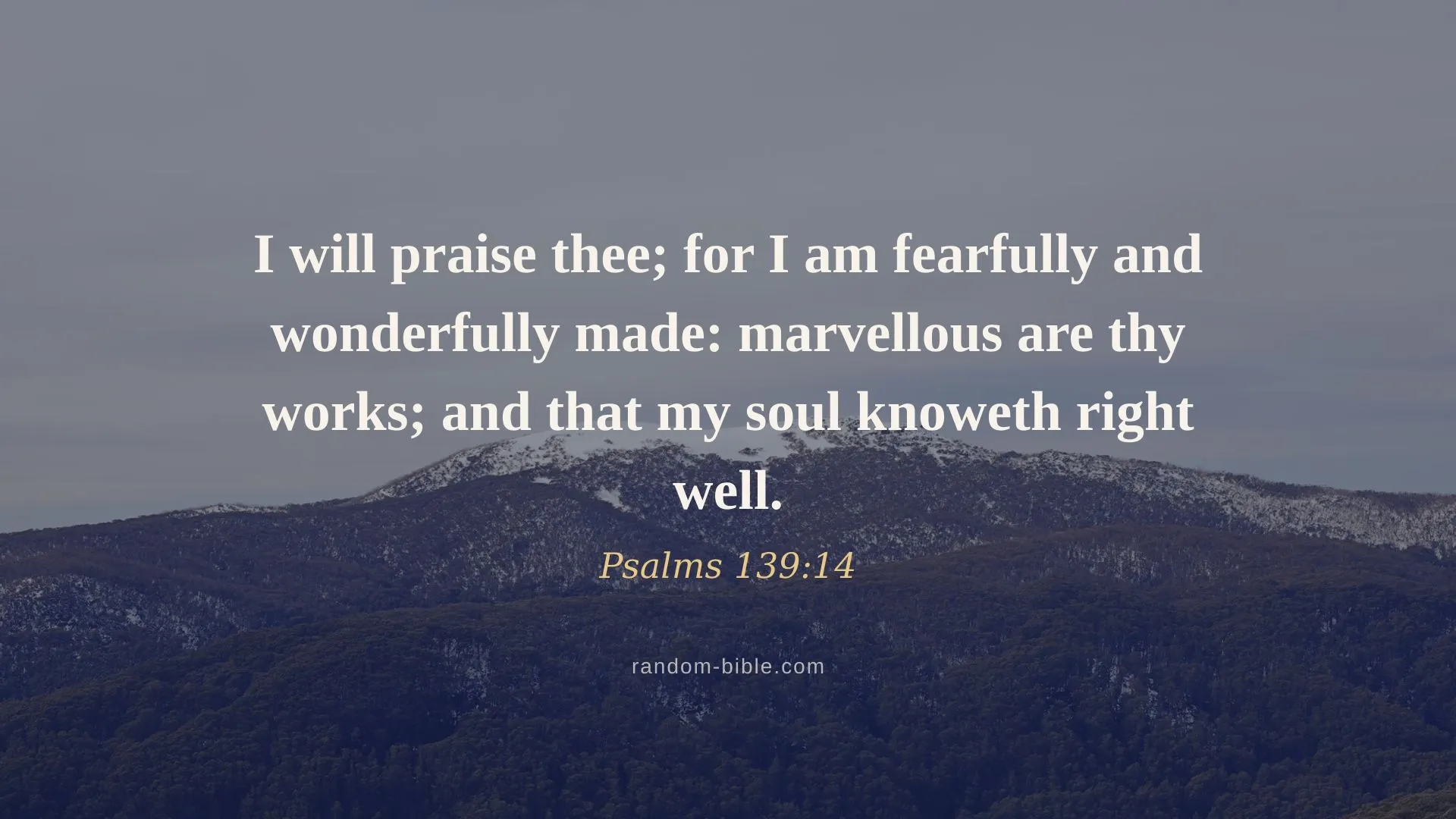
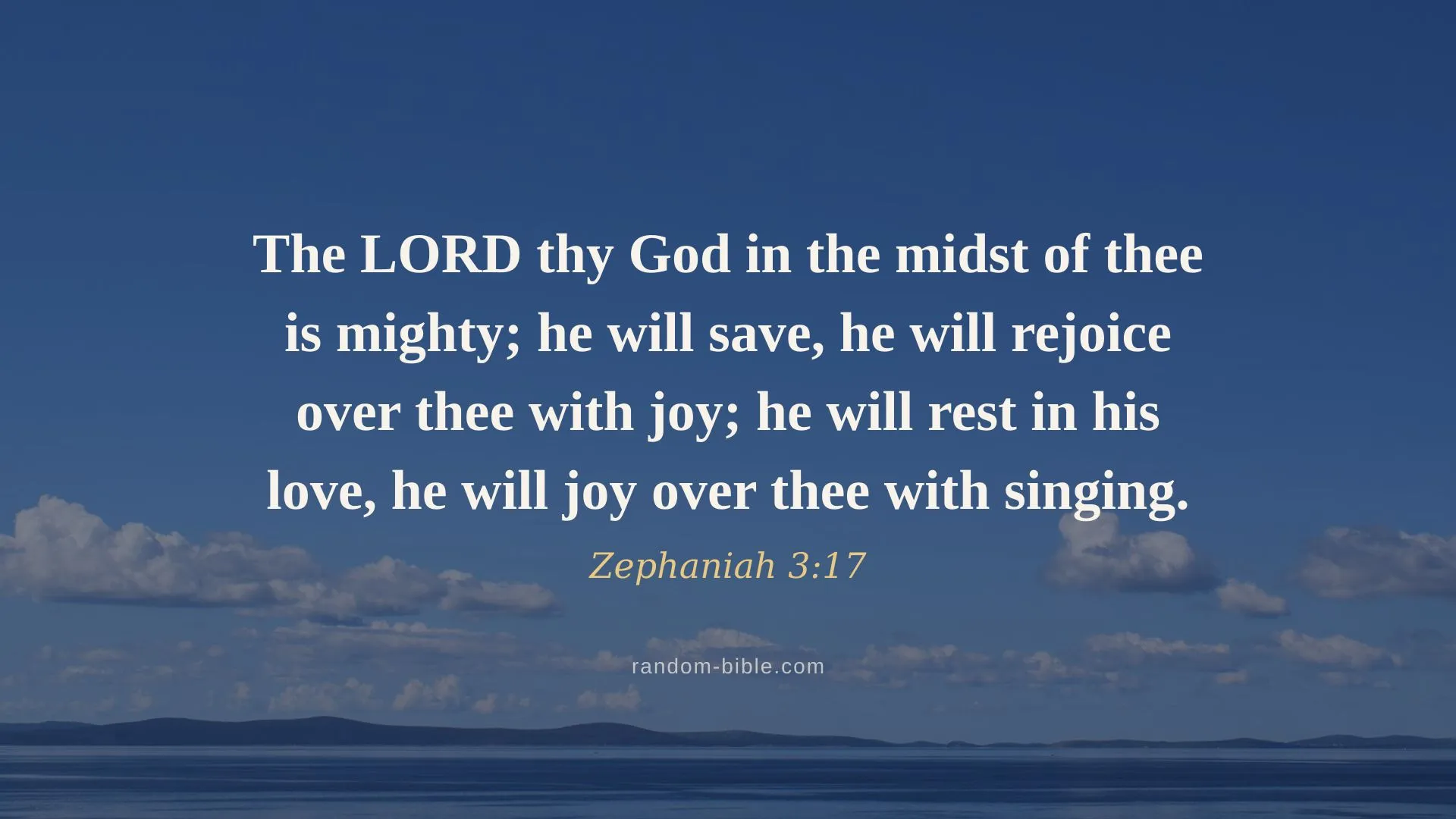
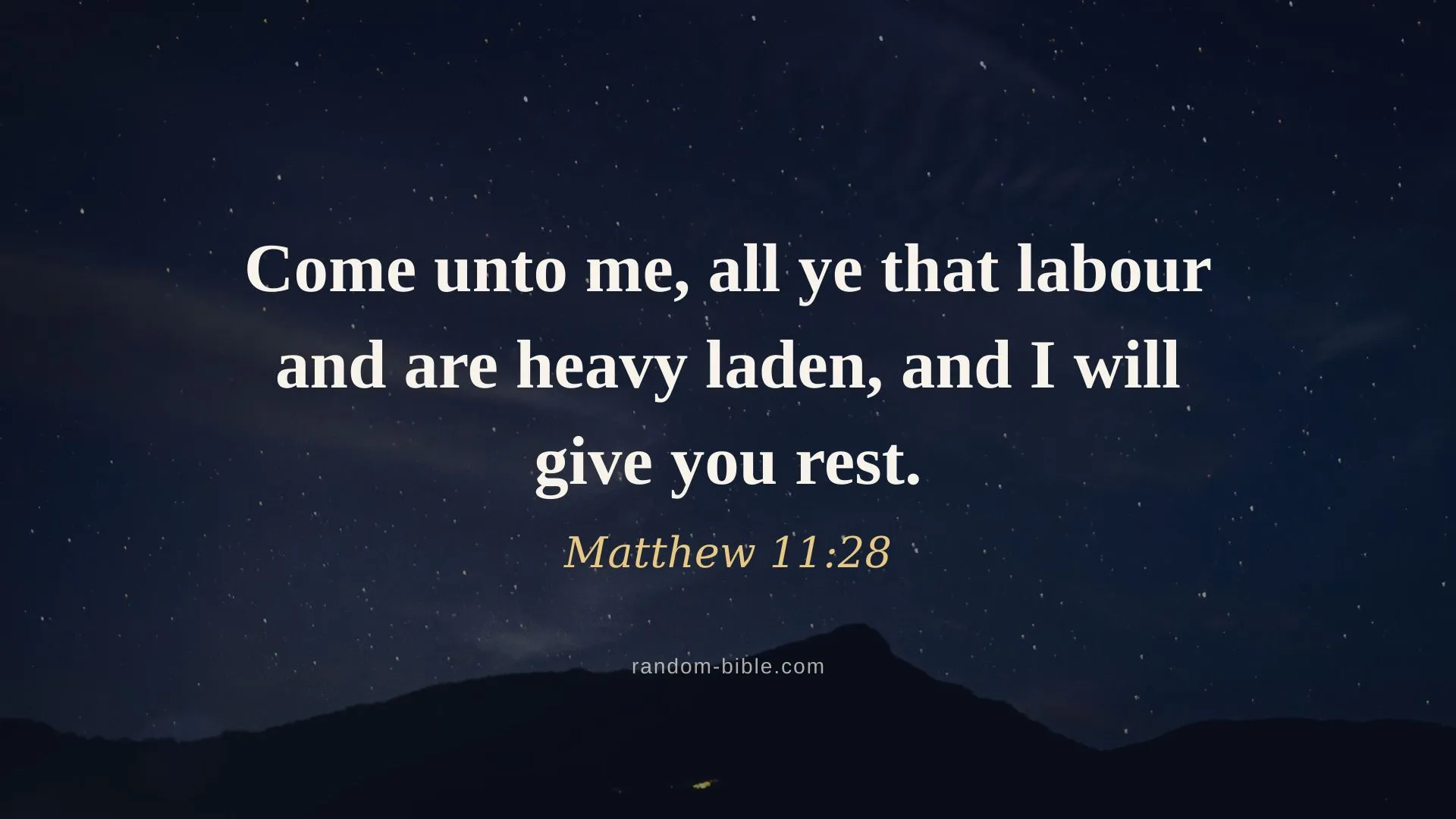
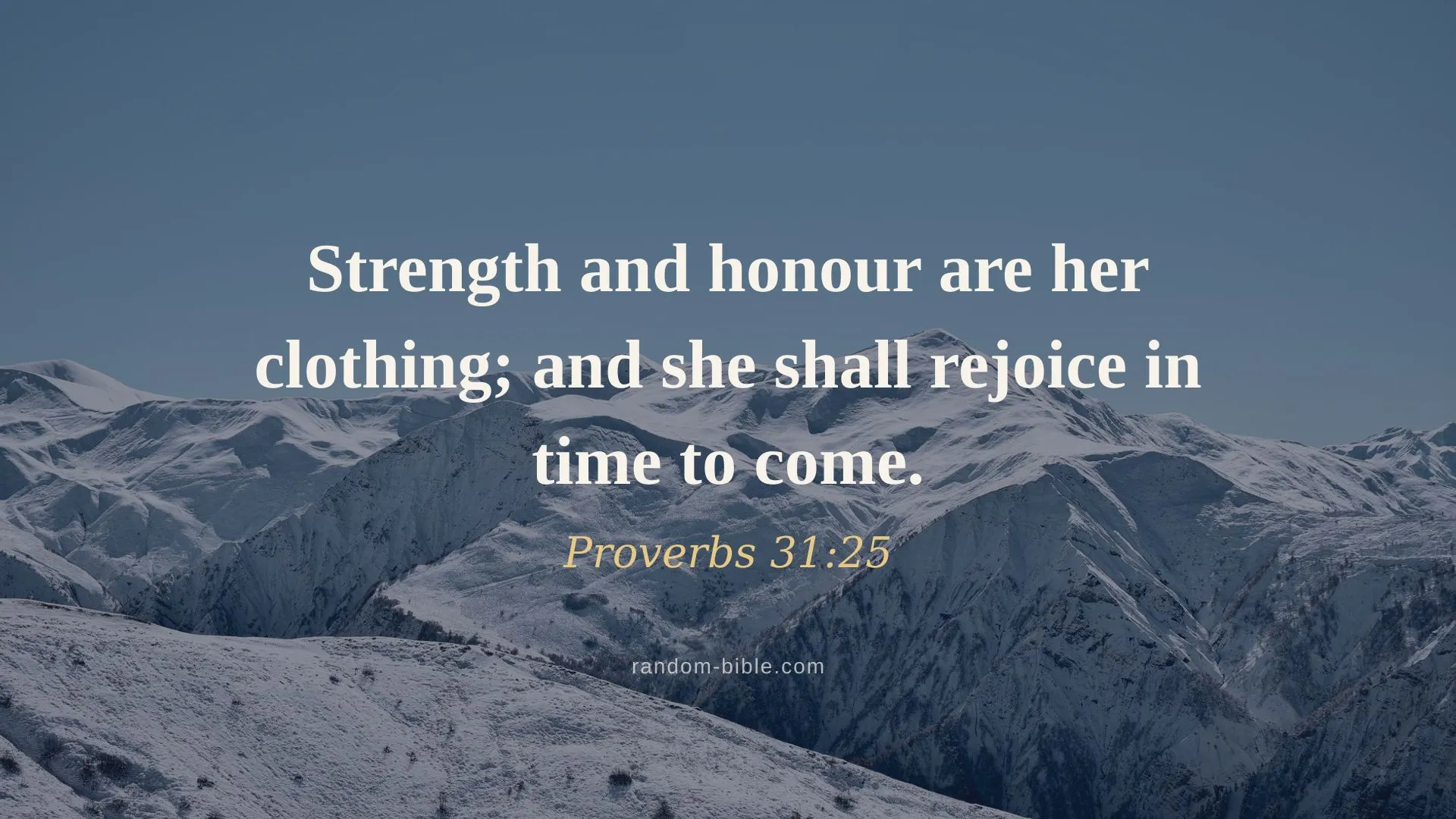
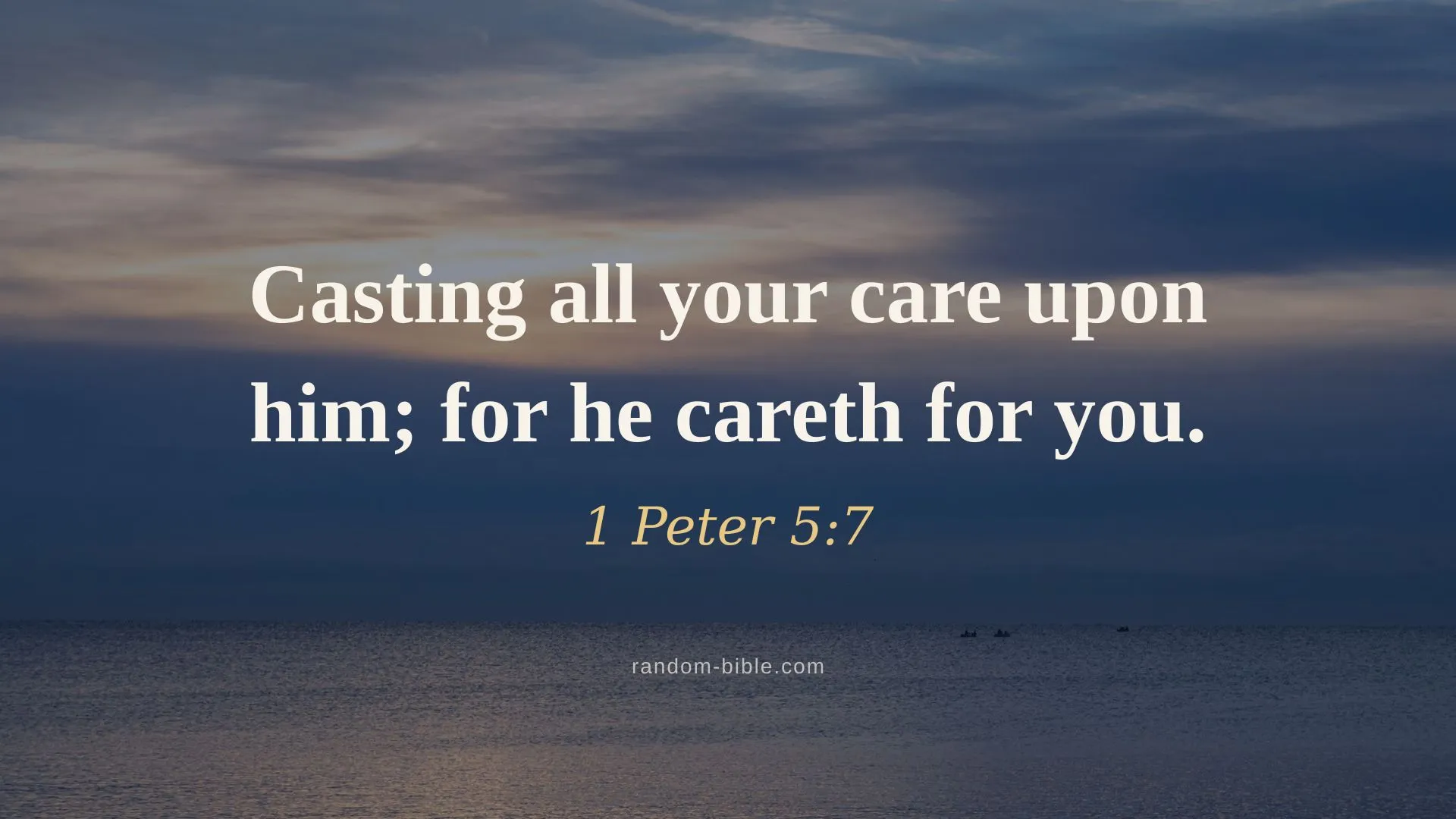
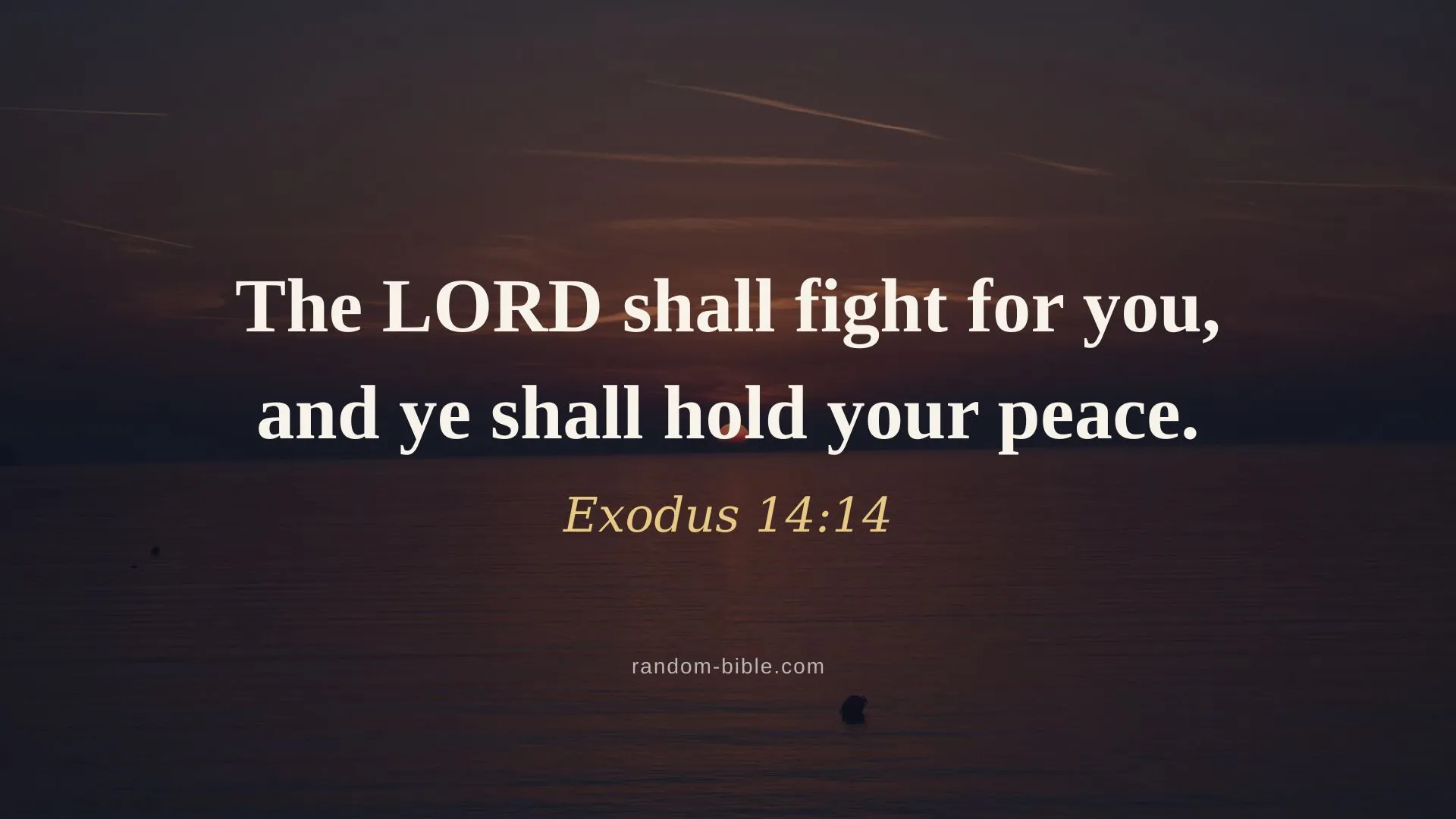
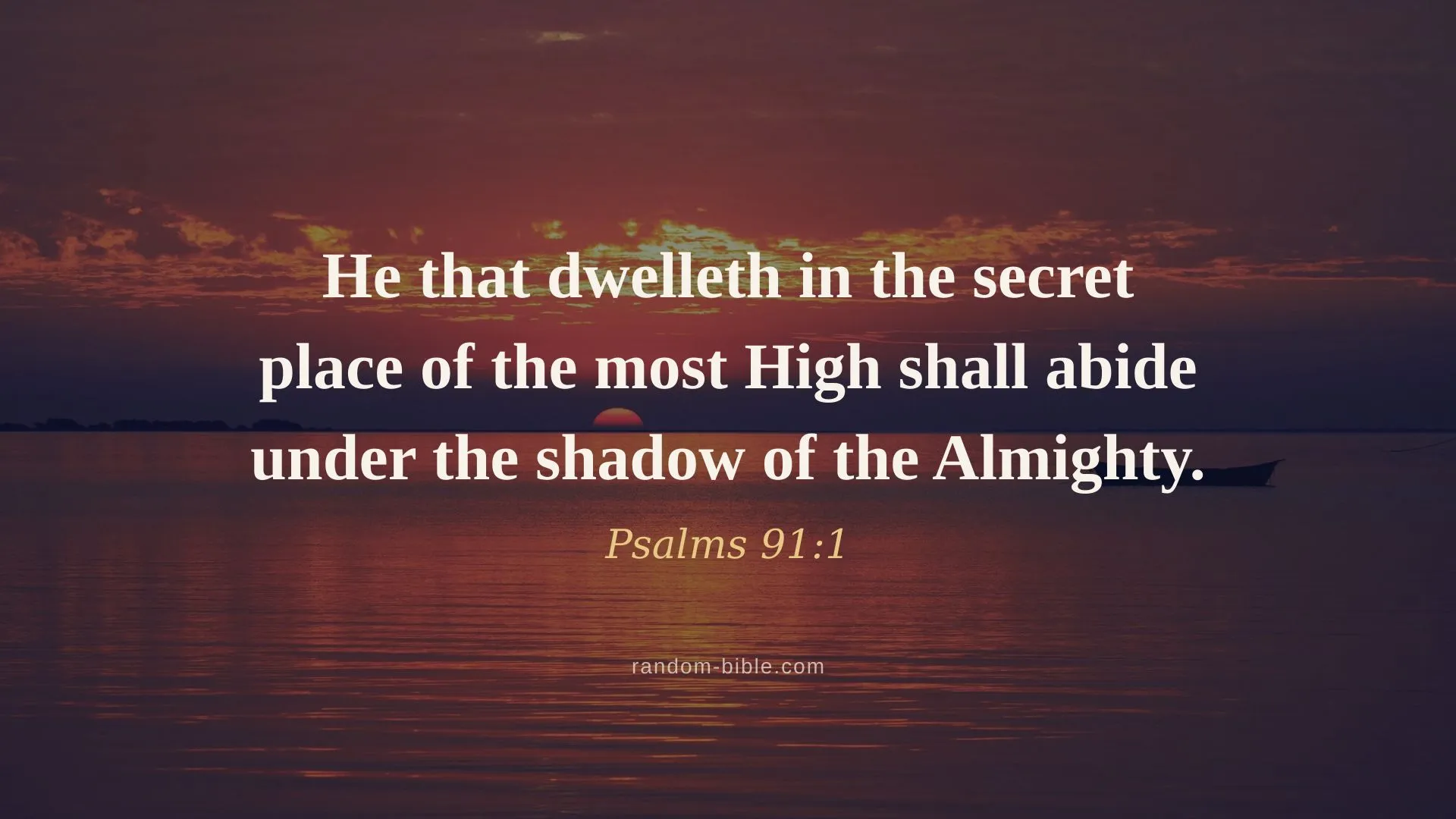
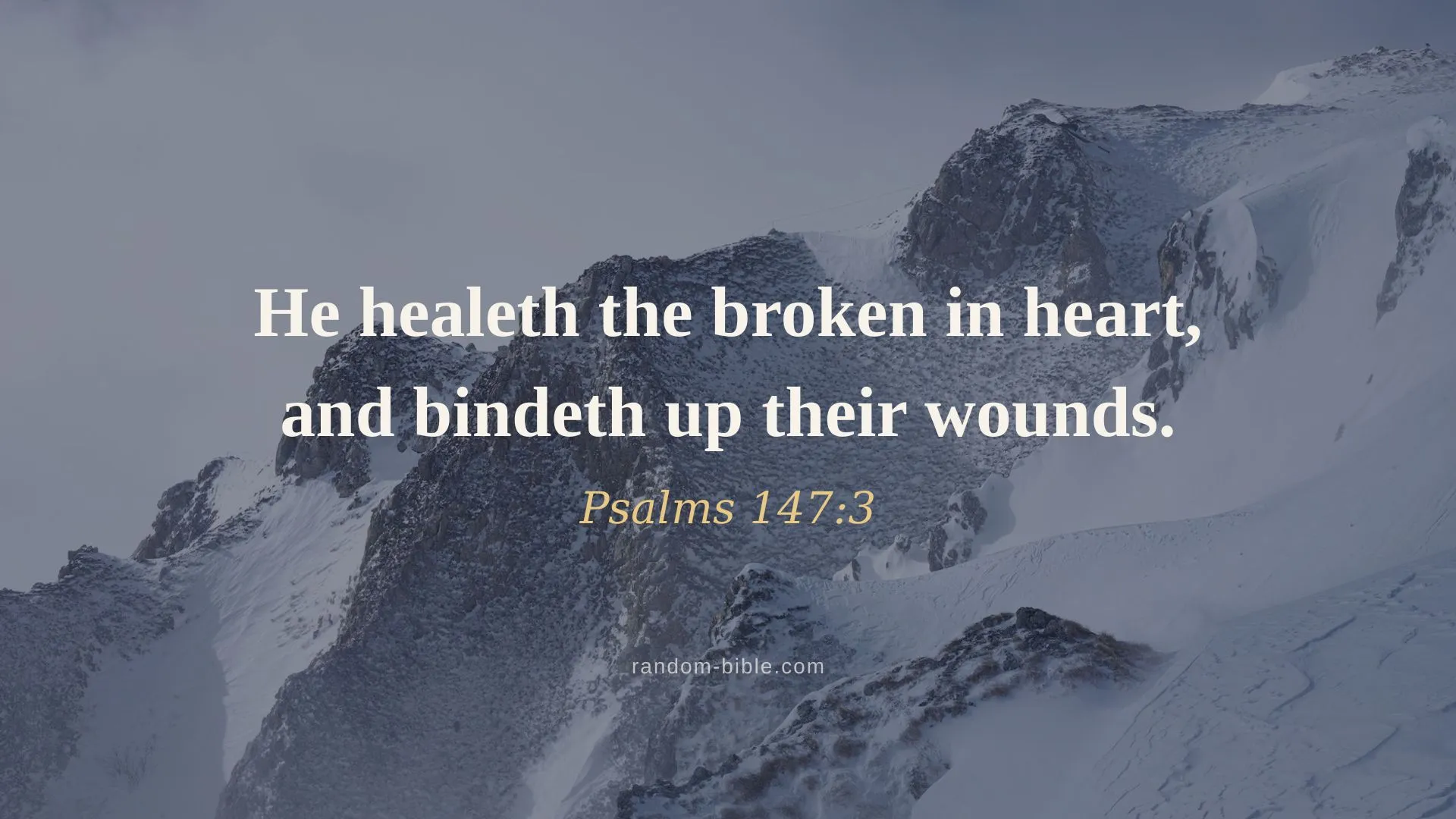
How to set a verse as your desktop wallpaper
- Click Download to save the image.
- Mac: right-click the file → “Set Desktop Picture”.Windows: right-click → “Set as desktop background”.
On a laptop
Every desktop download is 1920×1080, which fits most laptop screens as-is. On a 16:10 MacBook or Surface the image gets scaled slightly and a thin strip is trimmed off the top and bottom. The verse is centred with a wide margin, so what's lost is empty background. ChooseFill Screen on macOS or Fill on Windows and you won't get letterboxing.
On a laptop the flatter styles usually beat the photo one. A soft pastel or flat blue background stays calm behind a screenful of windows, where a photograph ends up competing with them. Open any verse to download the desktop size in all six styles.
Multiple monitors
Set the wallpaper per display rather than spanning it: a verse stretched across two screens gets cut in half by the bezel. On macOS, System Settings → Wallpaper lists each display separately. On Windows, right-click the image in File Explorer and useSet for monitor 1 / 2. A different verse on each screen works nicely.
Keep a verse coming
Random Bible gives you one hand-picked verse a day, on your home screen. Or let one arrive on every new browser tab.