
Free embed
Bible Verse Widget for Church Websites
Add a Bible verse widget to your church website, blog, or ministry page. It shows a new verse every day. Pick a style and translation below, then paste the code. You don't need an account, and the widget doesn't track your visitors.
How it looks on a church website
Six examples on made-up church sites. Pick one to load it into the customizer below.
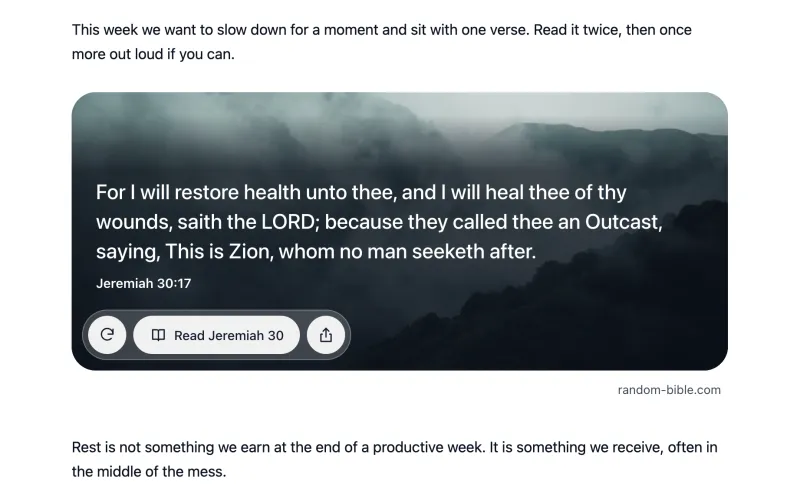
WindowThe verse on a photoUse this style 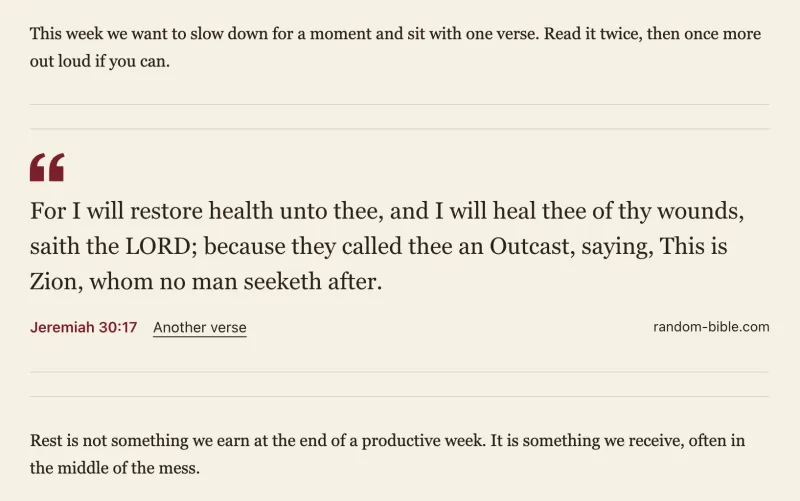
QuietNo card, takes your site’s coloursUse this style 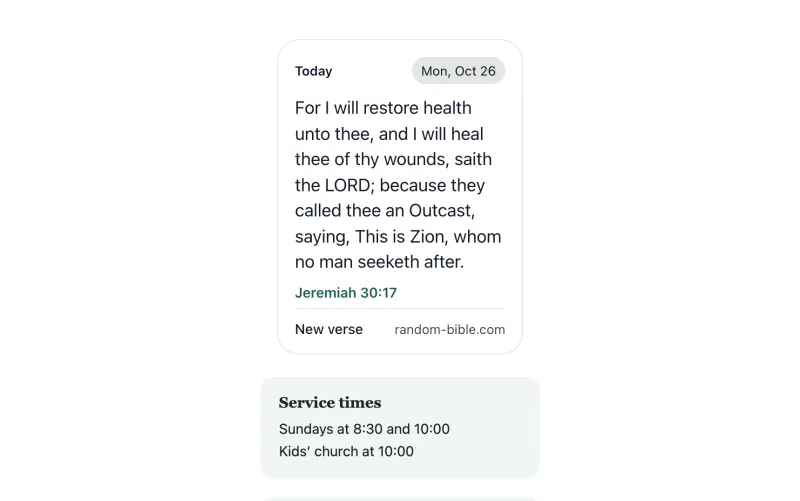
TodayCompact, for a sidebarUse this style 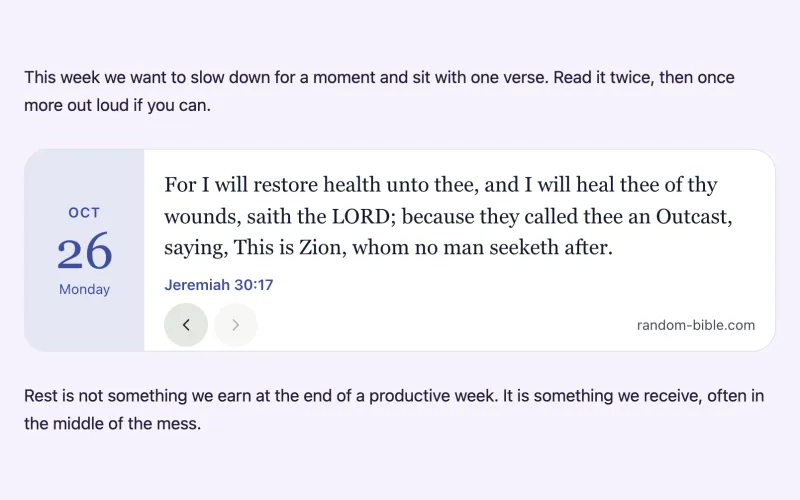
CalendarA tear-off date, flip back through daysUse this style 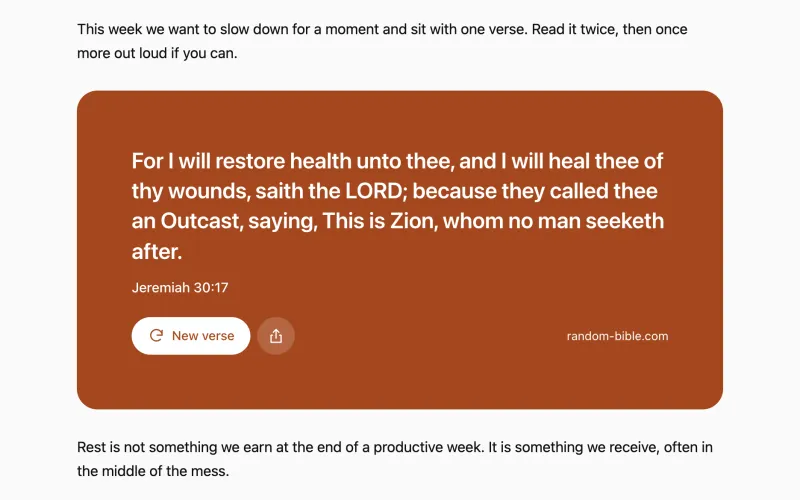
PosterFilled with your accent colourUse this style 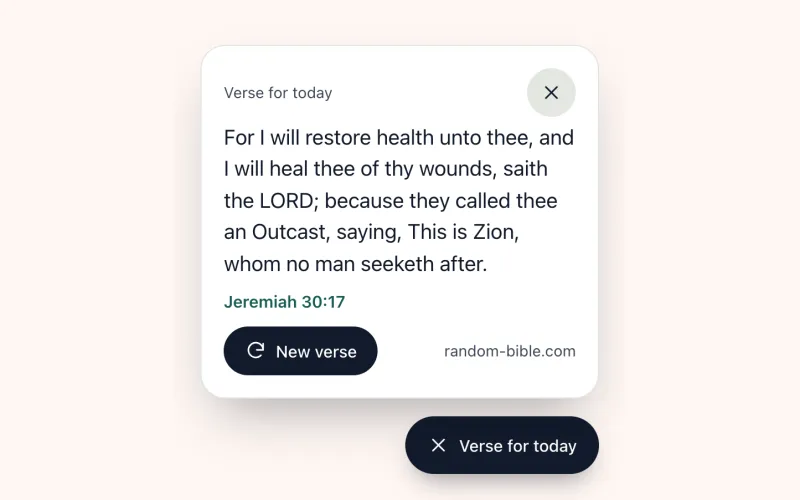
FloatingA corner button that opens the verseUse this style


Customize your widget
Live preview
I can do all things through Christ which strengtheneth me.Philippians 4:13
Verse of the day on WordPress
Install Random Bible: Verse of the Day Widget from the WordPress plugin directory. In the dashboard, go to Plugins, then Add New, and search for “Random Bible”. Add the Bible Verse block to any page and pick a style in the sidebar, with a live preview in the editor.
For the classic editor, page builders and sidebar text widgets, use the shortcode:
[random_bible_verse style="today"]Using React or a JavaScript build
The same widget is on npm as random-bible-verse, with a web component, amount() function and a React component that renders on the server.
npm install random-bible-verseimport { BibleVerse } from 'random-bible-verse/react';
<BibleVerse layout="today" theme="auto" />The options are the ones below, without the data- prefix, and data-style is called layout. Full documentation is on npm and the source on GitHub.
Frequently asked questions
Is the Bible verse widget free?
Yes. You don’t need an account, the widget doesn’t track your visitors, and it never shows ads. Copy the code from the customizer, paste it into your page, and it works.
Will it work on Wix, Squarespace, or WordPress?
Yes. Anywhere you can add an HTML or “embed/code” block, the snippet will run: WordPress, Wix, Squarespace, Weebly, Webflow, Ghost, or plain hand-written HTML. It is a single script tag and a div, with no build step. On WordPress you can also install the free plugin from the WordPress plugin directory and add the verse as a block or a shortcode.
Can I change the translation or the look?
Yes. Use the customizer above to pick one of six styles and a translation (KJV, WEB, or ASV), then the look: light, dark or auto theme, accent colour, the verse font (including your own site’s font), corners, and size. Your choices go into the embed code as data attributes, so you can also change them by hand later.
How often does the verse change?
Once a day. Everyone who visits your site that day sees the same verse, and reloading the page doesn’t change it. It is the same verse of the day as on random-bible.com. If you would rather show a different verse on every visit, set Shows to Random.
Will it slow my site down?
No. The script loads with the async attribute, so your page renders without waiting for it. It then downloads one small JSON file of verses, plus one photo for the Window style. It loads no fonts, frameworks or trackers.
Does the widget collect any data about my visitors?
No. It sets no cookies, sends no analytics, and doesn’t identify visitors. So you don’t need to mention it in a cookie banner or consent flow.
What happens if your site goes down?
Your page keeps working. If the verse list can’t be loaded, a widget made with the customizer above shows a built-in verse instead, and an older embed without a style stays empty. The script is served from a CDN, and the visitor’s browser keeps the verse list for an hour.